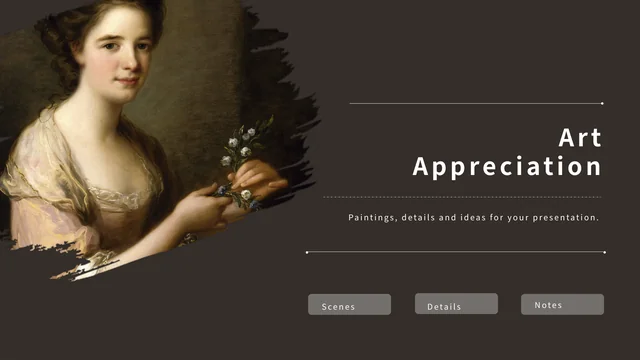
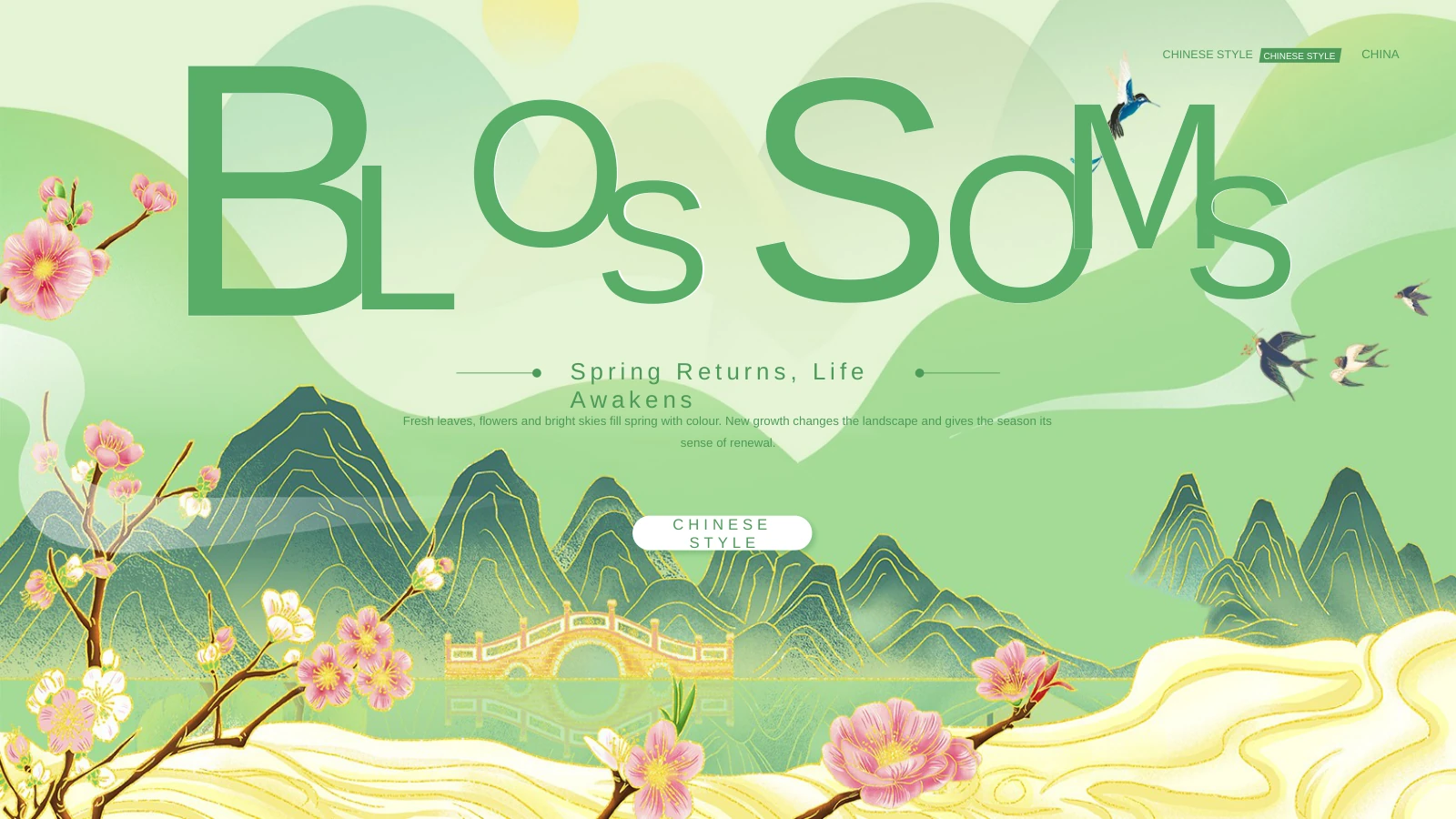
History Class Presentation Template: a museum setting for classroom discussion
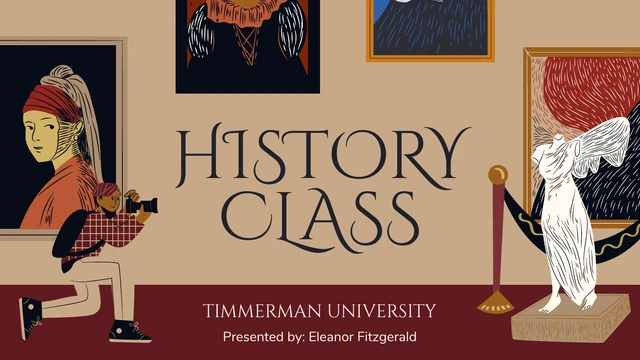
History Class Presentation Template turns a lesson outline into a museum scene. Framed portraits, statues, pottery, a globe and a dinosaur skull sit against beige, ochre, burgundy and near-black backgrounds. The 20 widescreen slides begin with a four-topic outline: Introduction, Geography, Art & Culture and The Human Society. History Class Presentation Template gives each topic its own opening scene, followed by short bullet lists, paired panels or comparison cards. Decorative serif headings and rounded body lettering give your lesson a consistent rhythm. A conclusion and question page lead into a sample references page and two illustrated resource pages. History Class Presentation Template keeps the original English guidance, editable text and separate picture objects. Replace the example presenter, institution and book entries with information you have checked. The illustrations establish a visual theme; they are not authenticated historical evidence or a verified teaching syllabus.
Key Features of History Class Presentation Template
Introduce a topic, compare ideas and invite questions.
Museum Illustrations
History Class Presentation Template uses framed portraits, pottery and statues around the lesson. The illustrations are separate picture objects you can arrange.
Four Lesson Topics
History Class Presentation Template has a four-topic outline and scene dividers for history, geography, art and culture, then human society in the original order.
Comparison Cards
History Class Presentation Template includes paired panels, a four-card artist page and three society columns. Use their notched corners to frame short comparisons.
Classroom Prompts
History Class Presentation Template sets bullet lists beside a helmet, globe, map or skull. Replace the sample guidance with your own questions and evidence.
Questions and References
History Class Presentation Template provides a conclusion, question page and references layout. Replace the sample book entries with sources you have verified.
Two Resource Pages
History Class Presentation Template ends with two illustrated resource pages. Review the picture objects and their colours before reusing them within your lesson.
How to Use History Class Presentation Template
Review the sequence, download the file and prepare your lesson.
-
Review Every Page
Browse all 20 slides of History Class Presentation Template, including references and resource pages. Enlarge previews, then choose the topics and comparison layouts your lesson needs.
-
Download the English PPTX
Sign in with an active paid plan and use the page button for History Class Presentation Template. Downloads have no daily cap and can be repeated; keep a separate original copy before editing.
-
Edit, Check and Share
Add your own lesson to History Class Presentation Template and verify its names, sources and image permissions. Check every slide, export a PDF and reopen it before sharing your finished work.
Questions about History Class Presentation Template
How do I download History Class Presentation Template?
Sign in to your PPT AI account with an active paid plan, then use the download button on the History Class Presentation Template page. History Class Presentation Template is available to eligible subscribers without a daily download limit, and repeat downloads are allowed. Review History Class Presentation Template before choosing a paid plan or downloading the file. Save an untouched copy of History Class Presentation Template before starting your lesson. Access to the file does not establish permission for every illustration; check the separate usage information below.
How many slides are included in History Class Presentation Template?
History Class Presentation Template has 20 slides in a 16:9 widescreen format. A cover and topic outline precede four themed sections, with opening scenes on pages 3, 6, 9 and 13. History Class Presentation Template also includes a conclusion on page 16, a question page on 17 and references on 18. The final two pages of History Class Presentation Template contain illustrated resources. Keep those extra pages when reviewing History Class Presentation Template, even if you later omit them from the version you present.
Can I change the text and colours in History Class Presentation Template?
Text in History Class Presentation Template is editable, including titles, bullet lists, presenter details and comparison cards. Replace the generic prompts with your own explanation and check the spelling of your sources. History Class Presentation Template also contains separate picture objects that can be moved, resized or replaced. The artwork in History Class Presentation Template is not all native drawing shapes, so do not assume every internal colour is independently editable. After adapting History Class Presentation Template, inspect the notched panels and layered pictures for unintended overlap.
Can I preview every page of History Class Presentation Template?
The full preview of History Class Presentation Template is public and free; no purchase is needed to view it. Browse the thumbnails or use the gallery arrows to inspect the original 20-page order. Enlarge History Class Presentation Template previews to read the small body prompts, the sample references and the two resource pages. The gallery for History Class Presentation Template corresponds to the same English file offered for download. Before selecting layouts from History Class Presentation Template, compare both the light and dark backgrounds against the text you intend to add.
Does History Class Presentation Template work in other presentation editors?
History Class Presentation Template is a PPTX file that other compatible editors may be able to import. Matching appearance of History Class Presentation Template is not guaranteed: decorative headings, bullets, picture crops and embedded fonts can behave differently. Open History Class Presentation Template in your chosen editor and compare every page with the gallery before presenting. There are no native charts or linked workbooks to refresh. If you export History Class Presentation Template as a PDF, reopen the export to check the framed pictures, margins and text on every page.
Which fonts does History Class Presentation Template use?
History Class Presentation Template uses Cinzel Decorative and Cinzel for its headings, Nunito for body copy and Arial for bullet markers. Original embedded fonts remain in History Class Presentation Template, including the three main subsets and four Calibri variants; Calibri Light also appears in the theme. The font embedding in History Class Presentation Template does not guarantee that every editor will load each face. When opening History Class Presentation Template, check the decorative capitals, long headings and list indents. Obtain fonts lawfully; font permission does not establish rights to the surrounding illustrations.
Is the download of History Class Presentation Template translated into each website language?
No. History Class Presentation Template is one English PPTX file across all 15 website languages. Translated page descriptions explain that same file rather than providing 15 separately translated decks. History Class Presentation Template keeps its original English lesson prompts, presenter example and references. Change these to match your class and verify any information you add. If you adapt History Class Presentation Template to another language, check the resulting fonts and line breaks throughout the four topics and the final resource pages before presenting.
Can I use History Class Presentation Template for commercial work?
Commercial and redistribution permission for the complete design and illustrations in History Class Presentation Template has not been verified. A paid download of History Class Presentation Template gives file access; it is not a blanket grant of rights to every included object. Artwork in History Class Presentation Template depicts historical subjects, but that does not establish that these modern illustrations are public domain. Check the permissions for History Class Presentation Template and for any material you add before client work or resale. Retain any credit required by the applicable permissions.
How do I share History Class Presentation Template or my finished lesson?
Open the share control beside the download button to copy the page link or choose an available sharing option for History Class Presentation Template. Others can browse History Class Presentation Template in the free gallery; downloading requires their own sign-in and eligible paid plan. For a lesson made with History Class Presentation Template, remove private student information, verify sources and confirm permission to share included artwork. Retain required credits, keep the editable PPTX and reopen any exported PDF to inspect every page before sending it.