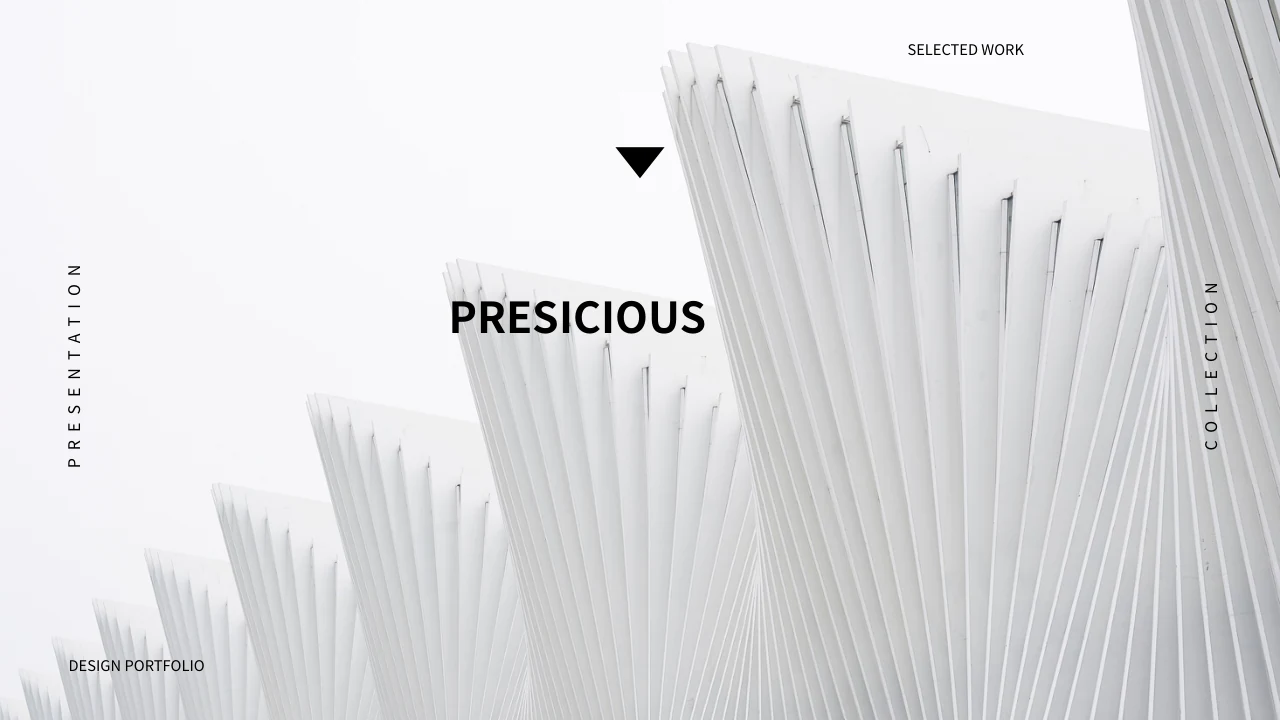
Ice UI Portfolio Presentation Template: an ice cover and dark layouts for device and interface notes
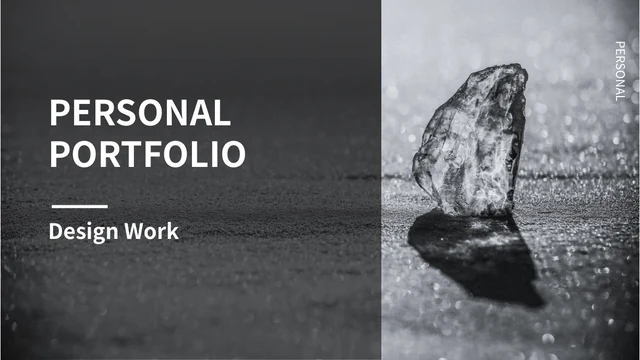
Ice UI Portfolio Presentation Template opens with a monochrome ice photograph beside a bold title. Ice UI Portfolio Presentation Template contains 24 widescreen slides, combining dark charcoal backgrounds, white lines and purple interface illustrations. Ice UI Portfolio Presentation Template follows a four-item contents page with section breaks on pages 4, 12, 17 and 19. Phone and computer pictures appear alone or in device groups, alongside cropped strips and white icon grids. Ice UI Portfolio Presentation Template ends with a matching thank-you page. Add concise notes about the designs you choose to discuss, keeping original pictures and source marks distinct from your work. The pictured dashboards and login screens are static artwork, rather than working applications or linked charts. Ordinary English guidance sits alongside retained source-reference notes, Chinese picture lettering and the supplied audio track. Select relevant pages and check your own project claims before sharing.
Key Features of Ice UI Portfolio Presentation Template
Ice photography, dark panels and purple picture layouts organise your work.
Ice Photograph Cover
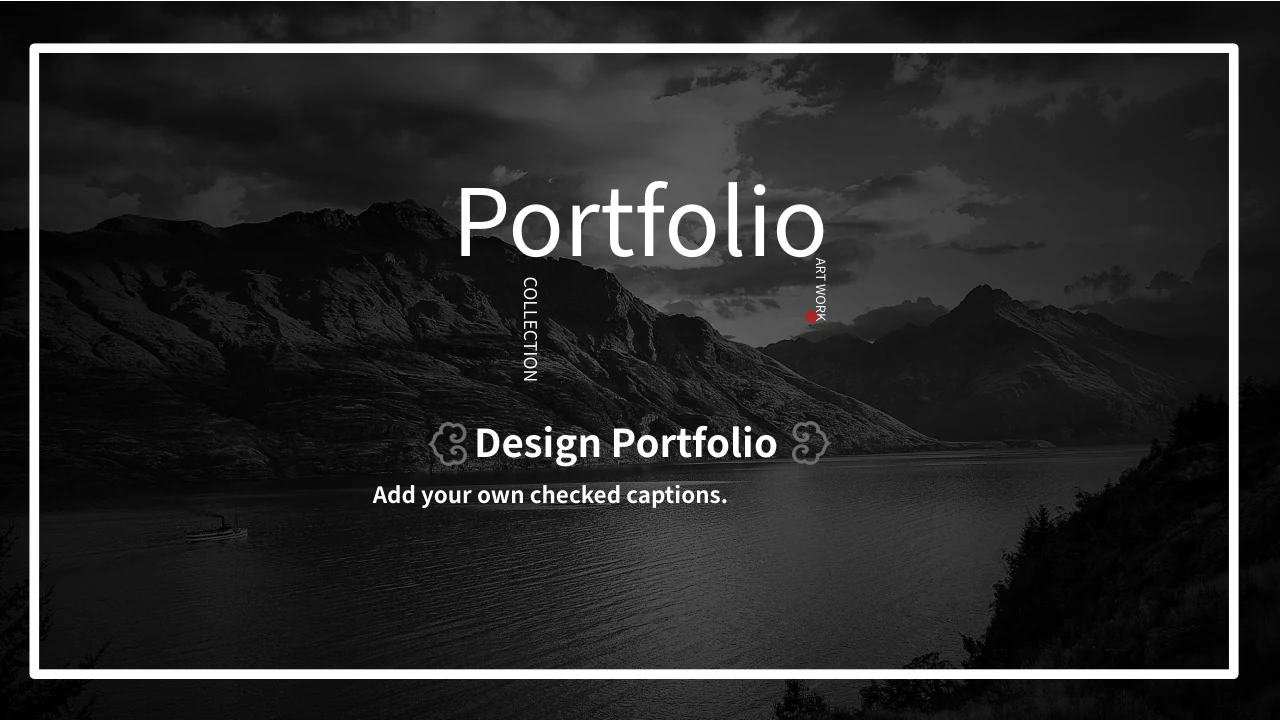
Ice UI Portfolio Presentation Template opens with an ice photograph. Keep the title clear on the dark panel and add checked project details to the cover.
Four Portfolio Sections
Ice UI Portfolio Presentation Template has four section breaks. Match labels to retained pictures and align the contents and order with your project story.
Purple Device Illustrations
Ice UI Portfolio Presentation Template groups purple art in device views. Describe visible choices without presenting pictures as working apps or websites.
Static Interface Pictures
Ice UI Portfolio Presentation Template shows dashboard and login pictures. Keep source marks and separate printed figures from verified data in your work.
White Icon Collections
Ice UI Portfolio Presentation Template puts white icons on dark panels. Inspect objects before edits, then add concise captions to explain selected symbols.
Cropped Strips and Device Groups
Ice UI Portfolio Presentation Template varies picture crops and device groups. Check framing after edits so each view supports a clear, useful observation.
How to Use Ice UI Portfolio Presentation Template
Choose pictures, add checked captions and review your presentation.
-
Review the Picture Sequence
Preview all 24 pages of Ice UI Portfolio Presentation Template. Choose device views, picture strips and icon grids that fit your work, then align the contents and section order with your outline.
-
Download and Add Captions
Download Ice UI Portfolio Presentation Template with an active paid plan. Save a working copy, add checked project details and describe selected pictures while keeping their genuine source marks.
-
Check Devices, Text and Audio
Review Ice UI Portfolio Presentation Template in your chosen presentation app. Check dark-panel contrast, picture crops, small notes and audio playback, then export a review copy before sharing.
Questions about Ice UI Portfolio Presentation Template
What is included in Ice UI Portfolio Presentation Template?
Ice UI Portfolio Presentation Template supplies 24 PowerPoint slides in a 16:9 format. Ice UI Portfolio Presentation Template combines a monochrome ice cover with dark charcoal panels, purple illustrations and white portfolio labels. Ice UI Portfolio Presentation Template contains a four-entry contents page and dividers on pages 4, 12, 17 and 19. The later layouts arrange phone and computer pictures, repeated image strips, interface screenshots and white icon collections. Ice UI Portfolio Presentation Template closes with a thank-you composition that follows the dark opening style. Review Ice UI Portfolio Presentation Template as a selection of supplied layouts and picture examples, then choose the pages that help explain your own work. The sample profile, dates and interface labels do not establish a verified career history or a completed project.
Are the devices in Ice UI Portfolio Presentation Template editable applications?
Ice UI Portfolio Presentation Template displays phones, laptops and desktops as slide pictures combined with separate layout elements. Ice UI Portfolio Presentation Template includes purple interface artwork inside several device views; these images do not supply a working application, website or editable software project. Ice UI Portfolio Presentation Template can help you discuss visible screen composition, but the illustrated fields and buttons are static. Inspect each selected object before deciding which elements you can change individually. Ice UI Portfolio Presentation Template uses different picture frames and crops, so a replacement may need careful positioning to remain clear. Preview Ice UI Portfolio Presentation Template after inserting your own screen capture, and check that the device frame, artwork and nearby caption still describe the same example.
Can I edit the captions in Ice UI Portfolio Presentation Template?
Ice UI Portfolio Presentation Template provides ordinary English headings and editing guidance in native slide text areas. Ice UI Portfolio Presentation Template lets you add your own project role, design observations and checked background without treating the source profile as your biography. Ice UI Portfolio Presentation Template also contains merged picture lettering, including original Chinese labels and genuine source marks. These details are part of the supplied images, rather than independent text boxes. Use the native text controls in Ice UI Portfolio Presentation Template for separate captions and inspect the picture itself before attempting a larger change. Save a working copy of Ice UI Portfolio Presentation Template, shorten notes when needed and review the result at presentation size, particularly beside narrow phone views or repeated image strips.
Are the dashboard figures in Ice UI Portfolio Presentation Template connected to data?
Ice UI Portfolio Presentation Template includes a static dashboard picture showing printed figures and a bar-style graphic. Ice UI Portfolio Presentation Template does not provide a native data chart, linked spreadsheet workbook or live financial dashboard for that image. Treat the numbers shown in Ice UI Portfolio Presentation Template as supplied picture examples, rather than current measurements, verified business results or calculations you can update through slide text. Replacing a caption will not change the values printed inside the picture. Use your own checked image when you need to present actual data in Ice UI Portfolio Presentation Template, and explain its units and context clearly. Review Ice UI Portfolio Presentation Template for consistency between the image and your surrounding notes, keeping visual examples separate from evidence of your project outcomes.
What should I know about source marks in Ice UI Portfolio Presentation Template?
Ice UI Portfolio Presentation Template retains genuine QIANTU and 千图网 marks visible in supplied material. Ice UI Portfolio Presentation Template includes a source logo beside a phone view and diagonal marks across some interface pictures. Those details in Ice UI Portfolio Presentation Template identify the original material and should not be described as your own branding or as proof that you created every image. The membership download does not grant additional rights to use third-party pictures outside their permitted scope. Choose material you may share when adapting Ice UI Portfolio Presentation Template, and keep the actual source marks attached to the images where they occur. Check the audience and use of your edited Ice UI Portfolio Presentation Template before distributing it, without assuming that a template access plan expands an image licence.
Which fonts does Ice UI Portfolio Presentation Template use?
Ice UI Portfolio Presentation Template uses Source Han Sans SC Regular and Bold for ordinary editable headings and captions. These fonts are not embedded in Ice UI Portfolio Presentation Template. Install them or choose suitable alternatives before editing, then inspect the narrow labels and small notes around device pictures. Ice UI Portfolio Presentation Template combines bold section labels with short profile areas, so another font may change the available text width or line breaks. Original picture lettering and merged source marks remain part of the images, rather than being controlled by slide text fonts. Review Ice UI Portfolio Presentation Template in the application you will use for presenting, and compare the result with the page previews. Check Ice UI Portfolio Presentation Template after saving or exporting to confirm that the contents, captions and profile notes remain readable without clipped characters.
Is Ice UI Portfolio Presentation Template fully translated for each website language?
Ice UI Portfolio Presentation Template uses independent English guidance for its ordinary editable headings and explanatory text. Ice UI Portfolio Presentation Template retains original ordinary wording in same-slide source-reference notes, separately from the new captions. Ice UI Portfolio Presentation Template also preserves original picture lettering, source marks and artwork that may include Chinese text. It is therefore a file with English editing guidance and retained source material, rather than an entirely translated package. All website language pages describe the same downloadable Ice UI Portfolio Presentation Template; they do not provide separate decks with translated picture artwork. Review Ice UI Portfolio Presentation Template in both the slide view and notes view while preparing your own captions, and make the final language suit the audience you intend to address.
Does Ice UI Portfolio Presentation Template contain audio?
Ice UI Portfolio Presentation Template retains a supplied audio track linked to the opening slide. Ice UI Portfolio Presentation Template keeps the original sound object with the source material, while the website gallery shows the slide designs rather than demonstrating playback. The track title and artist are not verified for Ice UI Portfolio Presentation Template, so this page does not attribute the recording or describe additional music usage rights. Test Ice UI Portfolio Presentation Template in the presentation application you intend to use if the sound will be part of your presentation. Consider whether the audio fits your own work and audience, and keep its use within permissions you have confirmed. Access to Ice UI Portfolio Presentation Template does not expand rights to the recording or turn the supplied track into newly created music.
How can I download and share Ice UI Portfolio Presentation Template?
Download Ice UI Portfolio Presentation Template with an account that has an active paid membership. Active paid members may download Ice UI Portfolio Presentation Template repeatedly without a daily count limit. You can browse all 24 previews before choosing the file. Save an unchanged copy of Ice UI Portfolio Presentation Template and adapt a separate version with supported project details, useful captions and pictures you are entitled to share. Replace sample career fields and dates with your own checked information; the printed 2018 labels are examples rather than a current date claim. Check Ice UI Portfolio Presentation Template for missing characters, small-text contrast, picture crops and consistent section labels. Export a review copy of Ice UI Portfolio Presentation Template and inspect it alongside the editable deck before sharing in a format that suits your audience.