Moonblast Presentation Template: dot spheres, curved lines and space for a visual story
Moonblast Presentation Template combines white space, dark type and abstract spheres made from dots, curved lines or tangled strands. Moonblast Presentation Template contains 20 widescreen slides in 16:9, pairing these graphic pictures with clothing, portraits, architecture, a cup and a staircase. Four numbered dividers appear on pages 3, 7, 11 and 15. Moonblast Presentation Template includes a two-entry contents layout near the opening and a separate four-entry layout later in the sequence. Large photographs, narrow side notes and short comparison areas provide different ways to present selected material. Moonblast Presentation Template retains manually placed 50%, 20% and 23 examples; these are labels, not calculated results. The closing repeats MORIMOTO beside a dotted sphere rather than using a thank-you title. Add captions grounded in the pictures and keep genuine source names distinct from your own account.
Key Features of Moonblast Presentation Template
Dot patterns, light space and short notes connect the selected images.
Dot and Line Spheres
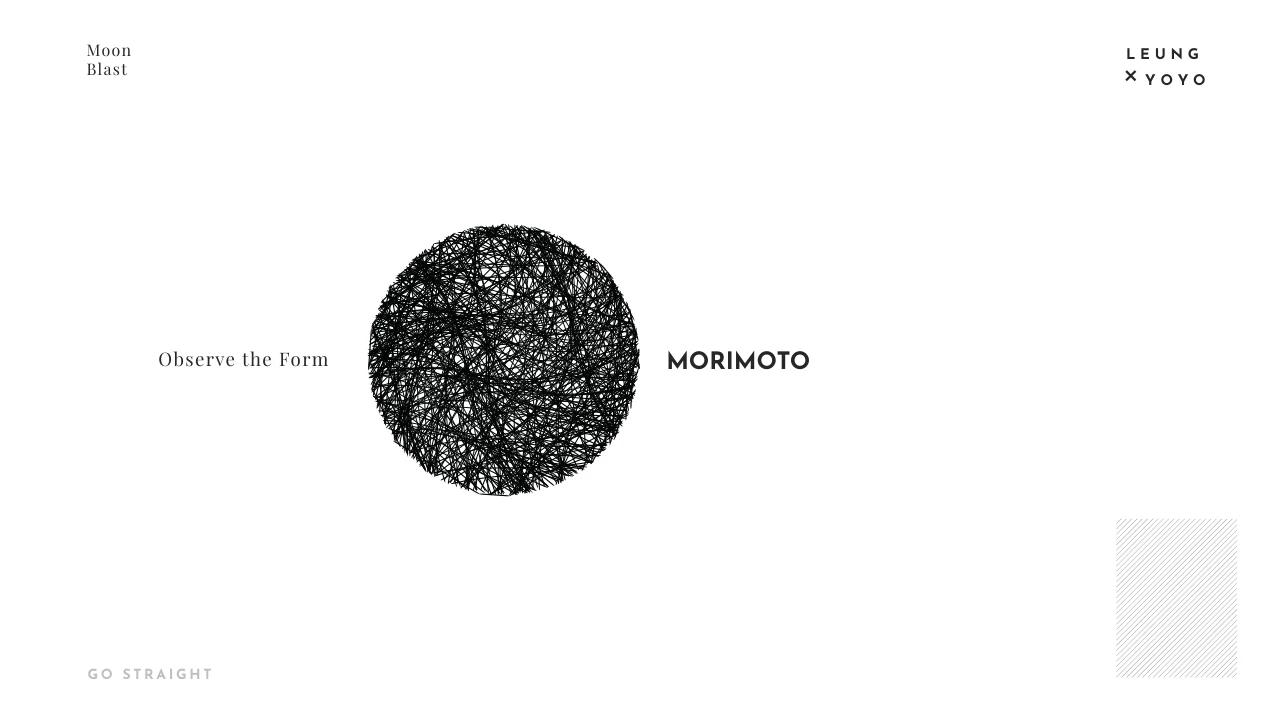
Moonblast Presentation Template includes dotted, curved-line and tangled sphere pictures. Compare their texture and contrast without treating them as data charts.
Four Numbered Sections
Moonblast Presentation Template has dividers on pages 3, 7, 11 and 15. Align the section labels and the later four-entry contents layout with your chosen sequence.
Varied Photo Arrangements
Moonblast Presentation Template pairs large photographs with small views and narrow notes. Choose crops that keep the visible subject and source details clear.
Minimal Type and White Space
Moonblast Presentation Template uses widely spaced headings and restrained captions on white space. Keep notes concise and review long titles after editing.
Manual Example Figures
Moonblast Presentation Template retains separate 50%, 20% and 23 labels. Replace these manual examples with supported values and captions suited to your topic.
Matching Graphic Ending
Moonblast Presentation Template closes with MORIMOTO and a dotted sphere. Add a brief final observation and keep source names separate from your own message.
How to Use Moonblast Presentation Template
Choose a sequence, add your observations and review every selected page.
-
Select Your Visual Sequence
Preview all 20 pages of Moonblast Presentation Template. Choose dot and line graphics, photograph layouts and section breaks that support your topic; arrange the selected pages into a clear sequence.
-
Download and Add Your Notes
Download Moonblast Presentation Template with an active paid plan. Add your own pictures and checked captions, update the manual figures, and match the contents entries to the sections you retain.
-
Review Type and Image Details
Check Moonblast Presentation Template in your presentation application. Inspect large headings, narrow notes, image crops and credits, then export a review copy and examine each selected page.
Questions about Moonblast Presentation Template
What is included in Moonblast Presentation Template?
Moonblast Presentation Template contains 20 PowerPoint slides in a 16:9 format. Moonblast Presentation Template combines abstract sphere pictures, photographs, numbered dividers and short note areas. Dots, curved lines and tangled strands give the graphic pages different textures. Moonblast Presentation Template uses four section dividers on pages 3, 7, 11 and 15, with a two-entry contents layout near the beginning and a later four-entry layout. The supplied photographs show varied subjects rather than a verified project history. Moonblast Presentation Template ends with MORIMOTO and a dotted sphere. Preview Moonblast Presentation Template to choose layouts whose image proportions, contrast and available caption space support the material you want to present.
Are the spheres in Moonblast Presentation Template editable charts?
Moonblast Presentation Template uses sphere graphics as pictures, not native charts. The dotted, curved-line and tangled forms in Moonblast Presentation Template do not represent a dataset, measured values or a mathematical result. You can change picture placement or replace an image in your working copy, but individual marks do not become editable chart points. Moonblast Presentation Template retains the supplied source graphic files and includes compatible picture representations for these pages. Check a replacement in Moonblast Presentation Template against the original frame so the important detail stays visible. Review Moonblast Presentation Template at presentation size, paying attention to dense patterns, contrast and image edges before sharing your edited version.
How are the sections arranged in Moonblast Presentation Template?
Moonblast Presentation Template includes four numbered dividers on pages 3, 7, 11 and 15. Moonblast Presentation Template also has two different contents layouts: the early page lists two entries, while the later page provides four entries. These layouts are examples for organizing your selected material, not proof of four finished project chapters. Use Moonblast Presentation Template to group related observations and choose the section breaks your story needs. Update the labels in Moonblast Presentation Template so they match the pages you retain and their order. Review Moonblast Presentation Template from beginning to end after rearranging it, including the contents entries and any original printed page numbers that remain.
Can I replace the photographs in Moonblast Presentation Template?
Moonblast Presentation Template arranges supplied photographs in large panels, smaller views and comparisons. Select a picture in Moonblast Presentation Template and inspect its frame, crop and overlap before replacing it with material you may use. Some pictures show people, architecture or objects, but the layout does not verify their identity, location or history. Add a caption to Moonblast Presentation Template that describes a visible detail or information supported by your own source. Keep genuine image marks and credits separate from your commentary. Review Moonblast Presentation Template after changing a photograph so the subject remains clear and text stays readable. Preview the selected pages of Moonblast Presentation Template together to check that the visual sequence still works.
What do the figures in Moonblast Presentation Template mean?
Moonblast Presentation Template retains manually placed examples labelled 50%, 20% and 23. Moonblast Presentation Template does not connect those figures to an embedded spreadsheet or calculate them from current information. A percentage beside a photograph is not a verified claim about the person or subject shown. Replace the examples in Moonblast Presentation Template with figures you can support, adding a clear explanation of what each value describes. Editing a text label in Moonblast Presentation Template does not update a picture or establish a data relationship. Check Moonblast Presentation Template for consistent units, labels and captions before sharing, and remove example values from your working version when they do not serve your presentation.
Which fonts does Moonblast Presentation Template use?
Moonblast Presentation Template uses Josefin Sans Regular, Bold and Light, Playfair Display Regular and Corbel in its editable text. These fonts are not embedded in Moonblast Presentation Template. Install suitable fonts or choose alternatives, then check large headings, narrow captions and widely spaced words for wrapping or clipping. Lettering already stored inside a picture remains part of that image. Moonblast Presentation Template combines different text sizes and alignments, so a substitution can affect more than the main title. Review Moonblast Presentation Template in the application you intend to use and inspect an exported review copy. Check Moonblast Presentation Template again after saving to confirm that your selected captions and headings fit their frames.
Is Moonblast Presentation Template the same file on every language page?
Moonblast Presentation Template is described on the website in multiple languages. Each language page refers to the same downloadable Moonblast Presentation Template rather than a separate translated PowerPoint file. Editable headings and prompts provide English guidance for your own material. Moonblast Presentation Template retains ordinary source text separately in slide reference notes, along with genuine source names and printed picture details. Those records do not make a source-labelled person the author of the new guidance or every supplied picture. Adapt Moonblast Presentation Template for the language of your audience and review the visible pages as well as their notes. Inspect Moonblast Presentation Template before sharing so example wording and source records remain distinct from your own account.
How do I download Moonblast Presentation Template?
Download Moonblast Presentation Template using an account with an active paid plan. Open the download panel for Moonblast Presentation Template, sign in if needed and request the PowerPoint file. Active paid members may download Moonblast Presentation Template repeatedly without a daily count limit. The 20-page preview lets you examine the design before choosing the file, but the preview is not a replacement for the editable deck. Keep an unchanged copy of Moonblast Presentation Template and edit a separate working version. Add your own checked captions and pictures appropriate for the intended use. Access to Moonblast Presentation Template does not independently expand the rights attached to supplied material or genuine source credits.
What should I check before sharing Moonblast Presentation Template?
Moonblast Presentation Template is a starting point for your own visual story. Before sharing Moonblast Presentation Template, replace generic prompts, confirm any figures and check that the contents and section titles match the pages you retain. Keep source names such as MORIMOTO and LEUNG × YOYO distinct from your own contribution. Review Moonblast Presentation Template for font substitutions, picture crops and captions that extend beyond their frames. The final graphic page repeats MORIMOTO; adapt the editable message to your topic. Export a review copy of Moonblast Presentation Template and examine all selected pages together. Share Moonblast Presentation Template in the format your audience needs after checking the wording, sources and overall sequence.