Ivory Vertical Notes Presentation Template: Give each note a clear place
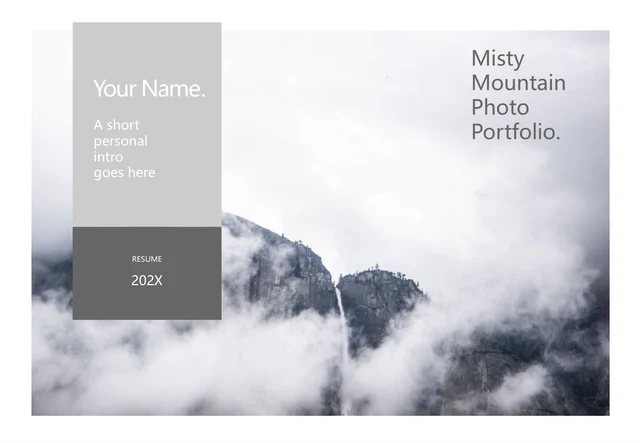
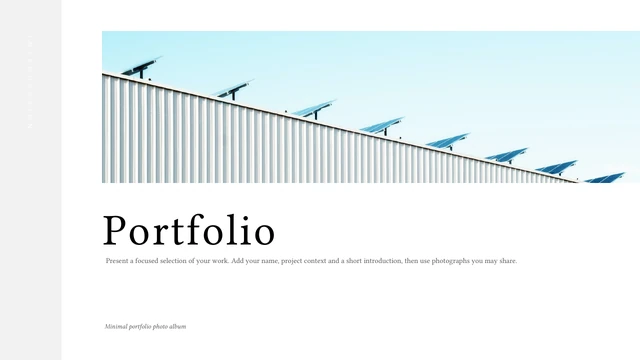
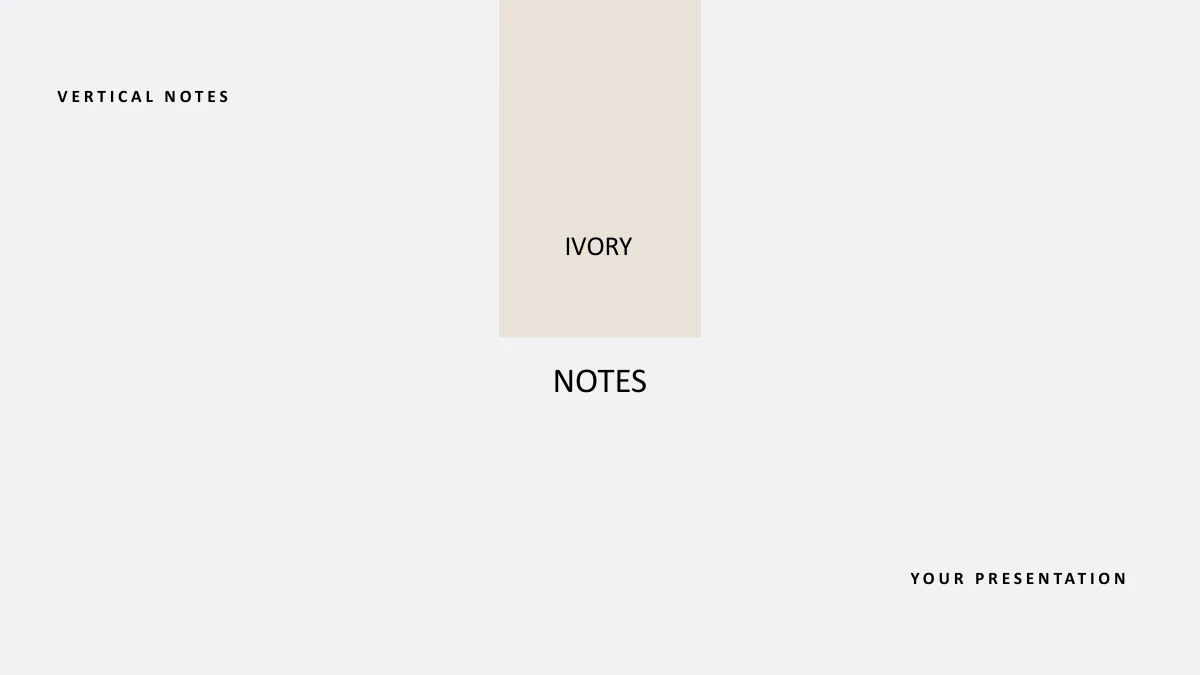
Ivory Vertical Notes Presentation Template pairs warm ivory rectangles with a pale grey background, black text and three photographs. Its 18 widescreen slides begin with a four-item contents page and divide into four parts on pages 3, 8, 12 and 15. A thanks page closes the file. Use Ivory Vertical Notes Presentation Template to introduce a subject, compare options and collect points for discussion. Short vertical columns contrast with horizontal photo panels, numbered circles and two-column summaries. The pictures show a snowy mountain, a travel still life and a cup of tea; several frames reuse them. These pictures are visual examples rather than proof of a trip or personal experience. Ivory Vertical Notes Presentation Template gives you editable English prompts for adding checked information. Choose the useful layouts, keep vertical notes concise and review every photo crop. The numbers and dashed arrow are manual shapes, with no charts, workbooks, tables or interactive controls.
Key Features of Ivory Vertical Notes Presentation Template
Choose an Ivory Vertical Notes Presentation Template layout that gives a short idea room to be read.
Warm ivory with pale grey space
Ivory Vertical Notes Presentation Template sets ivory rectangles on pale grey fields. Keep each note short and balance black text with the surrounding space.
Four parts with simple dividers
Ivory Vertical Notes Presentation Template starts four parts on pages 3, 8, 12 and 15. Update the four-item contents if you change the order or remove pages.
Vertical columns for concise notes
Ivory Vertical Notes Presentation Template keeps vertical columns beside lines and photos. Write concise English notes and check each column in Slide Show mode.
Three photographs in reused frames
Ivory Vertical Notes Presentation Template combines mountain, travel still-life and tea photographs. If you replace a picture, review every frame that reuses it.
Numbered circles and four-point groups
Ivory Vertical Notes Presentation Template offers numbered circles and four-point groups for short ideas. The labels and dashed arrow are manual, static shapes.
Photo panels and closing summaries
Ivory Vertical Notes Presentation Template pairs photo panels with notes and finishes with two-column summaries. Use the space to explain a conclusion or next step.
How to Use the Ivory Vertical Notes Presentation Template
Preview Ivory Vertical Notes Presentation Template, download with a paid plan, then edit your notes and share a checked copy.
-
Preview the note layouts
Browse all 18 pages of Ivory Vertical Notes Presentation Template. Compare vertical columns, photo panels and numbered groups, then choose layouts with enough room for your ideas.
-
Download and add your own notes
Download Ivory Vertical Notes Presentation Template with an active paid plan. Edit a copy, replace the prompts with your information and change images as needed. Keep vertical notes brief.
-
Review and share your presentation
Review Ivory Vertical Notes Presentation Template in Slide Show mode. Check note spacing, picture crops and the contents, then share the page link, PPTX or a checked PDF export.
Ivory Vertical Notes Presentation Template FAQ
How do I download Ivory Vertical Notes Presentation Template?
Sign in with an active paid plan and choose Download PPTX on the Ivory Vertical Notes Presentation Template page. Paid members can download Ivory Vertical Notes Presentation Template as often as needed, including repeat downloads, without daily limits. Save an editable Ivory Vertical Notes Presentation Template copy and replace the sample note prompts.
How many slides are in Ivory Vertical Notes Presentation Template?
Ivory Vertical Notes Presentation Template contains 18 slides in 16:9. Four parts begin on pages 3, 8, 12 and 15, with thanks on page 18. Ivory Vertical Notes Presentation Template includes three photographs reused in several frames. Update the Ivory Vertical Notes Presentation Template contents when reordering or removing pages.
Can I edit text and colours in Ivory Vertical Notes Presentation Template?
Text, colour blocks and numbered shapes in Ivory Vertical Notes Presentation Template are editable. Vertical columns work best with short notes. Ivory Vertical Notes Presentation Template has no native charts, workbooks or tables. Edit the Ivory Vertical Notes Presentation Template words and shapes together; photographed labels remain image pixels unless you replace the picture.
Can I preview all pages of Ivory Vertical Notes Presentation Template?
The Ivory Vertical Notes Presentation Template gallery shows all 18 pages. Use thumbnails or arrows to compare the vertical columns, mountain panels and tea-photo notes. Inspect small headings and part dividers. Choose Ivory Vertical Notes Presentation Template layouts that fit your information, then check every selected Ivory Vertical Notes Presentation Template page again after editing.
Can I open Ivory Vertical Notes Presentation Template in another editor?
An editor with PPTX support may open Ivory Vertical Notes Presentation Template, but vertical text, spacing and photo crops can differ. Test an Ivory Vertical Notes Presentation Template copy, especially the narrow columns and small headings. Compare an exported PDF with the editable Ivory Vertical Notes Presentation Template file before sharing it.
Which fonts does Ivory Vertical Notes Presentation Template use?
Ivory Vertical Notes Presentation Template uses Calibri Regular and Bold for its English text. No font files are embedded. Keep Ivory Vertical Notes Presentation Template labels short if your editor substitutes a font. Inspect the vertical columns and small captions in Ivory Vertical Notes Presentation Template, choose an available alternative when needed and compare the spacing before sharing.
Is the slide text in Ivory Vertical Notes Presentation Template English?
Ivory Vertical Notes Presentation Template has English headings and editable note prompts. Printed words on the three photographs remain part of their pixels. All site languages describe the same English Ivory Vertical Notes Presentation Template PPTX. Translate Ivory Vertical Notes Presentation Template slide text separately if you need another presentation language, and review the vertical columns again.
Can I use Ivory Vertical Notes Presentation Template commercially?
Follow original terms and image permissions for Ivory Vertical Notes Presentation Template. Paid access does not grant additional rights to the photographs or verify their subjects. Before presenting an edited Ivory Vertical Notes Presentation Template to clients or the public, check permissions for added images and quotations. Use Ivory Vertical Notes Presentation Template with your own accurate information.
How can I share Ivory Vertical Notes Presentation Template?
Share the Ivory Vertical Notes Presentation Template page link or use its share button. Others can preview Ivory Vertical Notes Presentation Template; downloads require an active paid plan. Check your edited Ivory Vertical Notes Presentation Template PPTX or PDF for unused prompts, photo crops and note spacing. Keep an editable copy for later changes.