Misty Mountain Portfolio Presentation Template: Scenic images with space for your work
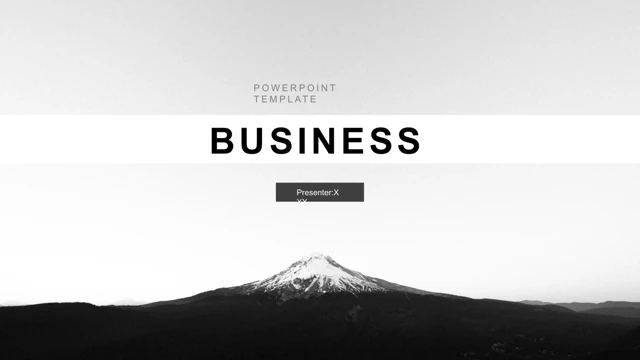
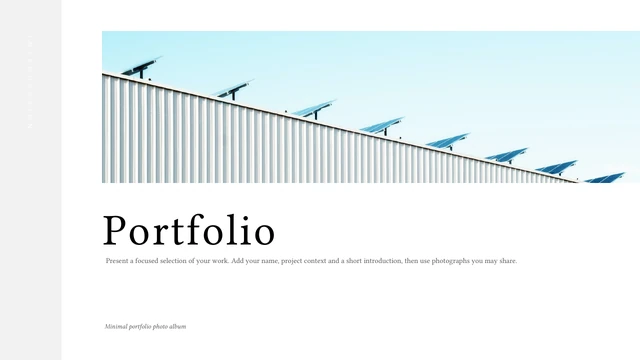
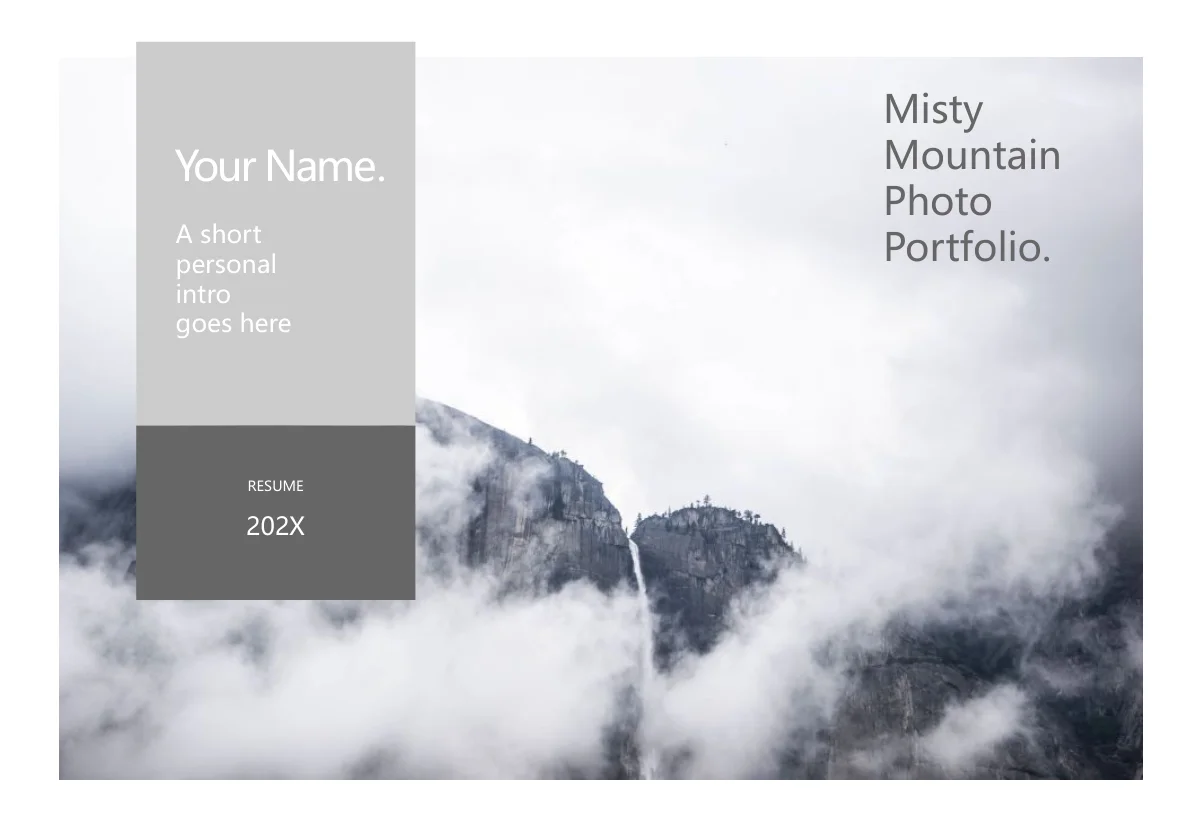
Misty Mountain Portfolio Presentation Template provides ten pages for introducing yourself and explaining selected work. Misty peaks, a lake dock, a railway and a dark city are scenic examples; one page uses a signed fantasy illustration. Misty Mountain Portfolio Presentation Template combines gray panels, white space and stacked headings on an approximately 1.44:1 canvas. Misty Mountain Portfolio Presentation Template includes a hanging center panel, a diagonal image and circle, paired picture strips and overlapping rectangles. The closing repeats the cover’s mountain image. English prompts guide the description of an idea, its techniques and its result. Misty Mountain Portfolio Presentation Template is a starting layout, not a finished portfolio or proof that the pictures are your work. Replace the sample name, 202X year and product headings with accurate material. Use images you have permission to show, then check the narrow captions and the contrast of text over scenery.
Key Features of Misty Mountain Portfolio Presentation Template
Scenic examples and varied spaces for project details.
Scenery with a quiet gray palette
Misty Mountain Portfolio Presentation Template pairs misty scenery with gray and white panels. Use images that support your work and keep required artwork credits.
A taller original canvas
Misty Mountain Portfolio Presentation Template uses a taller 1.44:1 canvas. Keep its original size so the large photos and stacked headings stay balanced.
A diagonal image and central circle
Misty Mountain Portfolio Presentation Template places a diagonal lake image behind a gray circle on page three. Short labels suit this small focal area.
Split pictures and paired views
Misty Mountain Portfolio Presentation Template uses wide crops from one illustration and paired railway and cloud photos. Review each crop when you change images.
Translucent and overlapping panels
Misty Mountain Portfolio Presentation Template layers gray over a lake photo and offsets panels behind another image. Check text contrast after changing the scenery.
Editable English descriptions
Misty Mountain Portfolio Presentation Template has English prompts for an idea, its techniques and result. Replace the examples with short, accurate project details.
How to Use Misty Mountain Portfolio Presentation Template
Preview Misty Mountain Portfolio Presentation Template, download it and add your work.
-
Preview the layouts
Preview all ten pages of Misty Mountain Portfolio Presentation Template. Choose between the central panel, circle and layered images. Match each layout to the picture and caption you need.
-
Download your working copy
Sign in with an active paid plan to download Misty Mountain Portfolio Presentation Template. Paid members have unlimited daily downloads, including repeat downloads. Keep a copy for editing.
-
Edit, review and share
Edit Misty Mountain Portfolio Presentation Template in PowerPoint. Add your own pictures, captions, name and year. Check crops and readability, then review all pages before exporting or sharing.
Questions about Misty Mountain Portfolio Presentation Template
How do I download Misty Mountain Portfolio Presentation Template?
Sign in and open the download panel for Misty Mountain Portfolio Presentation Template. An active paid plan is required for the PPTX. Paid members can download Misty Mountain Portfolio Presentation Template an unlimited number of times each day, including repeat downloads. Save a working copy of Misty Mountain Portfolio Presentation Template before replacing the sample content.
How many slides are in Misty Mountain Portfolio Presentation Template?
Misty Mountain Portfolio Presentation Template contains ten slides, from a name and mountain cover to a thank-you page. Between them are project descriptions, a diagonal composition, a circular label area and paired images. Choose the pages of Misty Mountain Portfolio Presentation Template that explain your work clearly. The sample headings are editable examples, so your finished sequence can be shorter.
Can I change the text and colors in Misty Mountain Portfolio Presentation Template?
The headings, guidance and native gray shapes in Misty Mountain Portfolio Presentation Template are editable. Change the text in its existing boxes and adjust panel fills. The pictures in Misty Mountain Portfolio Presentation Template remain image assets; their internal details are not separate shapes. After editing Misty Mountain Portfolio Presentation Template, check the stacked titles, vertical captions and white text over scenery.
Can I preview all of Misty Mountain Portfolio Presentation Template before downloading?
Yes. The gallery shows all ten pages of Misty Mountain Portfolio Presentation Template. Use the thumbnails and enlarged view to compare text space and picture proportions. Look closely at the narrow name panel, circle labels, paired illustration crops and lake overlay. The previews for Misty Mountain Portfolio Presentation Template show static pages, so they help you assess layout before downloading.
Can I edit Misty Mountain Portfolio Presentation Template in another presentation app?
Another editor may import the PPTX for Misty Mountain Portfolio Presentation Template. Test a copy and retain the approximately 1.44:1 size. Compare font wrapping, rotated captions and the diagonal composition with the gallery. The web preview of Misty Mountain Portfolio Presentation Template does not demonstrate animation playback in another app. Inspect an exported copy of Misty Mountain Portfolio Presentation Template on your intended screen.
Which fonts does Misty Mountain Portfolio Presentation Template use?
The visible slides in Misty Mountain Portfolio Presentation Template use Microsoft YaHei Regular, with italic styling in part of page five. Fonts are not embedded. Use an appropriate installed font or a suitable replacement. In Misty Mountain Portfolio Presentation Template, check the cover name, right-hand title and circle captions after changing fonts because their boxes are narrow.
Are the slide texts in Misty Mountain Portfolio Presentation Template translated?
Misty Mountain Portfolio Presentation Template contains English headings, editable examples and guidance. Each website language describes the same English PPTX, not a separately translated deck. Translate the prompts in Misty Mountain Portfolio Presentation Template for your audience. Its pictures and existing signatures remain unchanged. Product and handmade-work headings in Misty Mountain Portfolio Presentation Template are examples, not evidence of image ownership.
Can I use Misty Mountain Portfolio Presentation Template commercially?
Check the permissions for the template and pictures used in Misty Mountain Portfolio Presentation Template. Downloading does not grant additional rights over its photography or signed illustration. Retain required credits and replace assets whose permissions do not cover your use. Misty Mountain Portfolio Presentation Template supplies sample layouts and images; it does not verify authorship, clients or completed projects.
How do I share Misty Mountain Portfolio Presentation Template?
Use the share button for Misty Mountain Portfolio Presentation Template to select a sharing option or copy this page’s URL. Recipients can preview and download Misty Mountain Portfolio Presentation Template through their own eligible account. Export your edited work as a PDF or presentation after reviewing all pages. Keep an editable copy of Misty Mountain Portfolio Presentation Template and check that its pictures and personal details suit the audience.