Career presentation template: connect teaching experience with your next role
This career presentation template connects teaching experience with professional goals. Mint Leaf Teaching Career Report uses mint leaves, red flowers and white space across 24 slides. Four chapters in the career presentation template cover personal history, role understanding, competencies and goal planning. Use that sequence for a job discussion or development review: introduce your background, explain the role and support your skills with examples. Photographs in the career presentation template sit beside short notes, leaving room to describe your contribution. Steps and linked shapes show a learning route or connections between skills. The career presentation template also includes a native column chart for a relevant comparison. Replace sample labels, figures and achievements with evidence you can explain. Finish your career presentation template with practical actions and a plan to review progress.
Career presentation template features
Use this career presentation template to connect experience, role knowledge, skills and a practical plan.
Mint leaves and red flowers
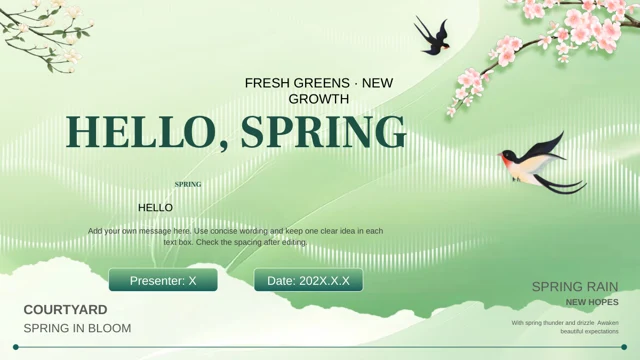
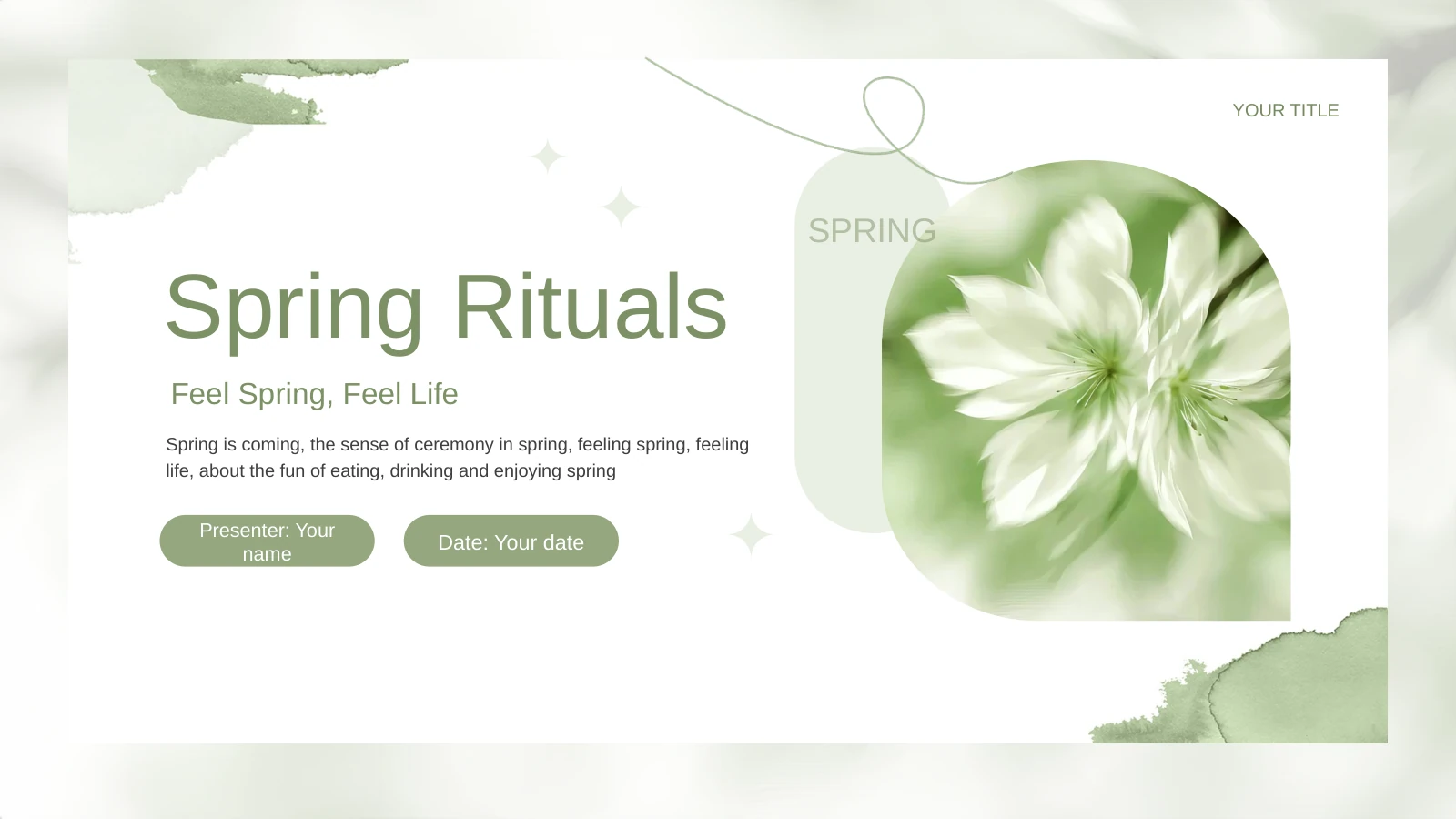
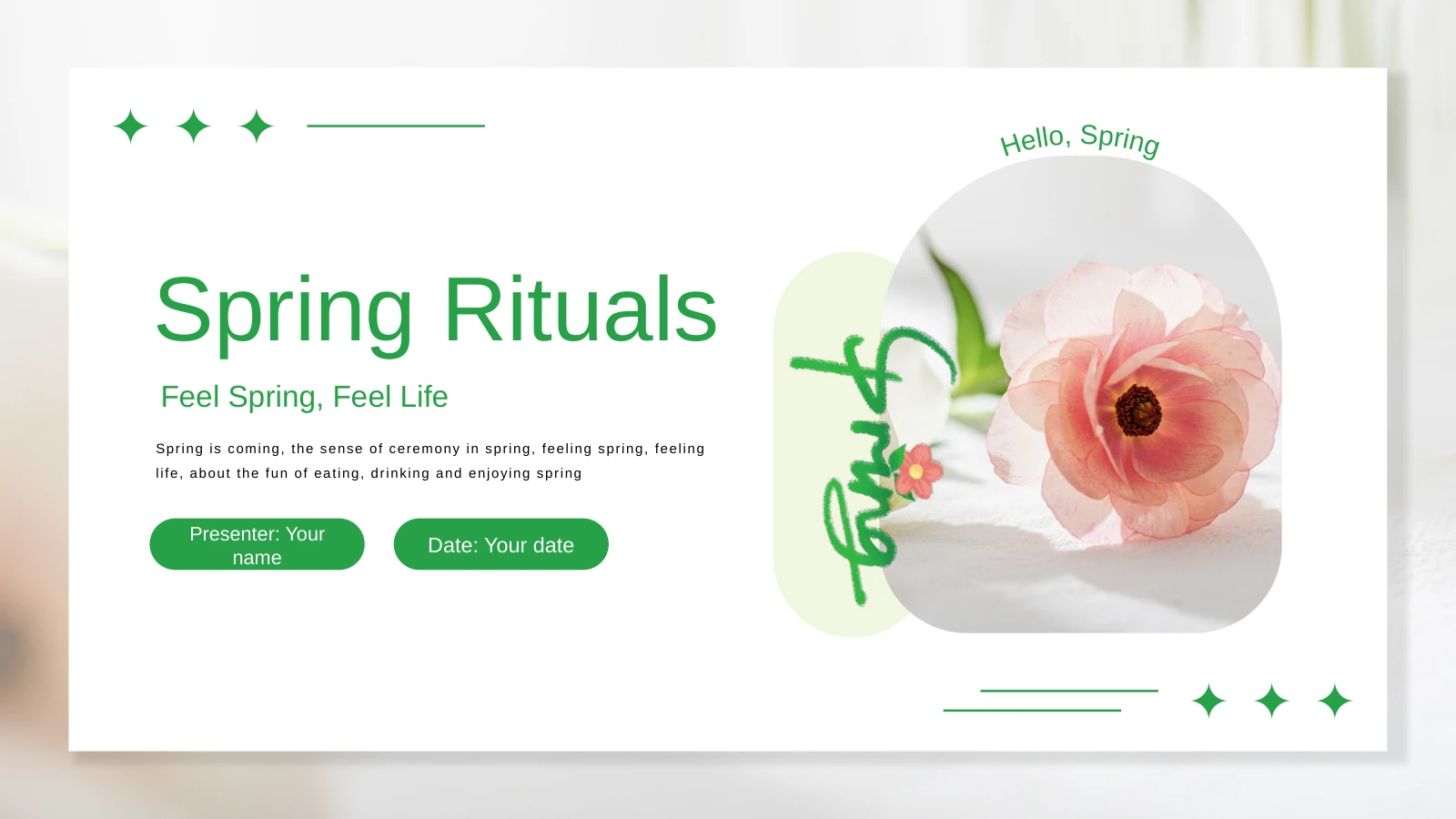
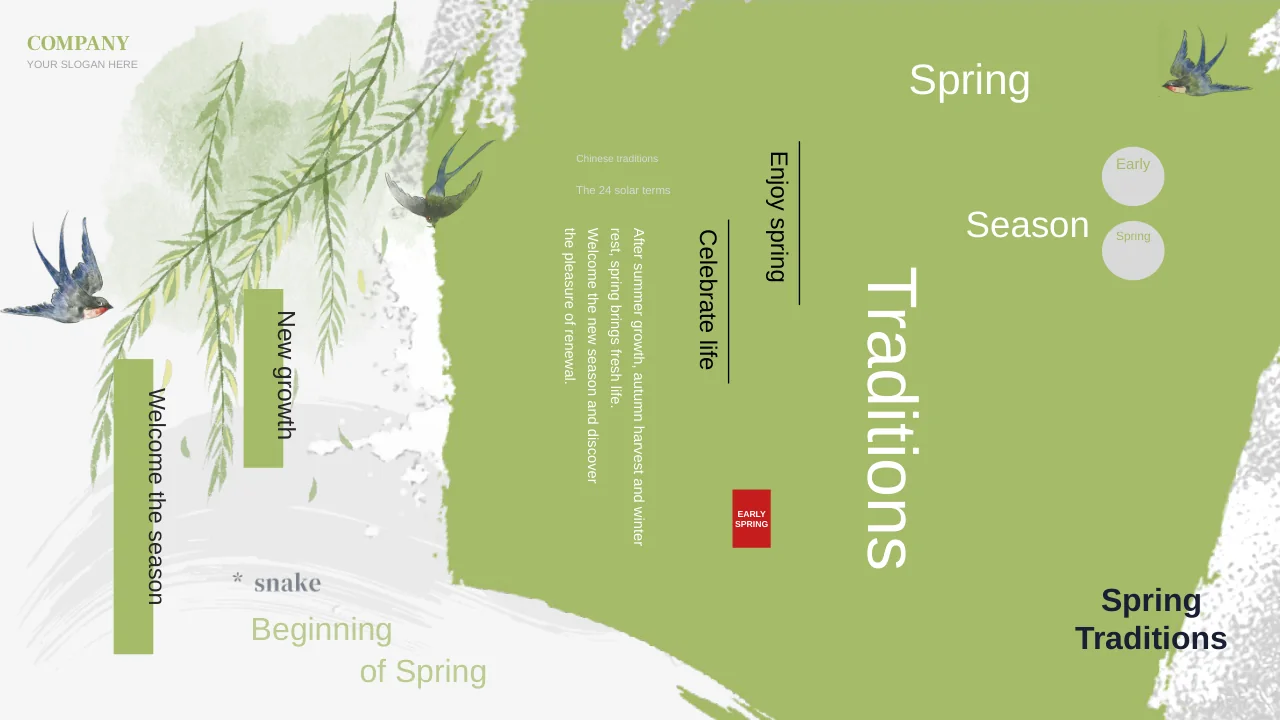
This career presentation template repeats a pale leaf border with red floral accents. White space keeps career notes distinct from the decorative frame.
Four connected career chapters
Use the four chapters in this career presentation template to move from personal history to role knowledge, then connect competencies with future goals.
Photographs beside supporting notes
Plant, laptop, pen and grass photos accompany this career presentation template. Add concise examples beside them, or insert images relevant to your work.
A native column comparison
The career presentation template includes one editable column chart: three series across four categories. Replace its worksheet values, labels and units.
Steps, links and gear diagrams
Shape diagrams give the career presentation template a way to show growth and connected skills. Edit steps, arrows and gear cards separately from the chart.
Goals with actions and review points
Close your career presentation template with short-term and long-term goals. Use the planning layouts to name actions, support, timing and evidence of progress.
How to use this career presentation template
Preview the layouts, add your own evidence and rehearse the story.
-
Choose a role and a clear message
Preview the career presentation template and choose a role or development question. Select relevant experience, then match each example to a chapter so the audience can follow your reasoning.
-
Download and tailor the content
With an active paid plan, download the career presentation template. Replace career examples, update the chart worksheet and give each goal an action, a timeframe and a way to review progress.
-
Review and save your presentation
Check the career presentation template at presentation size. Review photo crops, chart labels and line breaks; retain Zimu Creative credit, then save an editable copy for your next career review.

Career presentation template questions
How do I download this career presentation template?
Sign in with an active paid plan to download the career presentation template. Paid members can download the career presentation template again without a daily limit. Keep an untouched copy before adding your career information.
How many slides does the career presentation template include?
The career presentation template has 24 slides in approximately 16:9 format. A cover, contents, four career chapters and closing page form the sequence. Select career presentation template layouts that support your experience and intended role.
What can I edit in the career presentation template?
Edit text, shapes, connectors and the chart worksheet in the career presentation template. Its rising rounded bars are separate shapes. Changing career presentation template chart data will not update those bars; replace or recrop photos separately.
Can I preview the whole career presentation template?
All 24 previews show the English career presentation template. Compare the space for explanations, photographs and short labels. Choose career presentation template layouts that suit your evidence before downloading and arranging your sequence.
Will the career presentation template work in another editor?
The career presentation template is a PowerPoint PPTX; Google Slides and Keynote compatibility is unverified. After importing the career presentation template, check grouped steps, linked shapes, photo crops, chart labels and animation timing.
Which fonts does the career presentation template use?
The English career presentation template uses Arial without embedded fonts. After font substitution in the career presentation template, check numbered rows, chart labels and chapter titles. Shorten notes that no longer fit their boxes.
Is the career presentation template available in other languages?
The career presentation template contains English text; translated website pages describe the same download. Replace career presentation template examples with your own experience. These prompts are not verified professional achievements or separately translated slide decks.
Can I use the career presentation template commercially?
Check source and photograph terms before commercial use or redistribution of the career presentation template. Retain Zimu Creative credit in the career presentation template. Membership adds no third-party rights; obtain permissions for material you add.
How should I share the career presentation template?
Share the career presentation template page link for previews. Where permitted, send your edited PPTX or PDF. Before sharing your adapted career presentation template, check names, employment dates, supporting evidence and contact details.