Ocean Lab Presentation Template: outdoor photography framed in black and white
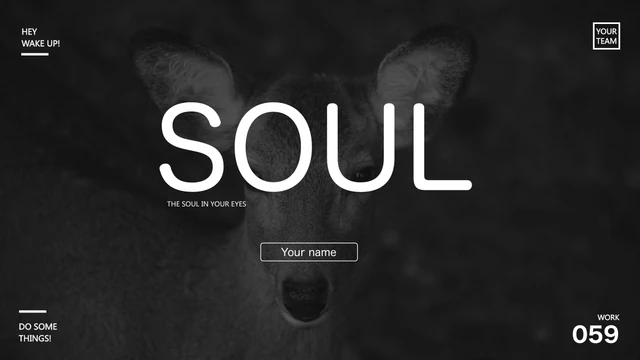
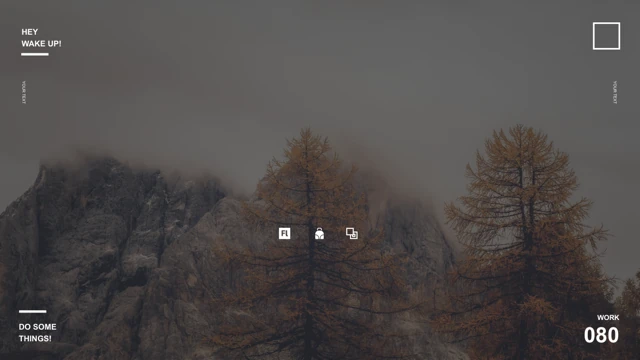
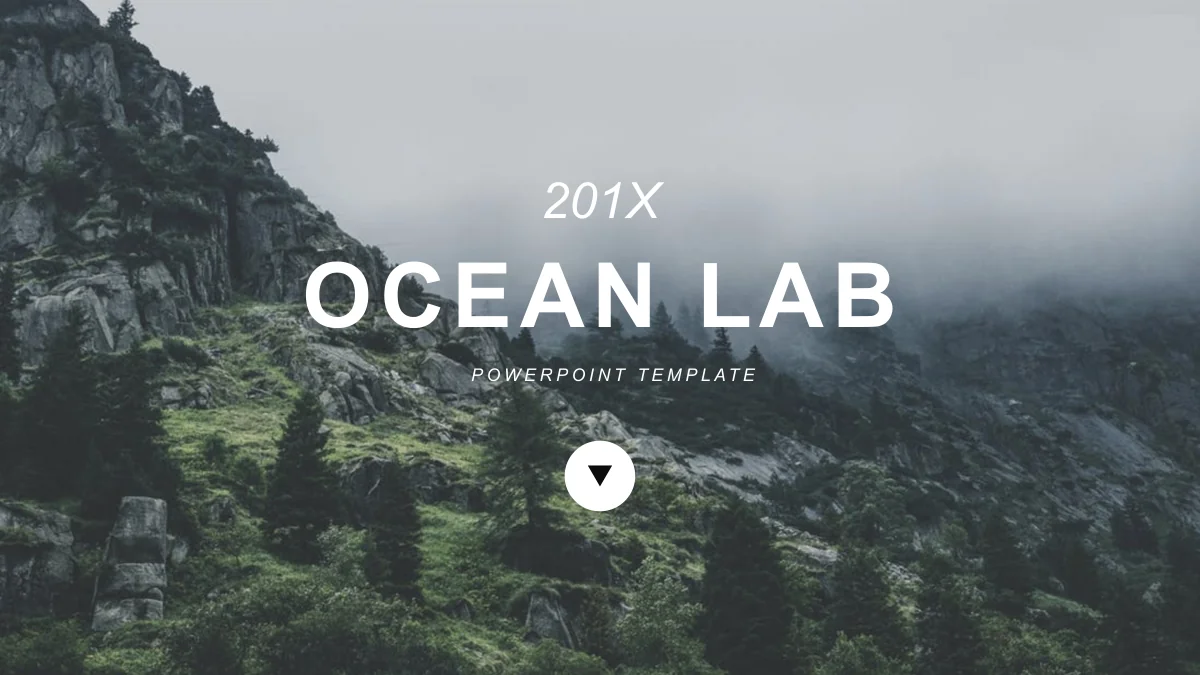
Ocean Lab Presentation Template opens with a misty mountain photograph and large white lettering. Black panels, pale-grey columns and simple geometric frames carry that contrast through 20 widescreen pages. Ocean Lab Presentation Template gives photographs several roles: a full-page setting, a narrow side panel, a three-picture sequence or a hexagonal crop. Mountains and coasts appear alongside a tiger, a portrait and a person beneath a lit umbrella. In Ocean Lab Presentation Template, the picture sets the mood while a separate text area holds the explanation. A four-part grid and three-column layout offer room to organize ideas without adding a chart. Select pages from Ocean Lab Presentation Template around the images and points you want to share, then replace the sample copy and dates. Ocean Lab Presentation Template ends with the same misty landscape as the opening, giving your finished sequence a visual connection from start to finish.
Key Features of Ocean Lab Presentation Template
Outdoor photographs, strong contrast and flexible picture layouts.
Misty Mountain Opening
Ocean Lab Presentation Template begins and ends with a misty mountain photograph. White lettering and a simple circular symbol stand out against the landscape.
Black and White Panels
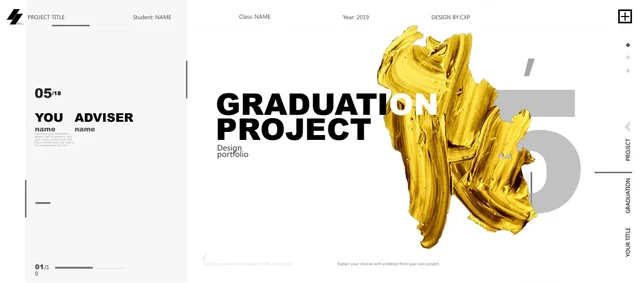
Ocean Lab Presentation Template pairs bold black bands with white space and pale-grey columns. Keep the contrast when changing text so each message stays readable.
Pictures at Different Scales
Ocean Lab Presentation Template uses full-page landscapes, side portraits and three-picture rows. Choose a crop that leaves the important part of your image visible.
A Four-Part Grid
Ocean Lab Presentation Template places four numbered notes beside a terraced hillside. The light dividing lines separate ideas while keeping them on a single page.
Hexagonal Picture Cards
Ocean Lab Presentation Template groups three hexagonal photographs above short captions. A black background and thin outlines connect the cards without crowding them.
Three-Column Comparison
Ocean Lab Presentation Template includes three contrasting columns with 360° examples. Replace the labels and supporting copy to compare three related ideas clearly.
How to Use Ocean Lab Presentation Template
Choose your pictures, replace the examples and review the sequence.
-
Preview the Picture Layouts
Browse all 20 pages of Ocean Lab Presentation Template. Choose a sequence that suits your photographs, then select a grid or comparison page for ideas that need to sit together.
-
Download and Personalize
Download Ocean Lab Presentation Template with an active paid plan. Save a working copy, replace the sample headings and dates, then add your own pictures without stretching their proportions.
-
Check and Share
Review Ocean Lab Presentation Template at presentation size. Check white text over photographs, shorten captions that crowd their boxes and inspect each crop before exporting your finished deck.
Questions about Ocean Lab Presentation Template
How do I download Ocean Lab Presentation Template?
Sign in with an active paid membership and use the download button for Ocean Lab Presentation Template. Daily downloads are unlimited, including repeat downloads. Save Ocean Lab Presentation Template as a working copy before changing its pictures or text. Keep an untouched copy of Ocean Lab Presentation Template so you can return to a layout you removed.
How many slides are in Ocean Lab Presentation Template?
Ocean Lab Presentation Template contains 20 slides in a 16:9 format. A mountain cover and closing page surround a mixture of photograph-led pages, text panels and grouped ideas. Ocean Lab Presentation Template does not require you to use every page. Build a shorter sequence from Ocean Lab Presentation Template if your story needs only a few images and supporting points.
Can I edit the text and colors in Ocean Lab Presentation Template?
Text and separate shapes in Ocean Lab Presentation Template are editable in PowerPoint. You can adjust the black panels, pale backgrounds and heading colors to suit your material. The photographs in Ocean Lab Presentation Template are image objects, not collections of editable details. Ocean Lab Presentation Template uses manual numbers and labels; update them directly instead of looking for chart data.
Can I see every page of Ocean Lab Presentation Template before downloading?
The gallery displays all 20 pages of Ocean Lab Presentation Template. Use the thumbnails or arrows to inspect the three-column comparison, numbered grid and hexagonal picture cards. Review Ocean Lab Presentation Template with your intended images in mind: a portrait and a wide landscape need different crops. The preview of Ocean Lab Presentation Template also shows how much space each caption has.
Can I open Ocean Lab Presentation Template in another presentation editor?
Ocean Lab Presentation Template is supplied as a PowerPoint PPTX. Other editors may open the file, but fonts, transparency and image cropping can look different. Open Ocean Lab Presentation Template in your chosen application and inspect the geometric photo masks and overlapping panels. Before presenting Ocean Lab Presentation Template, check an exported version on the screen you intend to use.
Which fonts does Ocean Lab Presentation Template use?
Ocean Lab Presentation Template uses Arial, with bold headings and lighter supporting text. Keep that distinction if you replace a typeface. Review Ocean Lab Presentation Template after any font change because a caption can wrap differently at the same size. The small dates and large numbers in Ocean Lab Presentation Template also need an alignment check.
Is the slide text in Ocean Lab Presentation Template English?
The downloadable Ocean Lab Presentation Template has English headings and a closing message. Its sample text is for replacement, not a finished narrative. All website languages describe the same Ocean Lab Presentation Template file. To present Ocean Lab Presentation Template in another language, replace the editable wording and check spacing; website translation does not create a separate localized PPTX.
Can I use Ocean Lab Presentation Template commercially?
Check the applicable permissions for Ocean Lab Presentation Template, including its photographs and any original design credits. A paid download does not by itself establish rights to every third-party image. Replace assets in Ocean Lab Presentation Template when you cannot confirm their permitted use. Retain required credits when distributing an edited version of Ocean Lab Presentation Template.
How should I share Ocean Lab Presentation Template?
Share the page for Ocean Lab Presentation Template when someone wants to explore the design. For your own presentation, keep the editable copy and inspect a PDF or slideshow before sending it. Replace sample dates and captions in Ocean Lab Presentation Template, and make sure you have permission to share its images. Check Ocean Lab Presentation Template on the recipient’s likely screen size.