Yellow slide background: warm borders for your teaching ideas
Soft Yellow Teaching offers a yellow slide background style built around cream borders, yellow corners and white space. Illustrated books anchor the pages, and a potted succulent marks the contents. This yellow slide background keeps the warm color around the edges while leaving a pale area for explanations. Across 16 slides, Review, Learning, Challenges and Practice divide your material into four parts. Use the yellow slide background with broad notes, a diamond-shaped icon path or a horizontal practice sequence. Two tall task panels and four numbered review cards provide space for closing activities. The supplied English guidance is a starting point for your own subject. Keep labels brief and replace both teacher-name fields. The yellow slide background comes within an editable PPTX framework that you adapt before teaching.
Features of this yellow slide background
A yellow slide background joins illustrated books, photographs and teaching layouts.
Cream framing and yellow corners
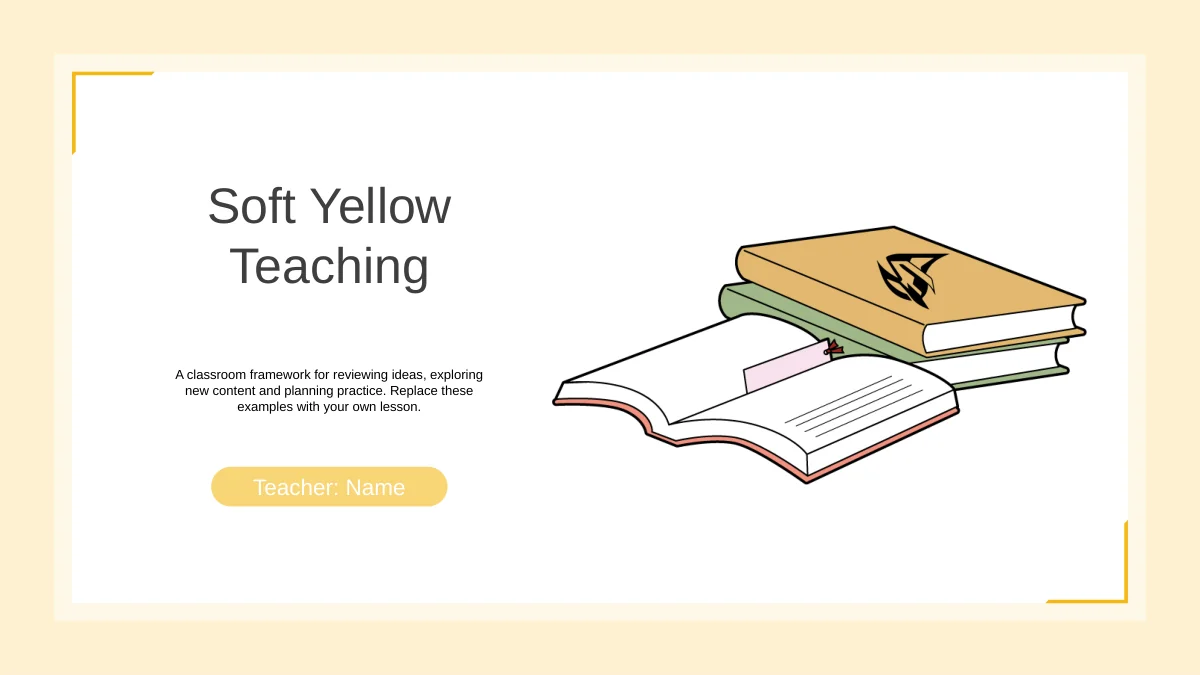
This yellow slide background uses cream borders and yellow corners around white pages. Illustrated books anchor the cover and repeat across the teaching layouts.
Four teaching sections
Use the yellow slide background through Review, Learning, Challenges and Practice. Four centered dividers match the route shown on the numbered contents page.
Original workspace photographs
The yellow slide background accompanies photos of a sofa tray, a work desk and dried flowers. Paired and tall image areas leave space for your explanations.
Connections and sequences
A diamond-shaped icon path and four-icon sequence sit within the yellow slide background. Edit nearby notes to explain how ideas connect or actions follow.
Two parallel task panels
The yellow slide background frames Task A and Task B in two tall outlined panels. Yellow side tabs distinguish the sets of instructions you add for learners.
After-class review cards
Four numbered cards finish the practice section on the yellow slide background. Recall, Try, Check and Follow Up each provide a space for concise guidance.
How to use this yellow slide background
Adapt the yellow slide background to your lesson sequence, examples and display.
-
Choose the lesson sequence
Preview all 16 pages with this yellow slide background and choose the layouts you need. Use the yellow slide background across review, explanation and practice, giving each page a clear role.
-
Add your own material
Download the yellow slide background PPTX with an active paid plan. Replace the English guidance and photos as needed, keeping labels short within the yellow slide background and cream frames.
-
Check the classroom display
Test the yellow slide background on your intended screen. Check text contrast, vertical labels and photo crops, then save an editable copy of the yellow slide background deck before sharing.
Questions about this yellow slide background
How do I download the yellow slide background?
Download the yellow slide background in the Soft Yellow Teaching PowerPoint file with an active paid membership. Paid members have unlimited daily and repeat downloads. Keep an untouched copy before editing so the original layouts remain available.
Does the yellow slide background come with a full deck?
Yes. The yellow slide background style appears across 16 widescreen 16:9 pages: a cover, contents, four dividers, content layouts and a closing. Select relevant pages. The yellow slide background download supplies layouts and sample guidance for you to complete.
Which parts of the yellow slide background deck can I edit?
Text and native shapes in the yellow slide background deck are editable. Books, plants, photographs and icons are images; replace them to change their internal artwork. The yellow slide background file contains no native charts or data workbooks.
Can I preview every yellow slide background layout?
The gallery shows all 16 pages with the yellow slide background, matching the English download. Compare broad explanation areas, three-column notes and narrow task panels. Allow enough space beside the yellow slide background artwork when writing your own text.
Can I use the yellow slide background in another editor?
The yellow slide background is supplied in a PPTX file. Google Slides and Keynote compatibility is untested. After importing the yellow slide background deck, inspect rounded frames, photo crops, grouped icons and animation timing before presenting. Keep the original for comparison.
Which font appears on the yellow slide background?
The yellow slide background deck uses Arial without embedded fonts. Substitution may alter line breaks. After changing fonts on the yellow slide background, inspect headings, bullets and rotated task labels.
Does the yellow slide background include a finished course?
The yellow slide background accompanies English sample guidance in a teaching framework, not a completed subject course or an age-level curriculum. Add your objectives, explanations and activities. All website translations describe the same English download.
Can I use the yellow slide background commercially?
Check source and image terms before commercial use or redistribution of the yellow slide background deck. Membership grants no unrestricted third-party image rights. Confirm permissions for any material you add, including replacement photographs, before sharing an edited version.
How should I share the yellow slide background deck?
Share the page link so colleagues can preview the yellow slide background and its teaching layouts. Where rights allow, share an edited PPTX or an exported PDF. Check sample instructions and teacher details before sending the yellow slide background deck, and retain an editable copy.