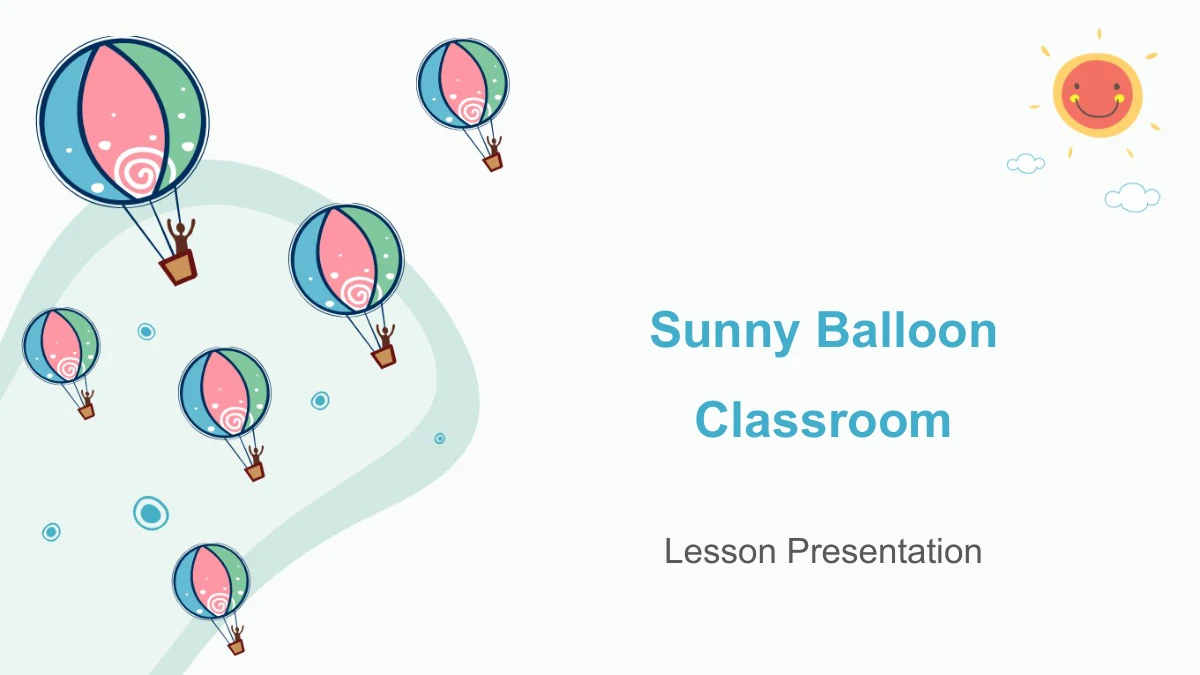
Sunny Balloon Classroom Presentation Template: a playful setting for your lesson
Sunny Balloon Classroom opens with hot-air balloons, a smiling sun and clouds, then carries cyan and teal accents into a 26-slide lesson framework. A contents page leads through four sections: Overview, Key Ideas, Practice and Review. The headings leave the subject open so you can build a sequence around your own material. Inside, a lightbulb gathers icon notes, a tree holds four circular icons, and a sketched figure introduces paired ideas. Pinned papers, arrow-linked circles and a short date path offer other ways to arrange explanations. Percentage labels and their surrounding drawings are manual examples, not linked data charts or verified learning results. Choose pages for the ideas you need to teach, replace the English prompts and revise the example values together with their shapes. The cheerful artwork provides a visual setting; you supply the lesson, supporting facts and questions for the class.
Sunny Balloon Classroom Presentation Template Features
Playful artwork with room for short explanations.
Balloons, Sun and Clouds
Hot-air balloons and a smiling sun introduce the lesson. White space and cyan-teal accents carry the cheerful mood from the opening into the content pages.
Four Adaptable Lesson Sections
Overview, Key Ideas, Practice and Review divide the file. Give each section a clear purpose, then align the contents page with the material you plan to teach.
Icon Notes and School Doodles
A lightbulb, an icon tree and smiling pencils give short notes a visual focus. Pair the drawings with your explanations rather than treating them as lesson content.
Pinned Notes and Linked Ideas
Four pinned papers keep ideas separate, while linked circles show a sequence. Use these layouts to group related points and keep labels easy to scan.
Manual Values and Date Labels
Percentage callouts and a three-position date path are editable examples. Update labels and shapes together; no data charts or workbooks drive their values.
Text and Drawing Shapes to Adapt
Change the English prompts and separate drawing shapes while keeping related elements grouped. Balloon and sun artwork includes picture objects, not editable text.
How to Use the Sunny Balloon Classroom Presentation Template
Build a clear sequence around your own lesson.
-
Choose a Four-Part Lesson Sequence
Review all 26 previews and choose pages for your lesson topic. Map the lesson to the four sections, then reorder the notes and diagrams so each page has a distinct teaching purpose.
-
Download and Replace the Prompts
Download the English PPTX with an active paid membership. Keep a working copy, add your lesson text and revise the independent percentages and date labels wherever you use them.
-
Check Labels and Example Values
Open the slides at presentation size. Check small labels, grouped drawings and manual figures, then follow the lesson from start to finish to catch repeated points or missing explanations.
Sunny Balloon Classroom Presentation Template Questions
How can I download this classroom template?
An active paid membership gives access to the English PPTX download. Sign in and use the download button; daily downloads are unlimited and repeat downloads are available.
What is included in the 26-slide file?
The widescreen 16:9 deck includes a cover, a four-item contents page, four section dividers, varied lesson layouts and a closing page. The lesson content is yours to add.
Which parts can I edit?
You can change text and separate drawing shapes, including manual percentage labels. Some decorative artwork remains picture objects. The file has no native data charts or embedded workbooks.
Can I inspect every slide before downloading?
Yes. The gallery shows all 26 pages in file order. Enlarge the previews to compare note space, icon arrangements and sample values before deciding which layouts to use.
Is the file tested in Google Slides or Keynote?
The download is supplied as PPTX. Google Slides and Keynote have not been tested; after import, inspect fonts, grouped shapes, image placement and animations in your editor.
Which font does the English file use?
The English text uses Arial, with no embedded fonts. When changing fonts, check the short icon labels, chapter headings and four-circle closing message for altered line breaks.
Does a localized page provide translated slides?
Each language page offers the same English PPTX. Translate the editable prompts for your audience and replace the generic chapter content with the lesson you intend to teach.
Are there any conditions for using the artwork?
Download access does not grant additional third-party rights. Review the source terms and any permissions for material you add, and retain the original provenance recorded in the file.
How can I share the finished lesson?
Link to this page for others to preview the template. Share edited slides or exports only where permitted, after checking your teaching material and replacing sample dates and percentages.