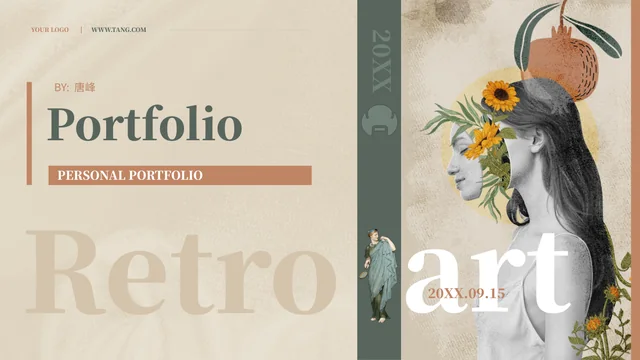
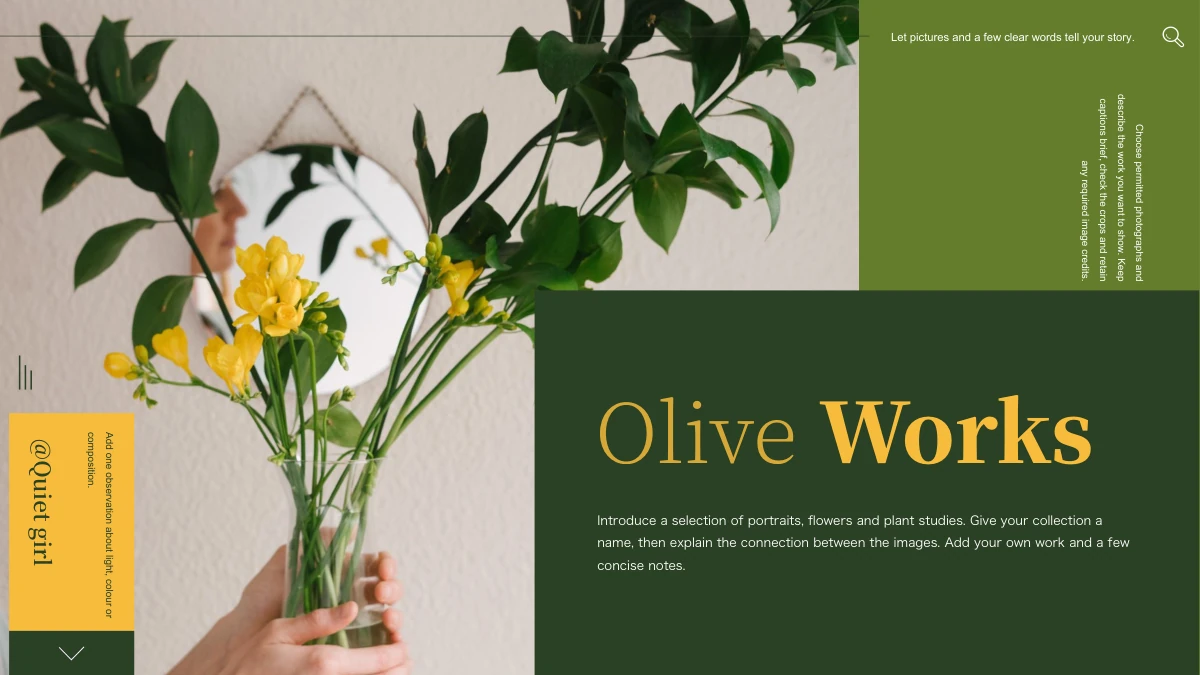
Vintage Paper Collage Presentation Template: torn-paper layers, antique objects and room for your own story
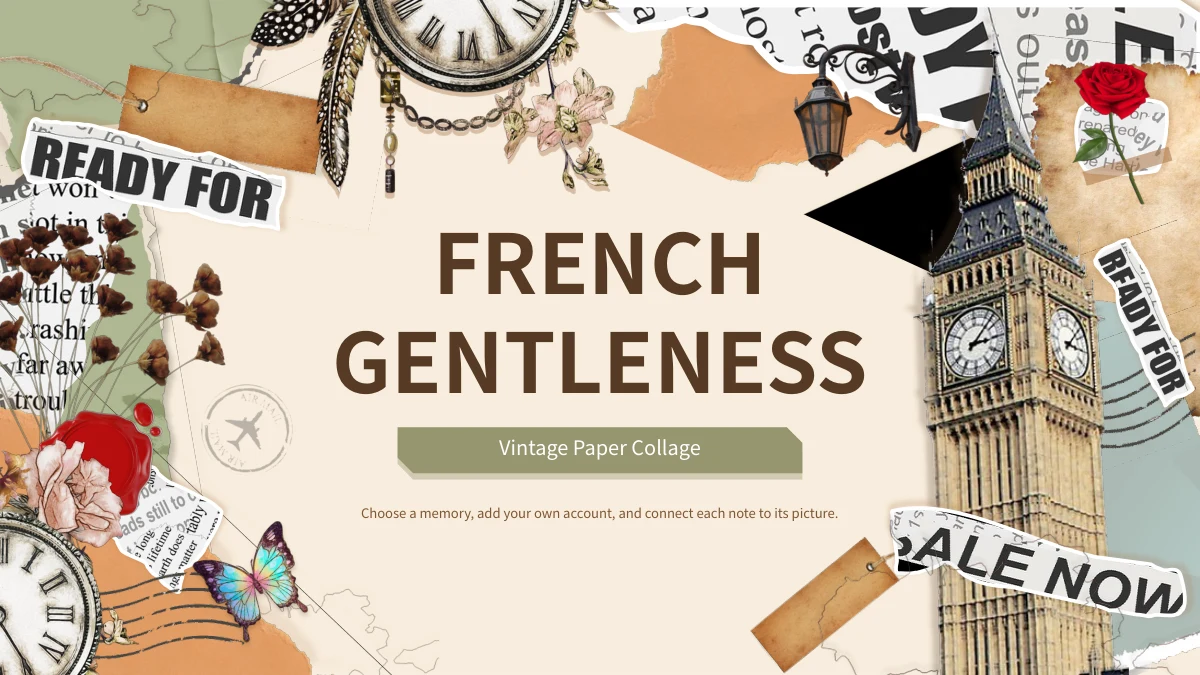
Vintage Paper Collage Presentation Template layers cream paper with torn newspaper edges, brown tags and olive panels. Roses, dried flowers, butterflies and antique clocks add detail around the text. Vintage Paper Collage Presentation Template contains 24 slides in 16:9, with four contents entries and numbered dividers on pages 3, 9, 14 and 19. Vintage Paper Collage Presentation Template offers tilted paper frames, taped notes, two sealed cards, four-column comparisons and narrow rotated text areas. The gramophone, cassette and landmarks are pictures. The opening and closing repeat the original FRENCH GENTLENESS title; this does not make every building a French landmark. Vintage Paper Collage Presentation Template provides English prompts for describing a visible detail and adding your own account. Replace them with specific notes tied to the selected pictures. Printed newspaper, record and stamp lettering remains in the images; check sources before adding a maker, place or date.
Key Features of Vintage Paper Collage Presentation Template
Torn edges, warm paper tones and antique objects frame short notes.
Layered Torn-Paper Borders
Vintage Paper Collage Presentation Template uses torn newspaper and aged-paper borders. Keep notes clear of the edges and match captions to the pictures.
Four Tagged Parts
Vintage Paper Collage Presentation Template has dividers on pages 3, 9, 14 and 19. Update four contents entries and part titles when arranging your picture story.
Flowers and Antique Clocks
Vintage Paper Collage Presentation Template adds roses, dried flowers and antique clock pictures. Connect these details to your story; the clocks are decorative.
Tilted and Sealed Paper Cards
Vintage Paper Collage Presentation Template offers angled frames and two wax-seal cards. Write brief notes in their paper areas and keep key picture details clear.
Columns and Rotated Notes
Vintage Paper Collage Presentation Template has four-column layouts and rotated notes. Use concise points, then check the narrow text at full presentation size.
Matching Opening and Closing
Vintage Paper Collage Presentation Template repeats FRENCH GENTLENESS on the opening and closing. Adapt the editable subtitle to your story and balance the collage.
How to Use Vintage Paper Collage Presentation Template
Choose a sequence, connect notes to pictures and review the complete file.
-
Choose Your Four-Part Story
Vintage Paper Collage Presentation Template has 24 previews. Select the paper cards and picture layouts that support the topic, then arrange the four parts and match the contents to their titles.
-
Download and Add Specific Notes
Download Vintage Paper Collage Presentation Template with an active paid plan. Replace the English prompts with your own account, choose pictures and check sources for any details you add.
-
Review Paper Frames and Playback
Vintage Paper Collage Presentation Template needs a final review. Check angled cards, rotated notes and picture captions; inspect the PDF and test any retained audio in your PowerPoint setup.
Questions about Vintage Paper Collage Presentation Template
What is included in Vintage Paper Collage Presentation Template?
Vintage Paper Collage Presentation Template contains 24 PowerPoint slides in a 16:9 format. Vintage Paper Collage Presentation Template uses cream backgrounds, brown and olive accents, torn newspaper edges and paper tags. Four contents entries connect to dividers on pages 3, 9, 14 and 19. Vintage Paper Collage Presentation Template includes flowers, clock pictures, a gramophone, a cassette and landmark cutouts, with English prompts for your own notes. Tilted frames, taped paper, paired sealed cards and four-column layouts provide different ways to organize a picture story. Vintage Paper Collage Presentation Template keeps the opening and closing FRENCH GENTLENESS title rather than ending with a thank-you page. Preview Vintage Paper Collage Presentation Template and select layouts that explain your material clearly.
How can I change pictures in Vintage Paper Collage Presentation Template?
Vintage Paper Collage Presentation Template combines supplied pictures with editable headings and notes. Select a picture in Vintage Paper Collage Presentation Template and inspect its crop, rotation and position before replacing it. Torn paper, flowers and objects often overlap, so a new image can change how the collage reads. Vintage Paper Collage Presentation Template works best when the caption refers to a detail that is visible in the selected view. Keep the image proportions, genuine credits and important subjects intact. Review Vintage Paper Collage Presentation Template after replacement to ensure decorative edges do not cover the point you want to show. Use images you may use, and keep a working copy of Vintage Paper Collage Presentation Template before rearranging your selection.
How are the parts arranged in Vintage Paper Collage Presentation Template?
Vintage Paper Collage Presentation Template has four numbered dividers on pages 3, 9, 14 and 19. The contents of Vintage Paper Collage Presentation Template name Materials and Mood, Pictures and Details, Notes and Comparisons, and Sequence and Review. Use those headings to plan your own account, or replace them with topics that describe your selected material. Vintage Paper Collage Presentation Template places picture notes, tilted cards and comparison layouts between the parts. If you remove pages from Vintage Paper Collage Presentation Template, update the contents and numbering so the order remains clear. Keep a caption near the picture it explains. Read Vintage Paper Collage Presentation Template from opening to closing and check that each divider leads into the relevant pages.
Does Vintage Paper Collage Presentation Template document French places or verified historical objects?
Vintage Paper Collage Presentation Template retains FRENCH GENTLENESS as its original opening and closing title. That wording in Vintage Paper Collage Presentation Template does not establish the country, date or maker of every pictured building or object. Vintage Paper Collage Presentation Template mixes landmark cutouts, clocks, flowers, newspaper scraps and postal imagery as collage examples. Printed stamp dates and record lettering remain part of the pictures, not verified facts about your story. Describe details you can see, then check a reliable source before adding a location or attribution to Vintage Paper Collage Presentation Template. Keep interpretation separate from confirmed information. Vintage Paper Collage Presentation Template can present your observations without claiming that all its examples share a place or history.
Does Vintage Paper Collage Presentation Template include audio or working objects?
Vintage Paper Collage Presentation Template retains a source MP3 audio object on its opening slide. The track in Vintage Paper Collage Presentation Template is not identified here as a particular artist or recording, and its presence does not establish an additional music licence. Test playback in your PowerPoint setup before relying on sound during a presentation. Gramophone, cassette and clock pictures in Vintage Paper Collage Presentation Template are decorative images, not working players or live timers. Vintage Paper Collage Presentation Template has no native data chart or linked Excel workbook; its cards and curved lines organize notes rather than calculate results. Keep any new data separate and verify it yourself. Review Vintage Paper Collage Presentation Template for the sound settings and picture explanations you intend to use.
Which fonts does Vintage Paper Collage Presentation Template use?
Vintage Paper Collage Presentation Template uses Source Han Sans SC Regular and Bold, with no font binaries embedded in the English PPTX. Open Vintage Paper Collage Presentation Template and inspect the wood-tag headings, tilted notes, four columns and rotated text before changing a font. A replacement in Vintage Paper Collage Presentation Template may change spacing or move a caption onto another line. Shorten a note when necessary instead of shrinking it until it is difficult to read. Keep an editable copy of Vintage Paper Collage Presentation Template and compare an exported PDF with the slides. Review Vintage Paper Collage Presentation Template for missing characters, crowded labels and text that no longer fits the surrounding paper frame.
Is Vintage Paper Collage Presentation Template supplied in English?
Vintage Paper Collage Presentation Template provides English headings and editing prompts in the PowerPoint file. Website languages for Vintage Paper Collage Presentation Template describe the same English PPTX, not separate translated decks. Ordinary source text, including Chinese, remains in same-page reference notes, separate from the new guidance. Lettering printed on newspaper scraps, records and stamps in Vintage Paper Collage Presentation Template stays within the original pictures. Do not treat those fragments as the author or verified history of your account. Replace the prompts in Vintage Paper Collage Presentation Template with your audience’s language and specific information. Preview Vintage Paper Collage Presentation Template after editing, checking narrow notes and the retained picture lettering as well as the main headings.
How do I download Vintage Paper Collage Presentation Template?
Vintage Paper Collage Presentation Template is available to members with an active paid plan. Sign in and use the PPTX button on this page to download Vintage Paper Collage Presentation Template. Paid members can download Vintage Paper Collage Presentation Template without a daily limit, including repeat downloads. Review all 24 previews and save an unchanged copy alongside a separate working version before editing the story. You can open Vintage Paper Collage Presentation Template directly in PowerPoint without generating another presentation. Keep your edited file with the picture and source records you used. Store the original download of Vintage Paper Collage Presentation Template separately so you can compare the starting layouts or return to them later.
What should I check before sharing Vintage Paper Collage Presentation Template?
Review Vintage Paper Collage Presentation Template for remaining prompts, mismatched captions and unsupported place, date or maker claims. Ensure the contents and numbered parts in Vintage Paper Collage Presentation Template follow your final sequence. Check the tilted frames, narrow columns and rotated notes at the size your audience will see. Vintage Paper Collage Presentation Template does not grant an additional licence to pictures, audio or other source material; follow their applicable terms and keep genuine credits accurate. Compare the PDF export with the slides, and test sound separately if your presentation uses it. Share the detail-page link for Vintage Paper Collage Presentation Template when others need previews or their own download. Keep your own account distinct from the decorative examples in Vintage Paper Collage Presentation Template.