Use ai keynote to connect your opening, evidence and closing into one story.
Professional
Creative
Standard
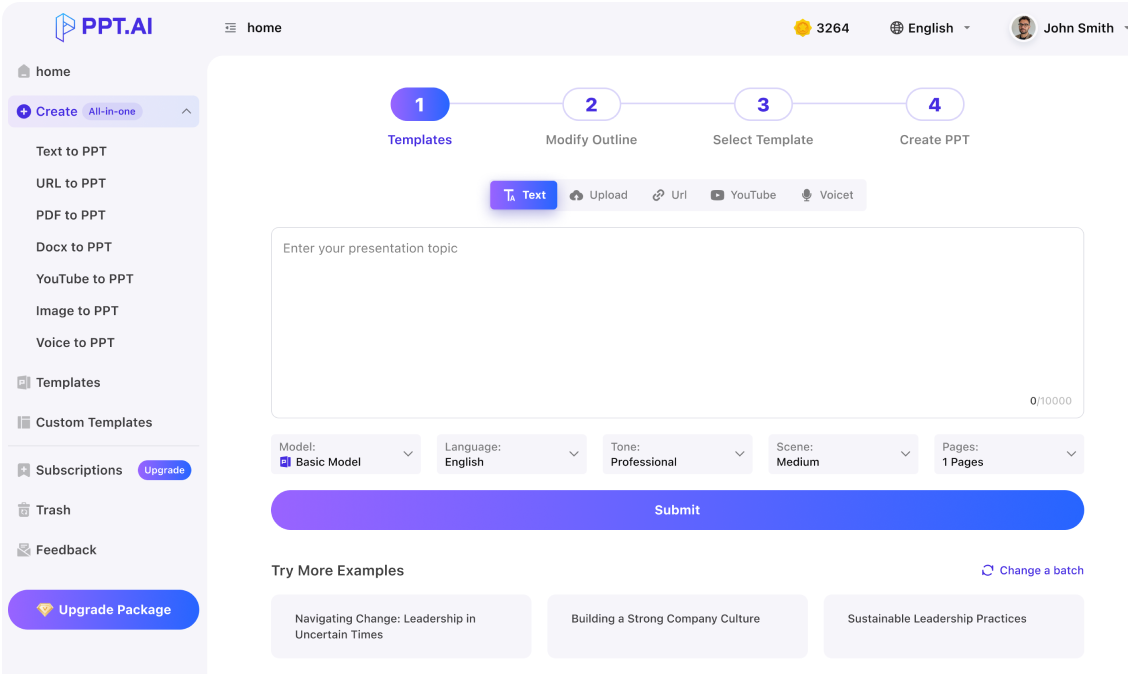
Text
Upload
Url
YouTube
Image
Basic Model
English
简体中文
繁體中文
日本語
한국어
Français
Русский
العربية
Deutsch
Español
Italiano
Português
ภาษาไทย
Bahasa Melayu
Tiếng Việt
Türkçe
Bahasa Indonesia
General Scene
Teaching Materials
Work Summary
Work Plan
Project Report
Solution
Research Report
Meeting Materials
Product Introduction
Company Introduction
Business Plan
Science Popularization
Public Speaking
Public
Students
Teachers
Superiors
Subordinates
Interviewer
Colleagues
Professional
Friendly
Technical
Persuasive
Academic
Inspirational
Educational
Humorous
Concise
Medium
Short
Long
Submit
Drag and drop a file to create a PPT
Supports DOC, DOCX, PDF, PPT, PPTX, TXT, MD, XLS, XLSX, CSV, HTML, EPUB, MOBI, XMIND, and MM files under 10MB
Choose a File
Basic Model
English
简体中文
繁體中文
日本語
한국어
Français
Русский
العربية
Deutsch
Español
Italiano
Português
ภาษาไทย
Bahasa Melayu
Tiếng Việt
Türkçe
Bahasa Indonesia
General Scene
Teaching Materials
Work Summary
Work Plan
Project Report
Solution
Research Report
Meeting Materials
Product Introduction
Company Introduction
Business Plan
Science Popularization
Public Speaking
Public
Students
Teachers
Superiors
Subordinates
Interviewer
Colleagues
Professional
Friendly
Technical
Persuasive
Academic
Inspirational
Educational
Humorous
Concise
Medium
Short
Long
Basic Model
English
简体中文
繁體中文
日本語
한국어
Français
Русский
العربية
Deutsch
Español
Italiano
Português
ภาษาไทย
Bahasa Melayu
Tiếng Việt
Türkçe
Bahasa Indonesia
General Scene
Teaching Materials
Work Summary
Work Plan
Project Report
Solution
Research Report
Meeting Materials
Product Introduction
Company Introduction
Business Plan
Science Popularization
Public Speaking
Public
Students
Teachers
Superiors
Subordinates
Interviewer
Colleagues
Professional
Friendly
Technical
Persuasive
Academic
Inspirational
Educational
Humorous
Concise
Medium
Short
Long
Submit
Basic Model
English
简体中文
繁體中文
日本語
한국어
Français
Русский
العربية
Deutsch
Español
Italiano
Português
ภาษาไทย
Bahasa Melayu
Tiếng Việt
Türkçe
Bahasa Indonesia
General Scene
Teaching Materials
Work Summary
Work Plan
Project Report
Solution
Research Report
Meeting Materials
Product Introduction
Company Introduction
Business Plan
Science Popularization
Public Speaking
Public
Students
Teachers
Superiors
Subordinates
Interviewer
Colleagues
Professional
Friendly
Technical
Persuasive
Academic
Inspirational
Educational
Humorous
Concise
Medium
Short
Long
Submit
Drag and drop a file to create a PPT
Supports PNG, JPG, JPEG, and BMP files under 5MB
Choose a IMAGE
Basic Model
English
简体中文
繁體中文
日本語
한국어
Français
Русский
العربية
Deutsch
Español
Italiano
Português
ภาษาไทย
Bahasa Melayu
Tiếng Việt
Türkçe
Bahasa Indonesia
General Scene
Teaching Materials
Work Summary
Work Plan
Project Report
Solution
Research Report
Meeting Materials
Product Introduction
Company Introduction
Business Plan
Science Popularization
Public Speaking
Public
Students
Teachers
Superiors
Subordinates
Interviewer
Colleagues
Professional
Friendly
Technical
Persuasive
Academic
Inspirational
Educational
Humorous
Concise
Medium
Short
Long
ai keynote: Find the sentence behind the talk
Before creating an ai keynote, write the one idea you want someone to repeat afterwards. Tell ai keynote who is listening, why this moment matters and what they should reconsider. Use that sentence to decide which anecdotes and facts belong.
A strong ai keynote gives listeners a reason to believe the central idea. Introduce a real situation, explain what changed and show the evidence behind your interpretation. Distinguish a personal observation from a measured result. When reviewing ai keynote material, remove invented quotations and check the source of every number.
Use ai keynote to create visual landmarks, not a transcript of everything you will say. A short heading can state the point while a diagram or image carries the explanation. Review the ai keynote sequence for pauses and changes of pace. Rehearse the transitions so the audience understands why each new section follows the last.
An ai keynote develops through deliberate choices about attention, evidence and pace. Begin with the audience, then build a sequence that earns the final takeaway.
Step 1
Step 2
Step 3
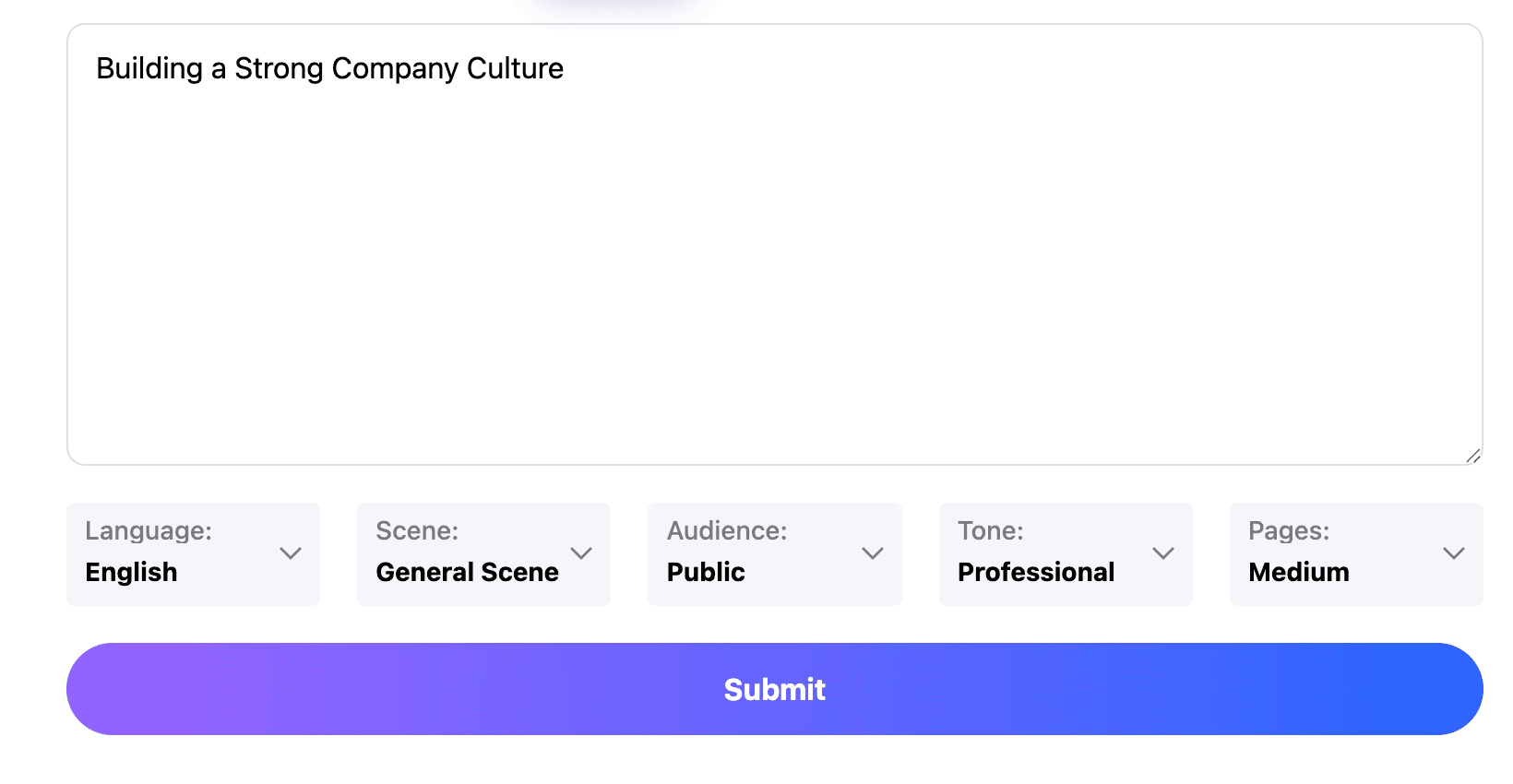
Define the occasion
Give ai keynote the event, audience, intended duration and central message. Supply verified examples rather than asking the draft to invent a personal experience.
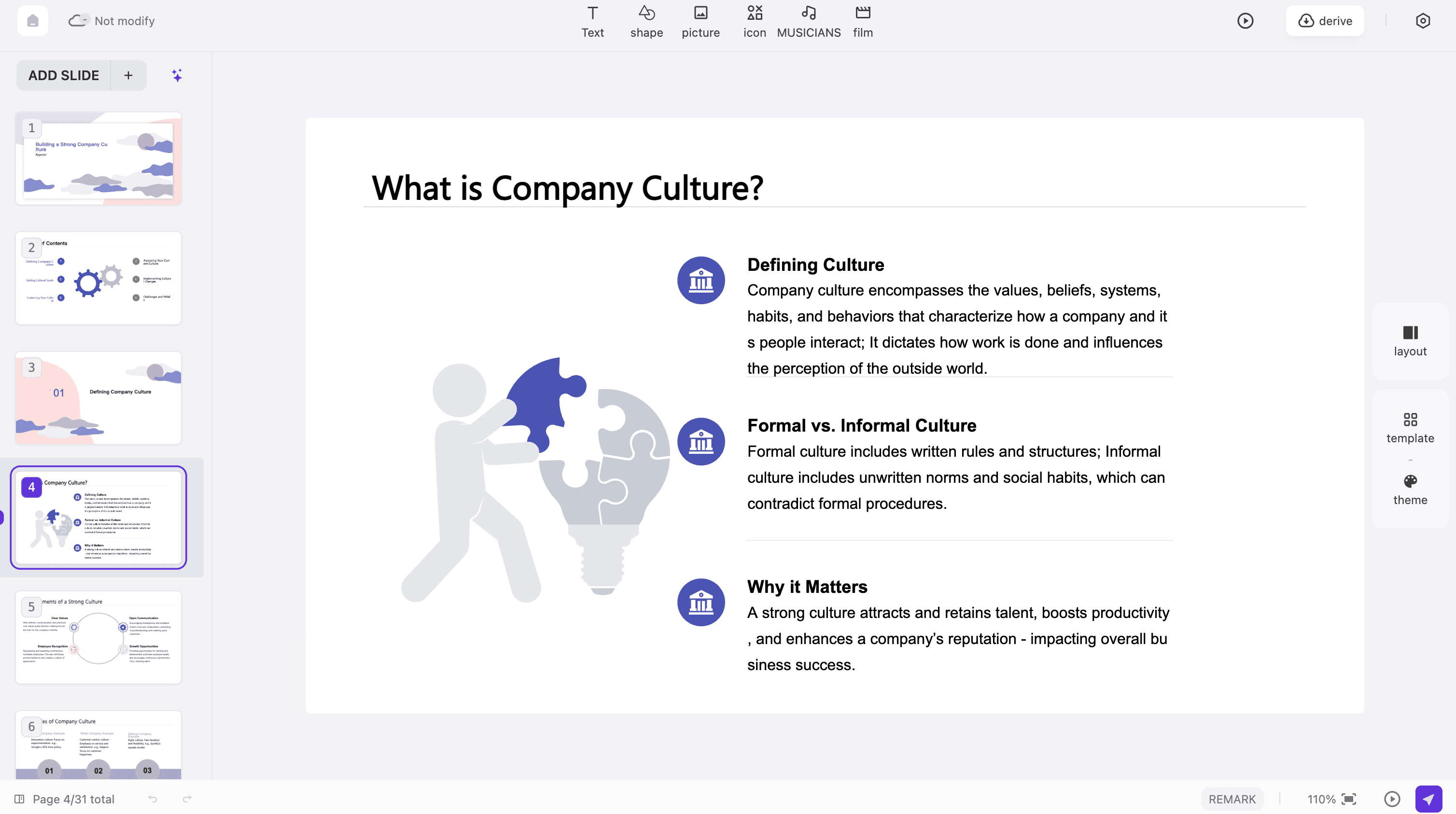
Build the arc
Review the ai keynote outline from opening tension to evidence and conclusion. Choose an available design that makes the material readable.
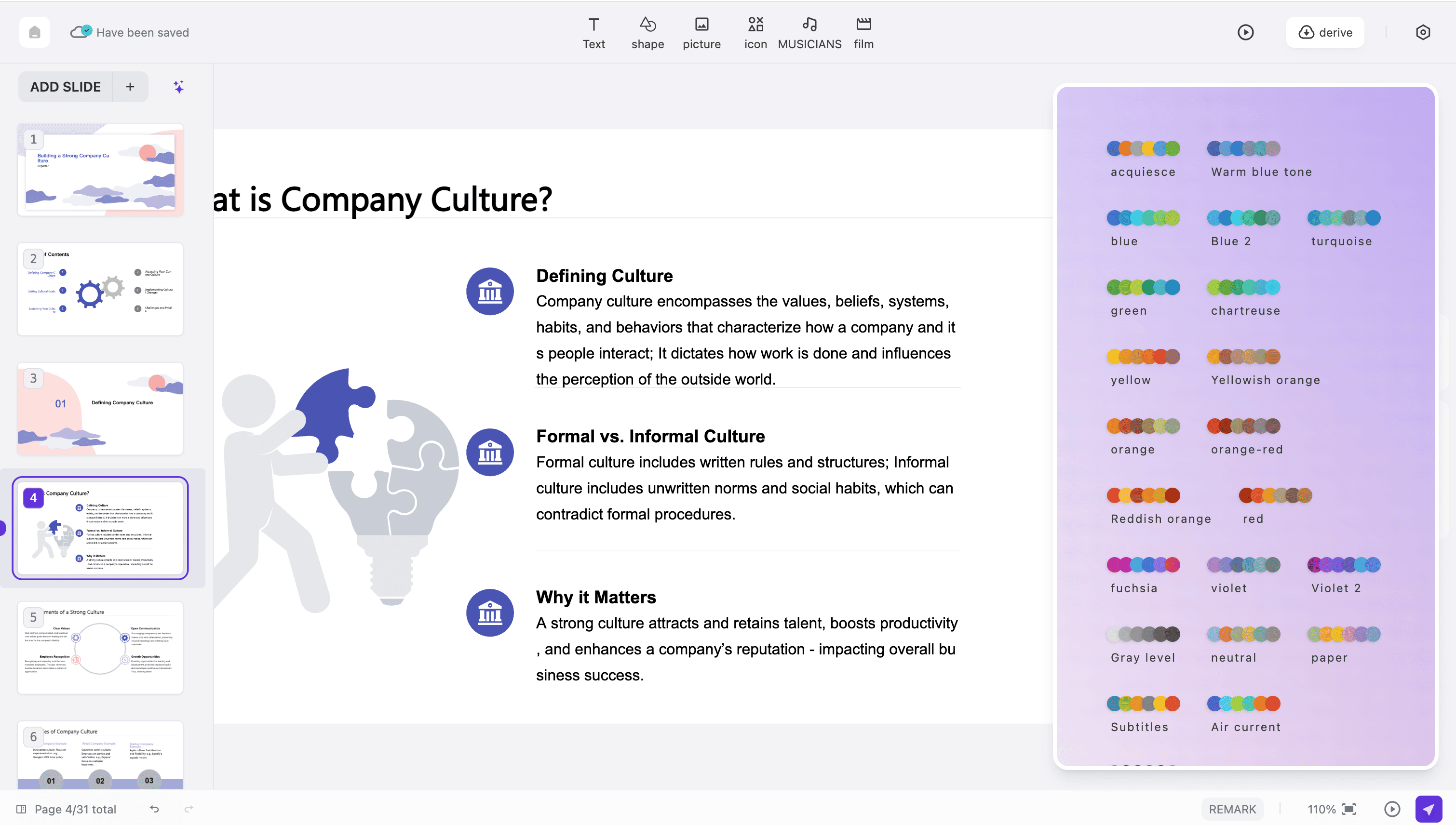
Rehearse the ending
Read the ai keynote aloud with the slides visible. Check the time spent on examples and transitions, not just the slide count. End with a clear implication or invitation, then test the exported file on the equipment you will use.
Adapt an ai keynote to the occasion without losing the central idea. The same speaker may need a different opening, example and closing for each audience.
Conference talks
An ai keynote for a mixed conference audience needs shared context before specialist detail. Define your terms, choose an example people can picture and make clear what your evidence can and cannot establish.
Company direction
Use ai keynote to explain the reason behind a strategic choice. Connect the current situation to the intended change, acknowledge tradeoffs and finish with what different teams need to understand or do next.
Product launches
Build an ai keynote around the problem a product addresses and a concrete demonstration of its behavior. Keep future plans distinct from capabilities available now. Give the audience a clear next step after the reveal.
Community events
An ai keynote can connect a local experience with a wider question. Represent other people's stories accurately, obtain permission where needed and choose language that welcomes listeners with different backgrounds.
Research addresses
For an ai keynote based on research, make the question understandable before introducing the method. Preserve uncertainty and explain the importance of the finding without turning correlation or early evidence into a stronger claim.
Leadership reflections
Use ai keynote to examine a decision, its consequences and what changed in your thinking. Specific moments are more useful than generic advice. Share only experiences you can responsibly discuss with that audience.
ai keynote: Before you take the stage
Practical answers about storytelling, timing, evidence and delivering a presentation from the software available to you.
Does ai keynote mean Apple Keynote?
Here ai keynote describes a keynote-style presentation workflow in PPT.AI. It is not Apple's Keynote application, and this page does not promise a native .key file. Check the formats offered by your project before planning delivery.
How long should the opening be?
An ai keynote opening should establish relevance before background overwhelms the listener. Rehearse it with the whole talk and adjust the time to the event's actual limit.
Can I begin from a written speech?
Yes, use the speech as source material for ai keynote and identify the argument, examples and closing. Rewrite for visual support instead of placing complete paragraphs on slides.
Where can I develop supporting material?
For an ai keynote grounded in a report, use doc to ppt ai to select the source material. For the broader slide-building process, explore ai slide deck generator.
How many ai keynote slides do I need?
There is no fixed count. A complex diagram may need several minutes, while a visual transition may take seconds. Let your rehearsal determine the number and pace.
Can ai keynote invent a speaker story?
Do not present invented experiences as your own. Supply a real example or clearly identify a hypothetical scenario, then verify details before including it in the talk.
What makes an ai keynote closing effective?
Return to the central idea with a concrete implication.
Will ai keynote animations transfer between apps?
Do not assume all effects behave identically after export. Test the actual file in your presentation software, including fonts, embedded media, transitions and any links you intend to use.
Is ai keynote generation included in my account?
Review the access and cost shown for the selected mode.
What ai keynote checks should I make at the venue?
Test the screen ratio, text size, contrast and presentation controls.
Discover More PPT AI Products
Unlock even more with PPT AI suite of intelligent solutions



 AI Keynote:






ai keynote: Talks for different rooms