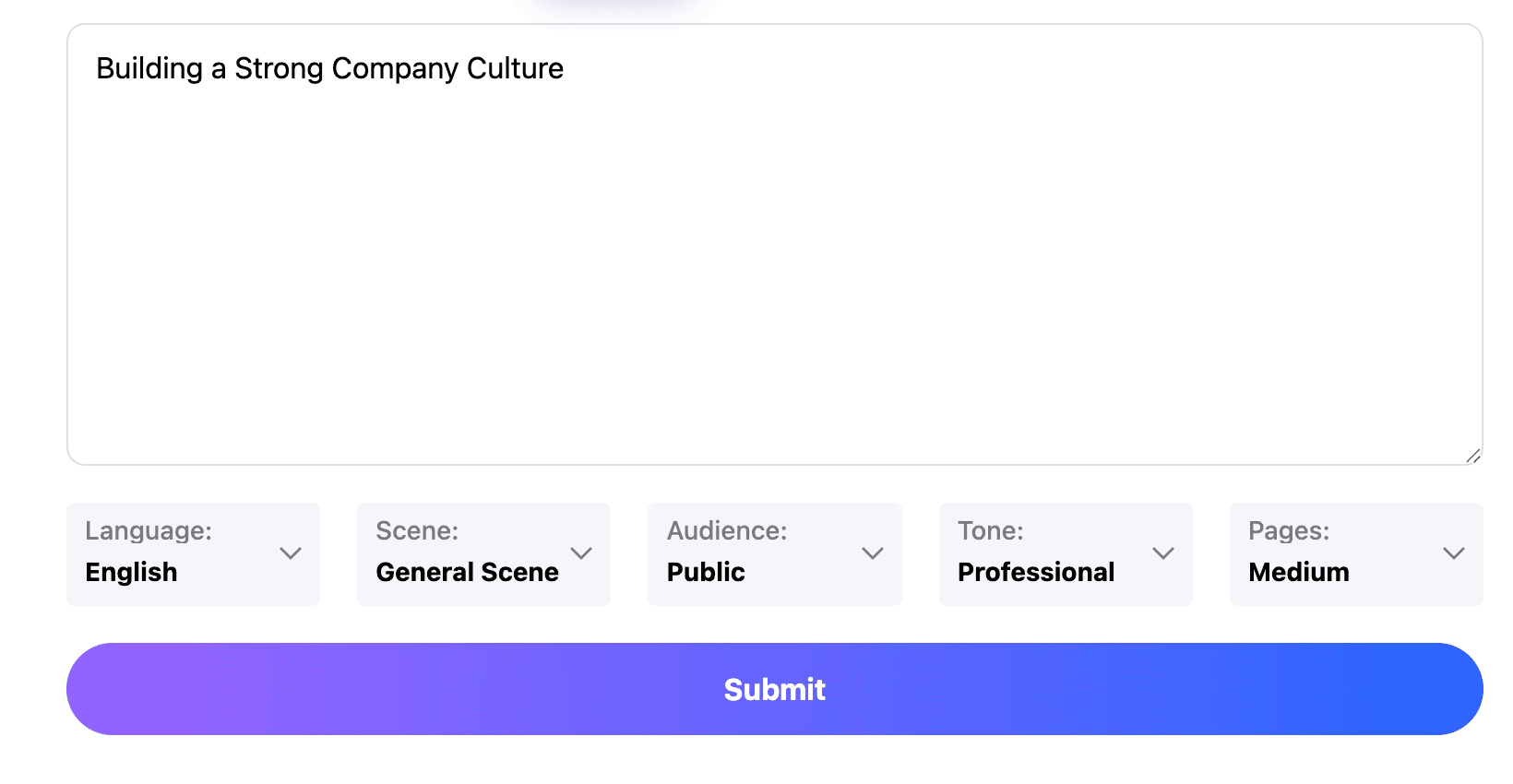
Professional
Creative
Standard
Text
Upload
Url
YouTube
Image
Submit
Drag and drop a file to create a PPT
Supports DOC, DOCX, PDF, PPT, PPTX, TXT, MD, XLS, XLSX, CSV, HTML, EPUB, MOBI, XMIND, and MM files under 10MB
Choose a File
Submit
Submit
Drag and drop a file to create a PPT
Supports PNG, JPG, JPEG, and BMP files under 5MB
Choose a IMAGE

doc to ppt ai: Select what deserves a slide

Start doc to ppt ai with the sections that support one purpose: a decision, an explanation or a request. Separate the main argument from appendices. Give doc to ppt ai the audience and intended duration so the outline does not treat every paragraph as equally important.
Work from your document

doc to ppt ai: Keep evidence attached to claims

With doc to ppt ai, retain units, time periods and the conditions behind a result. Turn a dense table into one comparison only when that comparison is supported by the source. Review doc to ppt ai wording for missing qualifications, especially when an estimate sounds more certain after summarizing.
Work from your document

doc to ppt ai: Rewrite for the room

Use doc to ppt ai to develop a sequence that listeners can follow without reading the report first. Introduce unfamiliar terms before using them, and give each slide a concrete point. A doc to ppt ai draft still needs an editorial pass: remove repeated context, shorten headings and choose which details belong in your spoken explanation.
Work from your document

doc to ppt ai: From pages to a presentation

Build a doc to ppt ai brief around what your audience must decide. Your document supplies the evidence; the presentation supplies a clear route through it.
Step 1
Step 2
Step 3

Prepare a useful source

Before doc to ppt ai, identify the current document version. Check which file formats the upload control accepts, then add the audience, scope and desired outcome to the brief.

Approve the story

Read the doc to ppt ai outline against the source. Look for the problem, supporting evidence and next action. Move a section when the argument needs it, and choose an available template once the content order makes sense.

Inspect the delivered file

After doc to ppt ai, verify names, numbers and any citations. Review the export options shown for your account and chosen mode. Open the downloaded result in the application you will use, checking layout and editability before sharing it.
Work from your document

doc to ppt ai: Documents with different jobs

Choose a doc to ppt ai approach that fits the source. A proposal, a research paper and a procedure each need a different order and level of detail.
Project proposals
Use doc to ppt ai to connect the requested work with the problem it solves. Keep scope, assumptions and the approval required together, so a persuasive summary does not hide the practical conditions of the proposal.
Research papers
A doc to ppt ai outline can follow question, method, finding and limitation. Preserve the study population and uncertainty. An attractive chart should help explain the evidence, not make a narrow finding appear universal.
Operating procedures
Give doc to ppt ai the sequence, responsible roles and critical exceptions. Use a separate slide for a decision point that changes the process.
Client reports
Shape doc to ppt ai around what changed, why it matters and what the client should do next. Separate observed results from recommendations. Label reporting periods clearly when the source compares several months or business units.
Course readings
With doc to ppt ai, select the ideas students must understand before a discussion. Add a worked example and a question that tests interpretation.
Policy briefs
Use doc to ppt ai to distinguish the current situation, available choices and consequences. Preserve exceptions and effective dates.

doc to ppt ai: Practical questions

Answers about source selection, faithful summaries and the checks that matter when a written document becomes slides.

What does doc to ppt ai do here?

This doc to ppt ai workflow uses PPT.AI to develop a presentation from written material. You select the relevant source, review the proposed structure and refine the slides.

Can I keep my document layout?

Treat doc to ppt ai as a new presentation structure. Check the resulting arrangement rather than expecting the document's page breaks, tables and typography to remain unchanged.

What if the source is very long?

For doc to ppt ai, narrow the scope to one audience and purpose. Work with relevant sections and keep supplementary detail in a separate reference document.

Which related workflow should I use?

If doc to ppt ai starts from a classroom reading, explore ai presentation maker for teachers for lesson planning. For a speech built around the document's central argument, see ai keynote.

Can doc to ppt ai use a scanned document?

Check the available upload workflow and inspect the extracted content. Poor scans, unusual fonts and complex tables may need correction before the material can support reliable slides.

Will doc to ppt ai make editable charts?

Do not assume so. Check the generated representation and exported objects. If a chart matters, compare its categories, values, units and labels with the original table.

How do I preserve context in doc to ppt ai?

Include definitions and important exceptions in your brief. During review, compare each strong claim with the surrounding passage in the source, not just a matching sentence.

Does doc to ppt ai offer every format?

Available exports can depend on the selected workflow and account.

Is doc to ppt ai always free?

Check current account access and any cost displayed before generation or export.

When is my doc to ppt ai result ready?

Rehearse it aloud, verify the evidence and test it on the presentation device. The deck is ready when its message remains clear without asking the audience to read the original report first.

Discover More PPT AI Products

Unlock even more with PPT AI suite of intelligent solutions

PPT AI Blog

Explore premium articles to learn how to maximize your use of PPT AI for better presentations.
Try PPT.AI Today
Start here, better presentations instantly.
Start for free
Help us understand?
What was the reason you didn't complete your payment?
Continue payment
Submit feedback