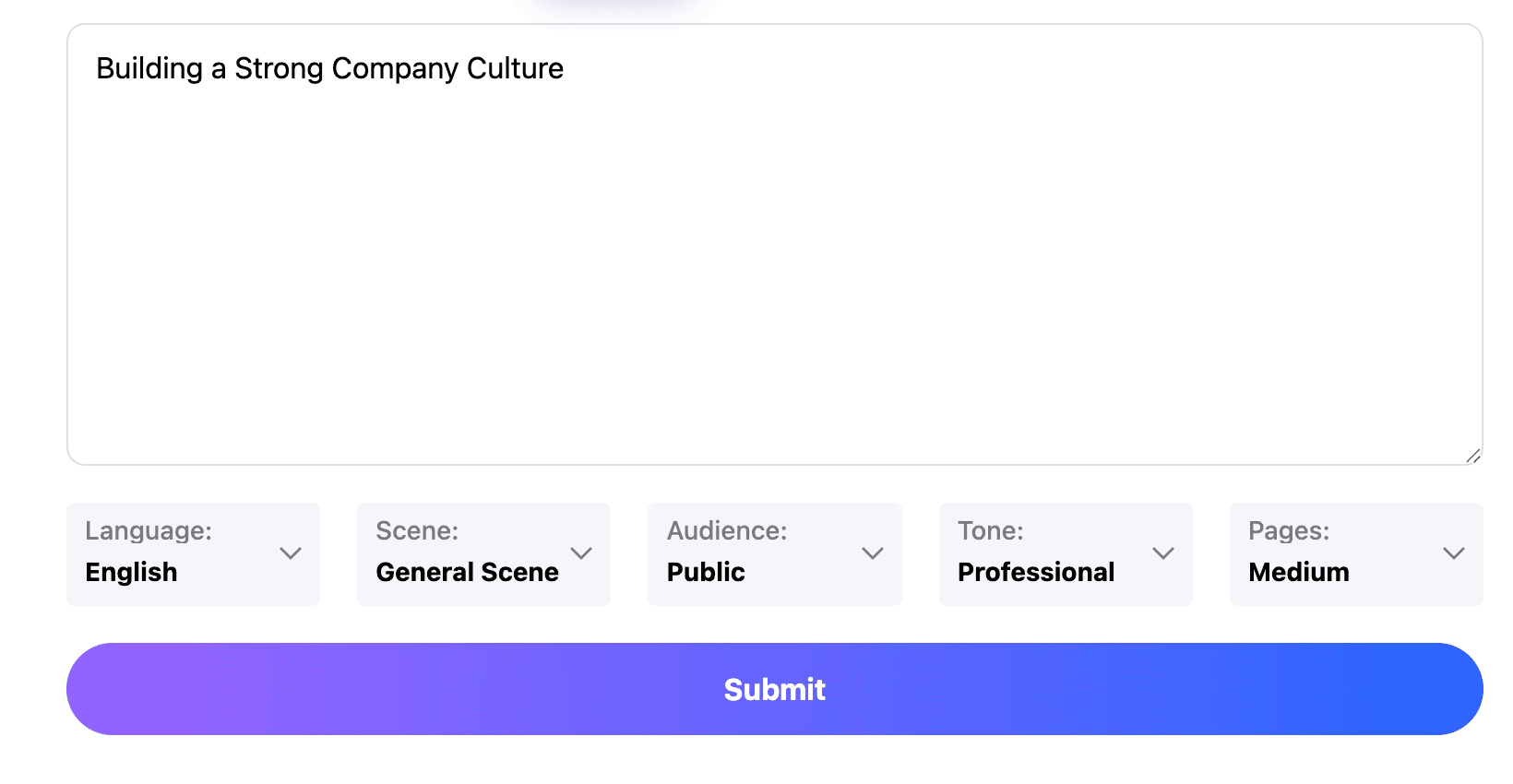
Professional
Creative
Standard
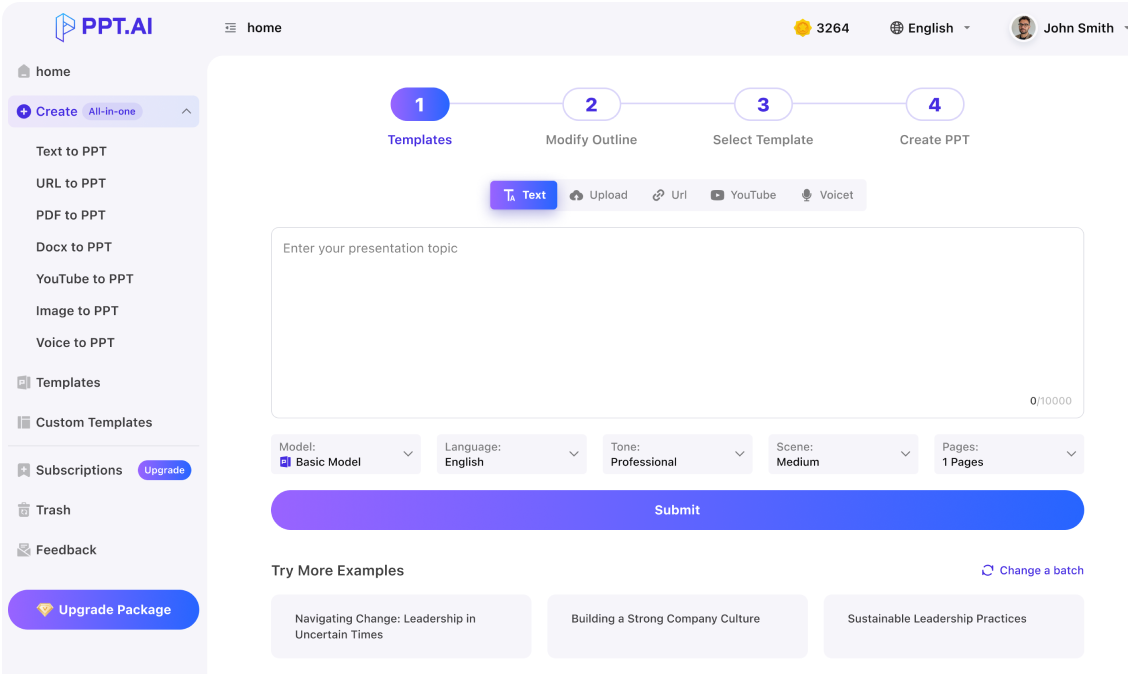
Text
Upload
Url
YouTube
Image
Submit
Drag and drop a file to create a PPT
Supports DOC, DOCX, PDF, PPT, PPTX, TXT, MD, XLS, XLSX, CSV, HTML, EPUB, MOBI, XMIND, and MM files under 10MB
Choose a File
Submit
Submit
Drag and drop a file to create a PPT
Supports PNG, JPG, JPEG, and BMP files under 5MB
Choose a IMAGE

ai生成ppt begins with a useful brief

Give ai生成ppt the meeting purpose, audience and required decision. Separate confirmed results from ideas still being explored. Include essential figures with their units and dates. This keeps ai生成ppt focused; not every sentence needs a slide.
Start with your notes

Let ai生成ppt organize the explanation

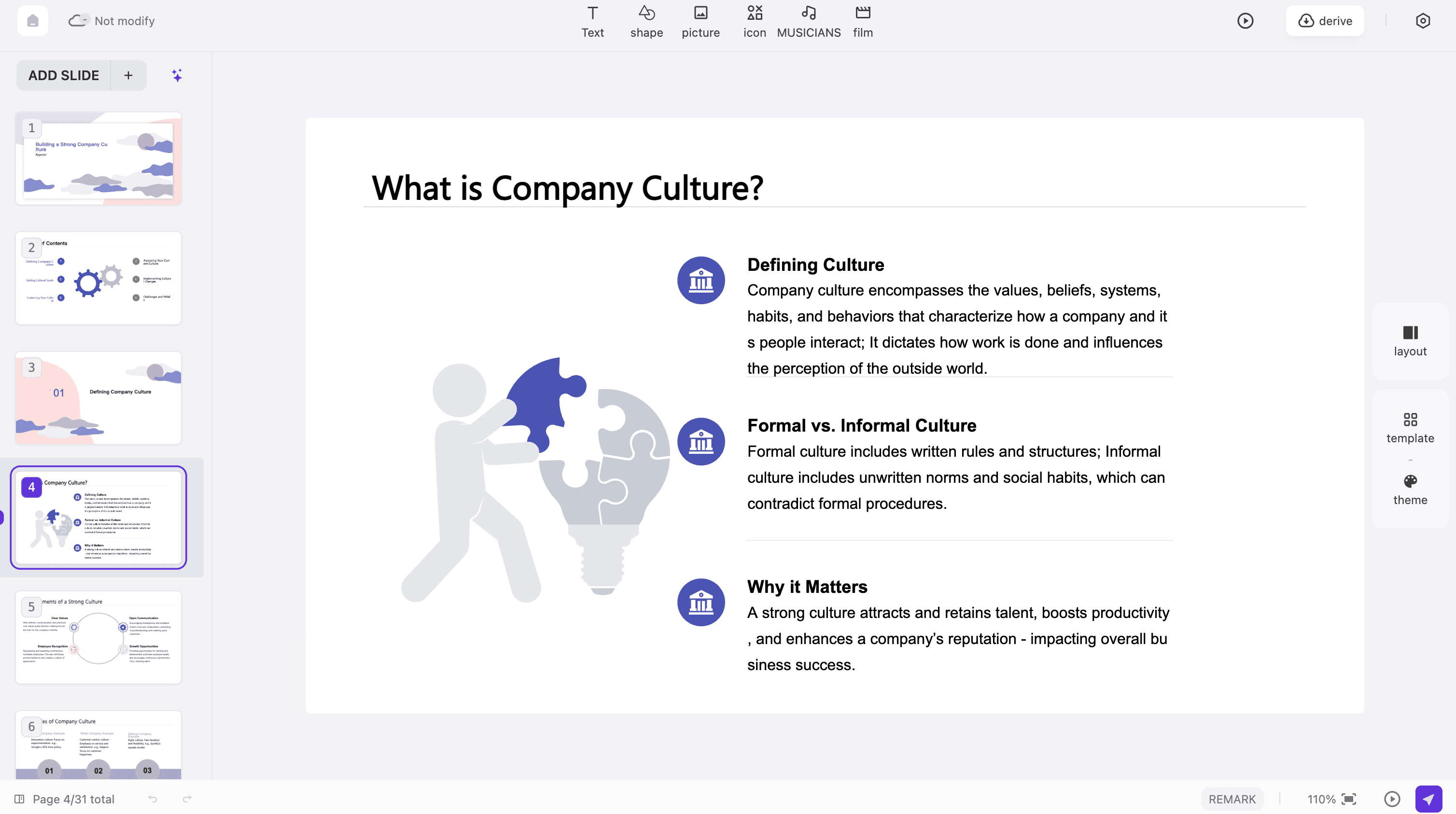
Review the proposed sequence before choosing decorative details. With ai生成ppt, a useful outline might move from the current situation to evidence, options and a recommendation. Make each heading explain its slide. Combine overlapping sections so ai生成ppt produces a story you can deliver.
Start with your notes

Make the ai生成ppt result your own

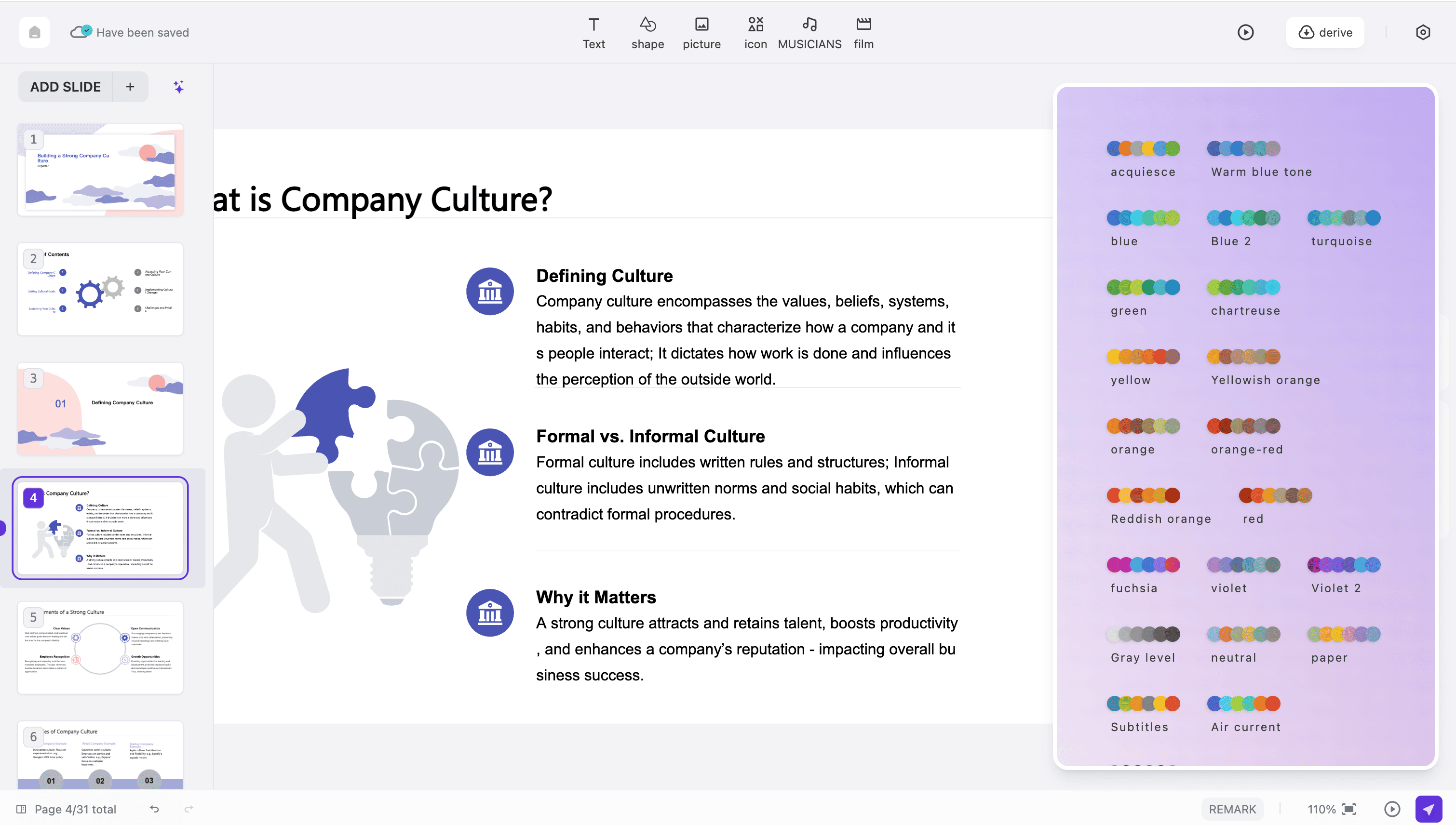
Treat the first ai生成ppt deck as a working draft. Replace vague conclusions with your actual findings, shorten paragraphs and check every number against the source. Preview at presentation size to check small labels and contrast. Before sharing an ai生成ppt result, inspect the available export format and reopen the file.
Start with your notes

ai生成ppt in three practical steps

Use ai生成ppt to move from a defined task to an outline and a reviewed presentation, keeping the audience’s next decision in view.
Step 1
Step 2
Step 3

Name the task

For ai生成ppt, describe the meeting and what should happen afterwards. Add your source notes, required terminology and intended length. Mark missing figures clearly so guesses do not become apparent facts.

Approve the outline

Read the ai生成ppt outline as someone unfamiliar with the project. Put the important finding early, keep supporting details nearby and remove detours before selecting the available visual style.

Check the final deck

Use ai生成ppt to develop the slides, then review names, numbers, wording and spacing. Rehearse once and test the available download on the device you will use for the meeting.
Start with your notes

Where ai生成ppt helps

Choose an ai生成ppt starting point that matches your material.
Weekly progress
Give ai生成ppt completed work, unresolved issues and next actions. Separate achievements from plans and assign each decision an owner.
Proposal review
Use ai生成ppt to connect a problem with a practical recommendation. Explain the alternatives considered, the assumptions behind the estimate and the exact approval needed from the audience.
Class assignment
An ai生成ppt assignment explains a question, evidence and conclusion. Keep references beside the material and use language you can explain when your teacher asks questions.
Product walkthrough
Prepare an ai生成ppt walkthrough around one customer task. Show the starting problem, the relevant product behavior and the outcome, using examples you can demonstrate rather than broad promises.
Project handover
An ai生成ppt handover should leave the next person able to act. Include current status, dependencies, contact points and unresolved choices, with dates that make the information easy to interpret.
Reading discussion
Turn reading notes into an ai生成ppt discussion by selecting a central argument and a few passages that support it. Distinguish the author’s claims from your interpretation, then end with a question.

Questions about ai生成ppt

Understand what to prepare, what to review and how to judge whether your presentation is ready.

What does ai生成ppt mean on this page?

Here, ai生成ppt describes making a presentation with PPT.AI from a topic or suitable source material. You review the proposed structure and refine the slides; the draft does not replace your knowledge of the subject.

How much should I write before starting?

Give ai生成ppt enough context to identify the audience, purpose and main facts. A focused paragraph and a short set of notes are more useful than a large collection of unrelated text.

Can I keep Chinese names and terminology?

Yes. Put the exact wording in your ai生成ppt brief, then verify it throughout the result. Pay particular attention to abbreviations, names with similar characters and units attached to figures.

Which related workflow should I choose?

For ai生成ppt built around an existing document, see doc to ppt ai. If the main task is preparing a talk, explore ai keynote and start with the message your audience should remember.

Must every note become a slide?

No. With ai生成ppt, keep the material that supports the presentation’s goal. Reference details can remain in your notes; a shorter explanation is often easier to follow than a complete document on screen.

How do I review generated facts?

Compare ai生成ppt claims with the material you supplied. Check dates, totals and quotations individually. Remove unsupported statements instead of assuming a polished sentence is evidence that the information is correct.

Can I change the structure?

Review and refine the ai生成ppt outline before the final slides. A change in audience or purpose may need a different sequence, not simply a new cover title.

Will all output remain editable?

For ai生成ppt, inspect the export options offered by your selected workflow and account. Open a sample in the destination application and check text, charts and images; their behavior can differ by format.

Is ai生成ppt always free?

Check the cost displayed in your account before generating or exporting. The ai生成ppt keyword does not imply unlimited free use, and availability can vary with the selected mode and plan.

What is the last check before sharing?

Read your ai生成ppt deck aloud. Check that opening, evidence and closing request connect, the file opens, and the audience has enough context.

Discover More PPT AI Products

Unlock even more with PPT AI suite of intelligent solutions

PPT AI Blog

Explore premium articles to learn how to maximize your use of PPT AI for better presentations.
Try PPT.AI Today
Start here, better presentations instantly.
Start for free
Help us understand?
What was the reason you didn't complete your payment?
Continue payment
Submit feedback