Professional
Creative
Standard
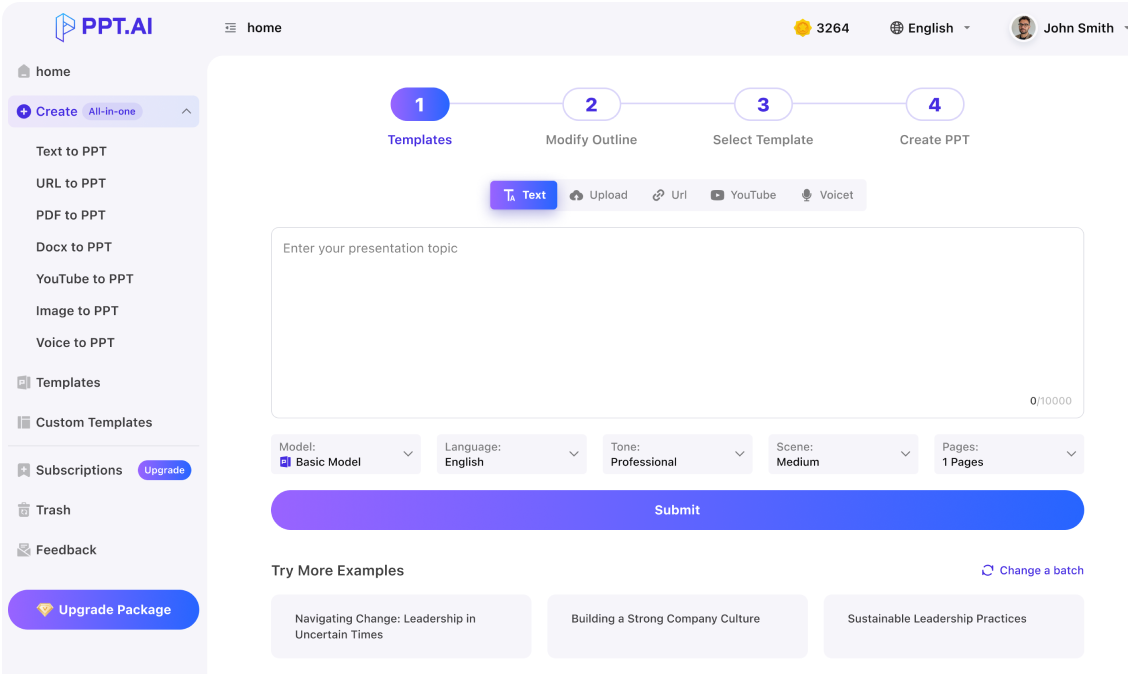
Text
Upload
Url
YouTube
Image
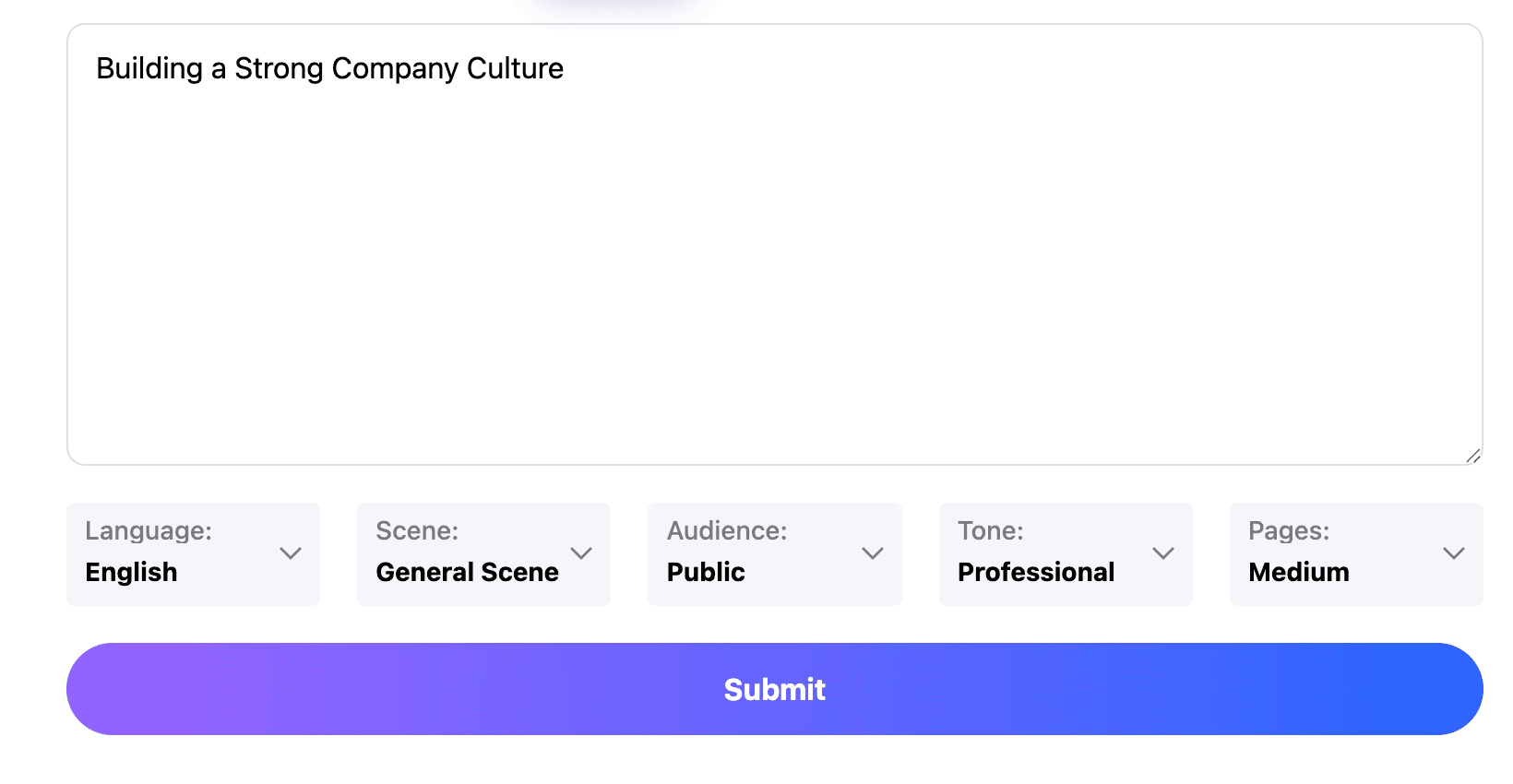
Submit
Drag and drop a file to create a PPT
Supports DOC, DOCX, PDF, PPT, PPTX, TXT, MD, XLS, XLSX, CSV, HTML, EPUB, MOBI, XMIND, and MM files under 10MB
Choose a File
Submit
Submit
Drag and drop a file to create a PPT
Supports PNG, JPG, JPEG, and BMP files under 5MB
Choose a IMAGE

Give パワポ ai a clear communication task

A good slide explains one point. Tell パワポ ai whether you are explaining a result, requesting approval or introducing an idea. State prior knowledge, unfamiliar concepts and available time. Include exact product names and required technical terms. A specific パワポ ai brief reduces unfocused rewriting.
Prepare your slides

Use パワポ ai to shape readable content

A document paragraph rarely belongs unchanged on a slide. Review パワポ ai content for the conclusion, the supporting reason and the detail that proves it. Write meaningful headings and split sections containing separate arguments. For Japanese text, examine line endings and the balance between kanji, kana and Latin terms. The パワポ ai result should remain comfortable to read from a distance.
Prepare your slides

Check パワポ ai across the handoff

The presentation may look different when another person opens it. After using パワポ ai, inspect available formats and test the export in your team’s application. Check fonts, line breaks and image placement. Keep a revisable version for feedback. This パワポ ai review checks the handoff; objects and effects may transfer differently.
Prepare your slides

パワポ ai: A simple preparation flow

Use パワポ ai to connect the listener’s needs with a readable explanation, then check the handoff before the presentation leaves your desk.
Step 1
Step 2
Step 3

Define the listener

Start パワポ ai with the audience, the meeting type and a one-sentence takeaway. Supply required wording and relevant source facts, including dates or comparison periods that give numbers their meaning.

Build the explanation

Review the パワポ ai outline before selecting a visual direction. Arrange the conclusion, reasons and examples so listeners do not need to wait until the end to understand why the topic matters.

Rehearse and deliver

Read the パワポ ai slides aloud, reduce crowded passages and inspect the final file. Confirm that the closing request is specific and that the presentation can be delivered within the available time.
Prepare your slides

Practical uses for パワポ ai

Adapt パワポ ai to the occasion rather than forcing every talk into the same outline. Each example starts from a different audience need.
Internal approval
Use パワポ ai to prepare a proposal with a clear request. State the expected benefit, cost assumptions and unresolved risks so a manager can see what decision is being asked of them.
Customer explanation
A パワポ ai customer deck should answer the customer’s question before describing every feature. Choose examples close to their situation and make the next discussion step easy to identify.
Seminar introduction
Prepare a パワポ ai introduction that explains the topic’s relevance and defines unfamiliar terms. Keep the opening short enough to leave space for examples and questions during the main session.
Team learning
Use パワポ ai for a short learning session built around a practical task. Explain the principle, show an example and include a question that reveals whether participants understood the difference.
Research briefing
A パワポ ai briefing can separate the research question, method and finding. Preserve limitations and reference information so simplifying the presentation does not change the strength of the evidence.
Project closeout
Create a パワポ ai closeout that compares the original objective with the actual outcome. Explain what changed, what the team learned and which work should continue after the project ends.

パワポ ai: Common questions

Guidance on Japanese text, presentation structure and preparing a file that others can review.

Is パワポ ai a Microsoft product here?

No. This パワポ ai page describes a workflow in PPT.AI. It is not a claim of Microsoft affiliation. Check the formats offered in your selected workflow when you need to open the result in PowerPoint.

Can I prepare Japanese content?

Include the language and exact terminology in your パワポ ai instructions. Review names, punctuation and line breaks after generation, especially when the source combines Japanese text with English abbreviations.

Should I begin with a conclusion?

For a decision meeting, give パワポ ai the conclusion or proposal early. For a lesson or explanation, a short question may work better. Match the opening to the audience’s reason for listening.

Where can I find another starting point?

When your パワポ ai material is already written, see doc to ppt ai. For lesson planning, ai presentation maker for teachers explains a classroom-focused approach.

How much text should fit on a slide?

There is no useful universal limit for パワポ ai slides. Preview at the size of the actual display. If the audience must read a paragraph while listening to a different explanation, simplify the slide.

What should I do about font changes?

Open the パワポ ai export on the destination device. If text wraps differently, check font availability and revise crowded areas. A clean browser preview alone does not establish identical rendering elsewhere.

Can I use an existing outline?

Yes. Give パワポ ai your section order and explain which parts must remain. Still review the transitions: headings that work in a document may need clearer connections in a spoken presentation.

How do I make the deck less generic?

Add concrete facts, examples and audience questions to the パワポ ai brief. Replace statements such as “improve efficiency” with the specific task, observed issue and intended change you can support.

Are generation and downloads free?

Review your account’s available options and displayed cost before using パワポ ai. Different modes or export choices may have different requirements; this page does not promise unlimited generation or downloads.

What makes the final slide useful?

Close a パワポ ai presentation with a memorable point, required decision or action. A concise ending helps the audience continue the conversation.

Discover More PPT AI Products

Unlock even more with PPT AI suite of intelligent solutions

PPT AI Blog

Explore premium articles to learn how to maximize your use of PPT AI for better presentations.
Try PPT.AI Today
Start here, better presentations instantly.
Start for free
Help us understand?
What was the reason you didn't complete your payment?
Continue payment
Submit feedback