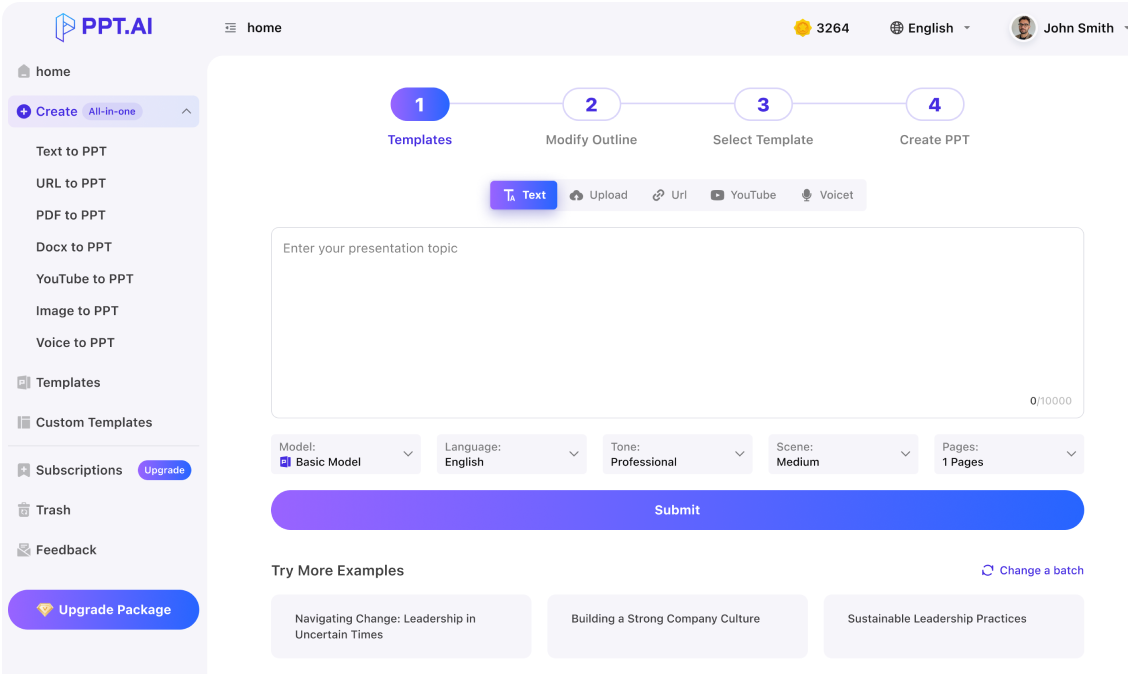
Use an ai presentation maker for teachers to plan a lesson students can follow.

Professional
Creative
Standard
Text
Upload
Url
YouTube
Image
Basic Model
English
简体中文
繁體中文
日本語
한국어
Français
Русский
العربية
Deutsch
Español
Italiano
Português
ภาษาไทย
Bahasa Melayu
Tiếng Việt
Türkçe
Bahasa Indonesia
General Scene
Teaching Materials
Work Summary
Work Plan
Project Report
Solution
Research Report
Meeting Materials
Product Introduction
Company Introduction
Business Plan
Science Popularization
Public Speaking
Public
Students
Teachers
Superiors
Subordinates
Interviewer
Colleagues
Professional
Friendly
Technical
Persuasive
Academic
Inspirational
Educational
Humorous
Concise
Medium
Short
Long
Submit
Drag and drop a file to create a PPT
Supports DOC, DOCX, PDF, PPT, PPTX, TXT, MD, XLS, XLSX, CSV, HTML, EPUB, MOBI, XMIND, and MM files under 10MB
Choose a File
Basic Model
English
简体中文
繁體中文
日本語
한국어
Français
Русский
العربية
Deutsch
Español
Italiano
Português
ภาษาไทย
Bahasa Melayu
Tiếng Việt
Türkçe
Bahasa Indonesia
General Scene
Teaching Materials
Work Summary
Work Plan
Project Report
Solution
Research Report
Meeting Materials
Product Introduction
Company Introduction
Business Plan
Science Popularization
Public Speaking
Public
Students
Teachers
Superiors
Subordinates
Interviewer
Colleagues
Professional
Friendly
Technical
Persuasive
Academic
Inspirational
Educational
Humorous
Concise
Medium
Short
Long
Basic Model
English
简体中文
繁體中文
日本語
한국어
Français
Русский
العربية
Deutsch
Español
Italiano
Português
ภาษาไทย
Bahasa Melayu
Tiếng Việt
Türkçe
Bahasa Indonesia
General Scene
Teaching Materials
Work Summary
Work Plan
Project Report
Solution
Research Report
Meeting Materials
Product Introduction
Company Introduction
Business Plan
Science Popularization
Public Speaking
Public
Students
Teachers
Superiors
Subordinates
Interviewer
Colleagues
Professional
Friendly
Technical
Persuasive
Academic
Inspirational
Educational
Humorous
Concise
Medium
Short
Long
Submit
Basic Model
English
简体中文
繁體中文
日本語
한국어
Français
Русский
العربية
Deutsch
Español
Italiano
Português
ภาษาไทย
Bahasa Melayu
Tiếng Việt
Türkçe
Bahasa Indonesia
General Scene
Teaching Materials
Work Summary
Work Plan
Project Report
Solution
Research Report
Meeting Materials
Product Introduction
Company Introduction
Business Plan
Science Popularization
Public Speaking
Public
Students
Teachers
Superiors
Subordinates
Interviewer
Colleagues
Professional
Friendly
Technical
Persuasive
Academic
Inspirational
Educational
Humorous
Concise
Medium
Short
Long
Submit
Drag and drop a file to create a PPT
Supports PNG, JPG, JPEG, and BMP files under 5MB
Choose a IMAGE
Basic Model
English
简体中文
繁體中文
日本語
한국어
Français
Русский
العربية
Deutsch
Español
Italiano
Português
ภาษาไทย
Bahasa Melayu
Tiếng Việt
Türkçe
Bahasa Indonesia
General Scene
Teaching Materials
Work Summary
Work Plan
Project Report
Solution
Research Report
Meeting Materials
Product Introduction
Company Introduction
Business Plan
Science Popularization
Public Speaking
Public
Students
Teachers
Superiors
Subordinates
Interviewer
Colleagues
Professional
Friendly
Technical
Persuasive
Academic
Inspirational
Educational
Humorous
Concise
Medium
Short
Long
ai presentation maker for teachers: Start with learning
Give an ai presentation maker for teachers a specific objective rather than only a chapter title. Specify age, prior knowledge and what learners should explain or apply. An ai presentation maker for teachers can help arrange that material, but you choose suitable examples.
ai presentation maker for teachers: Explain one move at a time
Use an ai presentation maker for teachers to break an explanation into manageable steps. Introduce a problem, show a worked example and explain why each move is valid. Review the ai presentation maker for teachers draft for skipped reasoning or ambiguous labels.
ai presentation maker for teachers: Plan evidence of understanding
An ai presentation maker for teachers can help plan checks for understanding. Add a short prediction, comparison or application task after the explanation. Ask the ai presentation maker for teachers for a draft question, then verify its relevance and answer.
Build a lesson with an ai presentation maker for teachers by connecting an objective, an example and a question to check understanding.
Step 1
Step 2
Step 3
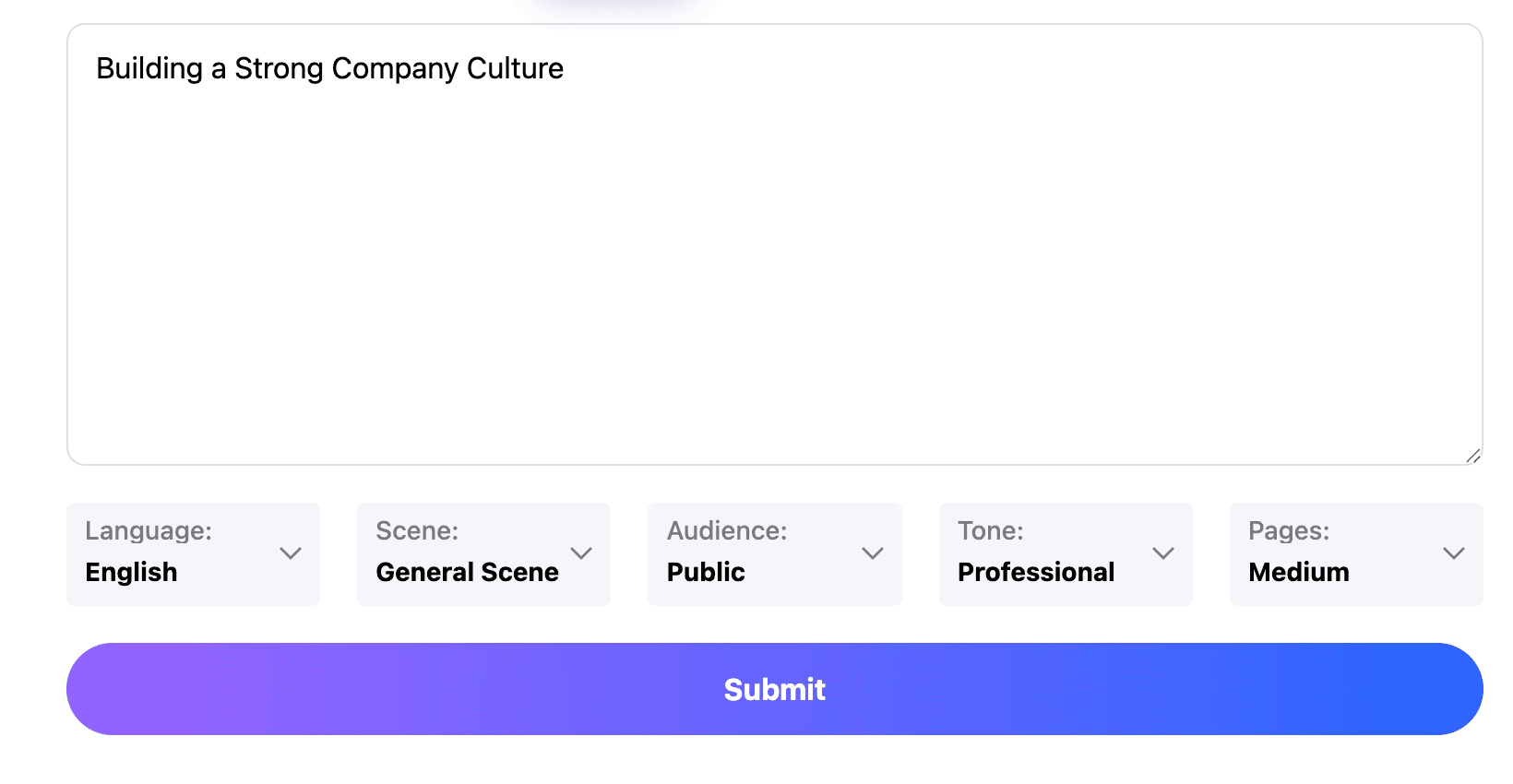
Set the lesson brief
Tell the ai presentation maker for teachers your objective, class level and time available. Add the facts or reading you want to use.
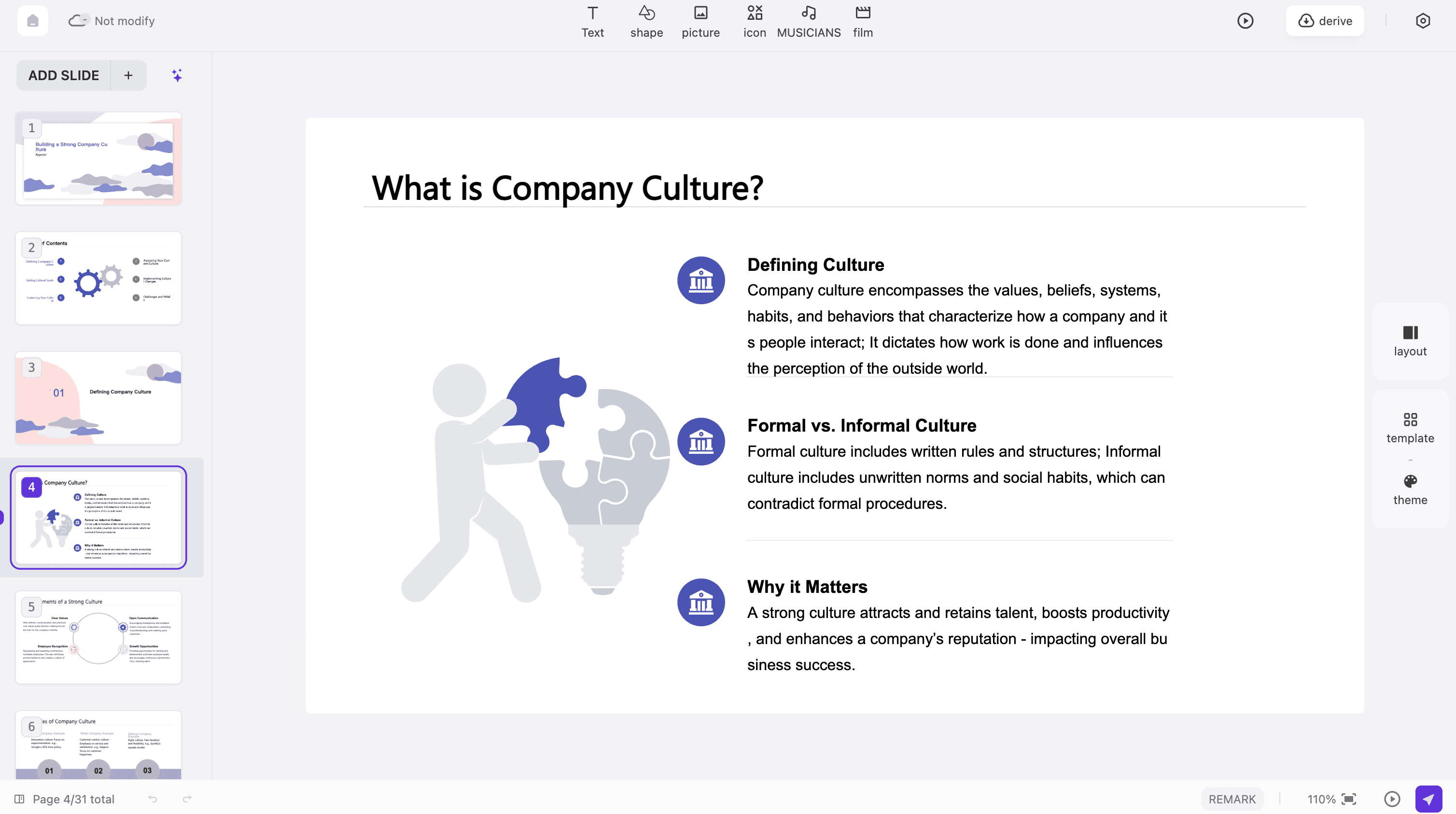
Review the teaching sequence
Inspect the ai presentation maker for teachers outline for an introduction, worked example and learner task. Choose a readable template, simplify labels and keep instructions separate from answers.
Prepare for the classroom
Preview the ai presentation maker for teachers result on a classroom-sized screen. Test the available export and keep any worksheets or source readings ready for the lesson.
ai presentation maker for teachers: Classroom uses
Choose an ai presentation maker for teachers workflow around the learning task. These examples are planning ideas, not claims about improved grades or outcomes.
Introducing a concept
Use an ai presentation maker for teachers to connect a new idea with something the class already knows. Choose one concrete example, define the key term and ask students to explain the connection in their own words.
Worked problem sequences
An ai presentation maker for teachers can organize a problem into visible stages. Supply the correct reasoning and units. Pause before the final step so learners can predict the next move and compare methods.
Reading discussions
With an ai presentation maker for teachers, select a short passage and questions about its meaning. Preserve quotations accurately, distinguish interpretation from textual evidence and leave room for students to justify different readings.
Revision sessions
Give an ai presentation maker for teachers the concepts that need revisiting. Group related ideas and include a contrasting example that exposes a misconception. Keep the session focused on retrieval and explanation, not another full lecture.
Practical demonstrations
Use an ai presentation maker for teachers to arrange materials, procedure and observation prompts. Check subject-specific safety instructions against your institution's guidance. Slides support the demonstration but do not replace required supervision.
Student presentations
An ai presentation maker for teachers can help you model a clear presentation structure. Show how a claim connects to evidence, explain the assignment criteria and let students make their own choices within the task.
ai presentation maker for teachers: Questions
Guidance for preparing classroom materials, checking explanations and adapting presentations to your learners.
Does this replace lesson planning?
No. An ai presentation maker for teachers helps draft and organize material in PPT.AI. You remain responsible for subject accuracy, curriculum alignment and classroom decisions. Review the whole sequence before using it with students.
Can I adapt a draft to different levels?
Describe prior knowledge to the ai presentation maker for teachers. Adjust vocabulary, example complexity and guidance, then check that the objective remains meaningful for the group.
Can I use existing teaching notes?
Use relevant notes as input for an ai presentation maker for teachers, separating your instructions from quoted sources. Remove private student information and verify that you may reuse any supplied material.
Where can I start from a document?
Pair an ai presentation maker for teachers with doc to ppt ai when your source is a written lesson or reading. Explore ai slide deck generator for general slide organization.
Are ai presentation maker for teachers answers reliable?
Check solutions, definitions, dates and citations yourself.
How can an ai presentation maker for teachers support accessibility?
Use readable text, clear contrast and meaningful labels. Explain important visual information aloud and provide suitable alternatives according to your learners' needs and institutional requirements.
Can an ai presentation maker for teachers use textbook material?
Check the permissions that apply to the specific material and intended use.
Should an ai presentation maker for teachers add questions everywhere?
No. Place checks where they inform the next teaching decision.
Is an ai presentation maker for teachers free?
Check the current account options and the cost displayed for your selected mode.
What ai presentation maker for teachers checks come before class?
Open the presentation on the classroom device, check the projector view and rehearse any media. Confirm that answers are not revealed too early and that your fallback materials are available.
Discover More PPT AI Products
Unlock even more with PPT AI suite of intelligent solutions
ai presentation maker for teachers: Classroom uses