Shape a focused presentation with slides ia, from first idea to final review.
Professional
Creative
Standard
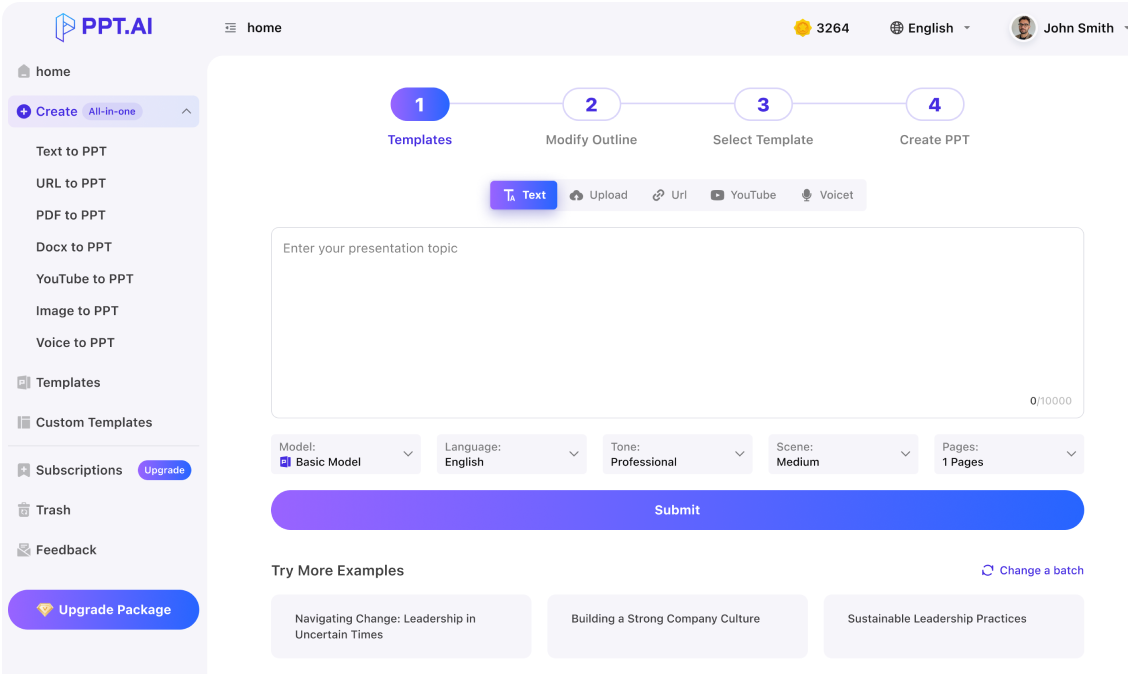
Text
Upload
Url
YouTube
Image
Basic Model
English
简体中文
繁體中文
日本語
한국어
Français
Русский
العربية
Deutsch
Español
Italiano
Português
ภาษาไทย
Bahasa Melayu
Tiếng Việt
Türkçe
Bahasa Indonesia
General Scene
Teaching Materials
Work Summary
Work Plan
Project Report
Solution
Research Report
Meeting Materials
Product Introduction
Company Introduction
Business Plan
Science Popularization
Public Speaking
Public
Students
Teachers
Superiors
Subordinates
Interviewer
Colleagues
Professional
Friendly
Technical
Persuasive
Academic
Inspirational
Educational
Humorous
Concise
Medium
Short
Long
Submit
Drag and drop a file to create a PPT
Supports DOC, DOCX, PDF, PPT, PPTX, TXT, MD, XLS, XLSX, CSV, HTML, EPUB, MOBI, XMIND, and MM files under 10MB
Choose a File
Basic Model
English
简体中文
繁體中文
日本語
한국어
Français
Русский
العربية
Deutsch
Español
Italiano
Português
ภาษาไทย
Bahasa Melayu
Tiếng Việt
Türkçe
Bahasa Indonesia
General Scene
Teaching Materials
Work Summary
Work Plan
Project Report
Solution
Research Report
Meeting Materials
Product Introduction
Company Introduction
Business Plan
Science Popularization
Public Speaking
Public
Students
Teachers
Superiors
Subordinates
Interviewer
Colleagues
Professional
Friendly
Technical
Persuasive
Academic
Inspirational
Educational
Humorous
Concise
Medium
Short
Long
Basic Model
English
简体中文
繁體中文
日本語
한국어
Français
Русский
العربية
Deutsch
Español
Italiano
Português
ภาษาไทย
Bahasa Melayu
Tiếng Việt
Türkçe
Bahasa Indonesia
General Scene
Teaching Materials
Work Summary
Work Plan
Project Report
Solution
Research Report
Meeting Materials
Product Introduction
Company Introduction
Business Plan
Science Popularization
Public Speaking
Public
Students
Teachers
Superiors
Subordinates
Interviewer
Colleagues
Professional
Friendly
Technical
Persuasive
Academic
Inspirational
Educational
Humorous
Concise
Medium
Short
Long
Submit
Basic Model
English
简体中文
繁體中文
日本語
한국어
Français
Русский
العربية
Deutsch
Español
Italiano
Português
ภาษาไทย
Bahasa Melayu
Tiếng Việt
Türkçe
Bahasa Indonesia
General Scene
Teaching Materials
Work Summary
Work Plan
Project Report
Solution
Research Report
Meeting Materials
Product Introduction
Company Introduction
Business Plan
Science Popularization
Public Speaking
Public
Students
Teachers
Superiors
Subordinates
Interviewer
Colleagues
Professional
Friendly
Technical
Persuasive
Academic
Inspirational
Educational
Humorous
Concise
Medium
Short
Long
Submit
Drag and drop a file to create a PPT
Supports PNG, JPG, JPEG, and BMP files under 5MB
Choose a IMAGE
Basic Model
English
简体中文
繁體中文
日本語
한국어
Français
Русский
العربية
Deutsch
Español
Italiano
Português
ภาษาไทย
Bahasa Melayu
Tiếng Việt
Türkçe
Bahasa Indonesia
General Scene
Teaching Materials
Work Summary
Work Plan
Project Report
Solution
Research Report
Meeting Materials
Product Introduction
Company Introduction
Business Plan
Science Popularization
Public Speaking
Public
Students
Teachers
Superiors
Subordinates
Interviewer
Colleagues
Professional
Friendly
Technical
Persuasive
Academic
Inspirational
Educational
Humorous
Concise
Medium
Short
Long
slides ia: Find the thread
Start slides ia with one sentence people should remember, then add background, examples and requests. Tell PPT.AI who is listening and why the subject matters. With slides ia, a product update can follow a customer problem, while a community talk can follow a shared question. Keep unrelated material out of the outline.
Map your argument in the slides ia outline. Define unfamiliar terms first, place evidence beside its claim and reserve space for the requested action. Choose a visual style supporting this sequence. A slides ia draft should connect pages clearly; moving a chart or splitting an explanation can help more than decoration.
Review slides ia at presentation size, where tiny labels and dense paragraphs become obvious. Give charts a unit, period and source. Read transitions aloud. Before sharing slides ia, open the available export on the device you will use. Check fonts, line breaks and object behavior there.
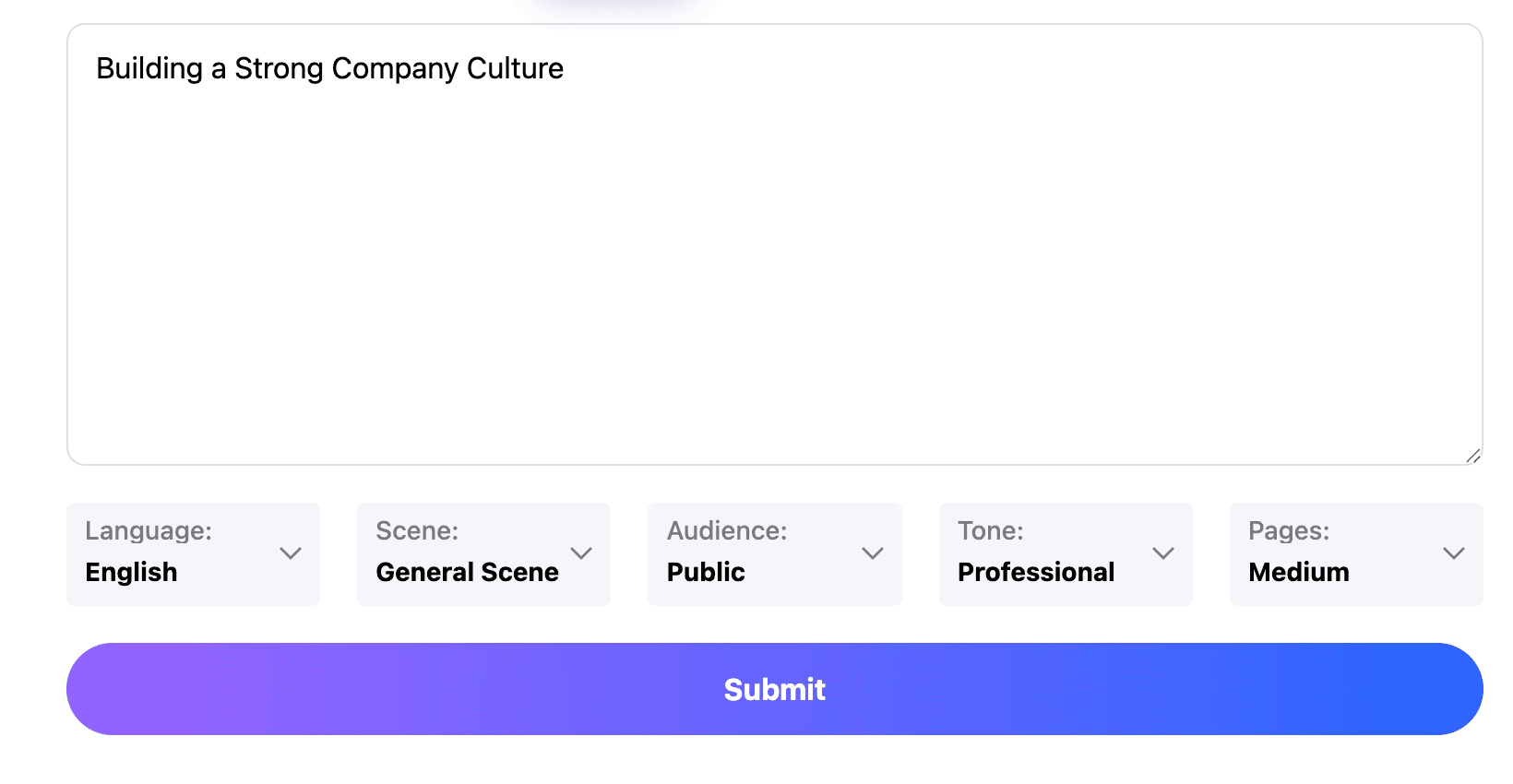
Develop slides ia in three stages: set the direction, inspect the structure and prepare an easy-to-follow delivery version.
Step 1
Step 2
Step 3
Describe the audience
Give slides ia a specific purpose, a rough duration and the points you can support. Include the question your listener is most likely to ask. Label estimates clearly so they do not become confident statements in the generated draft.
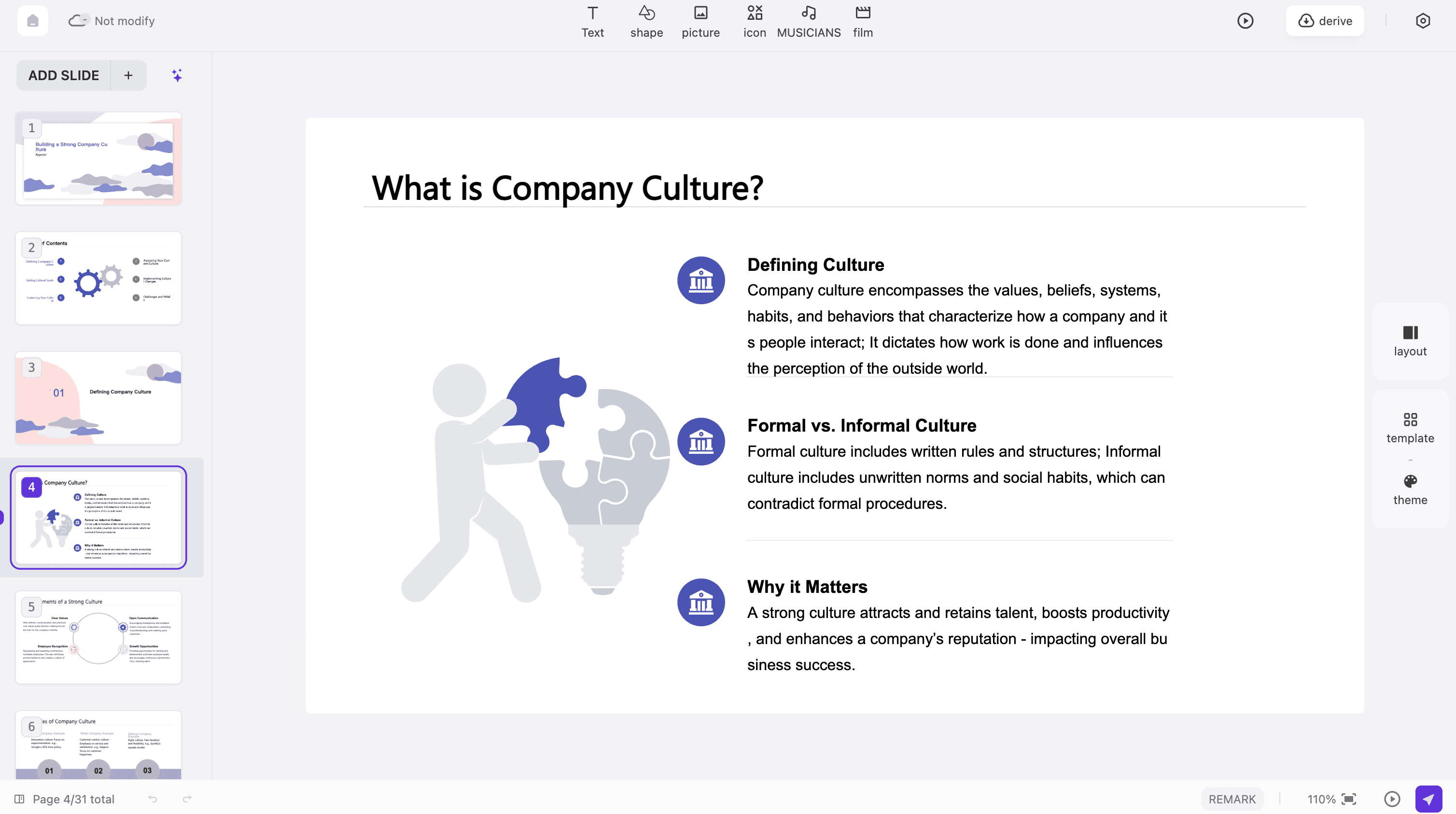
Review the outline
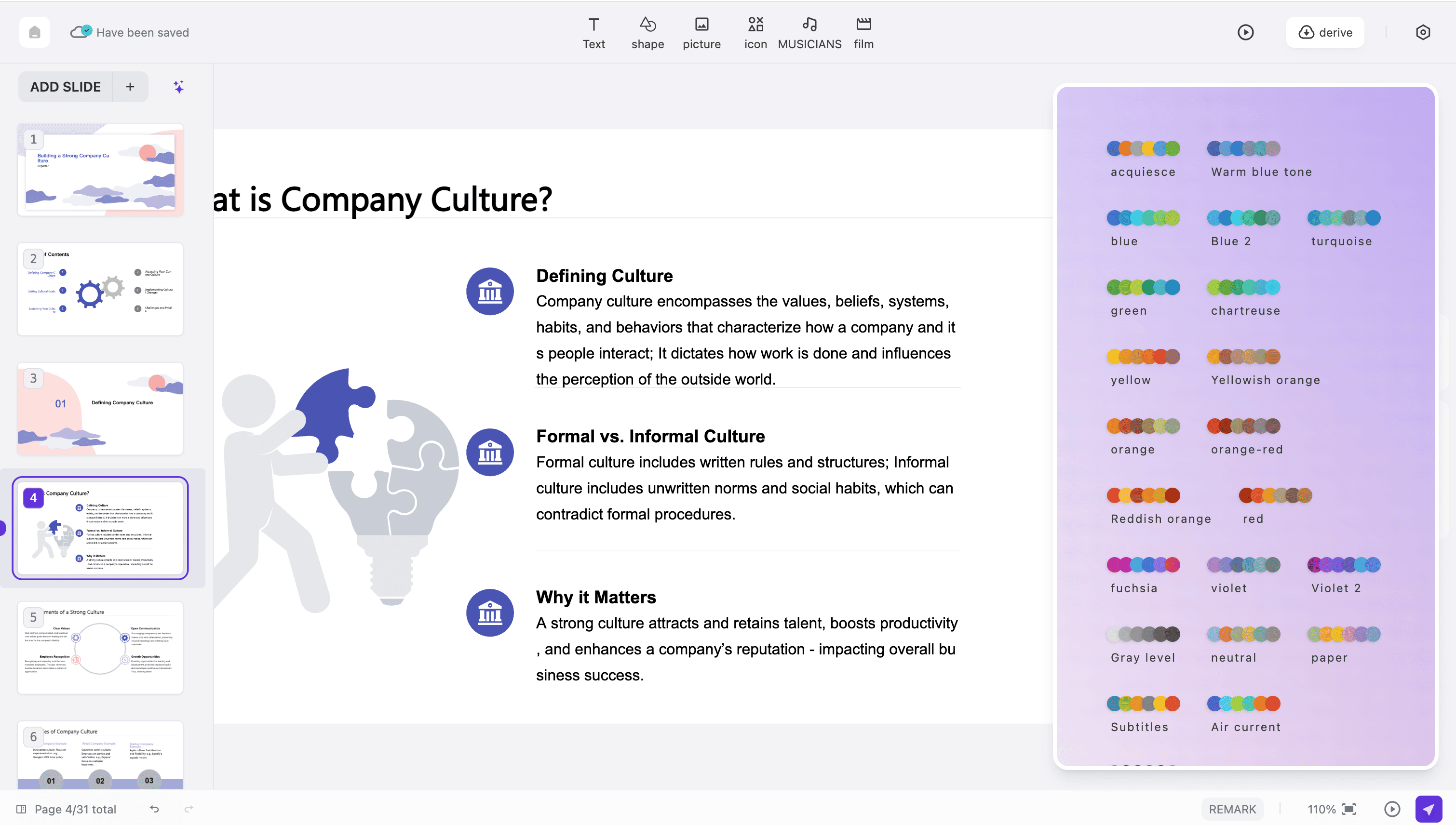
Read the slides ia structure before refining individual pages. Remove repetition and check that the ending follows from the evidence. Select a suitable template and keep the page count proportional to the time available.
Prepare to deliver
Rehearse slides ia with the actual speaking time. Shorten text you will explain aloud and preserve details readers need later. Examine the export options shown for your account, then inspect a downloaded sample before distribution.
These slides ia planning examples adapt the workflow to different messages; they are not testimonials.
A product release
Use slides ia to explain what changed, who benefits and what happens next. Show one concrete task before listing features, and distinguish a released capability from a future plan.
A local initiative
A slides ia community briefing can connect the situation, available choices and a request for participation. Identify the next-step owners and keep decisions visible.
An exhibition introduction
Organize slides ia around a theme that connects the works. Give each example enough context to be understood, use images you may share and keep credits readable without overpowering the page.
A sales conversation
Build slides ia around the prospect's stated problem. Match each proposed benefit with relevant evidence and end with a realistic next conversation rather than a broad, unsupported promise.
An internal explanation
Use slides ia to make an unfamiliar process understandable across teams. Explain the handoff points, name the person responsible and show a typical example before describing exceptions.
A short event talk
For slides ia on a small stage, choose one argument and a few memorable supporting moments. Leave time for a clear closing statement and questions instead of filling every minute with new information.
slides ia: Common questions
Practical answers about planning slides ia, shaping content and checking it before sharing.
What does slides ia refer to here?
This slides ia page is a starting point for creating presentations with PPT.AI. You provide a topic or suitable source, review the outline and refine the generated pages. It is a search phrase, not another application.
Do I need a finished script?
No. Start slides ia with reliable notes, but say which points are essential and which remain undecided. Fragments still need your editorial judgment.
Can the same content serve two audiences?
Create separate slides ia briefs when their knowledge or decisions differ. Changing a title alone is not enough.
Which related workflow should I use?
For slides ia based on a written source, see doc to ppt ai. For a spoken opening or closing argument, explore ai keynote and plan the story around what the audience hears.
How much text belongs on a page?
Keep slides ia text to what listeners must see. Move detailed explanations into your speaking plan or a separate reference document rather than shrinking the type.
Does choosing a template verify my facts?
No. A slides ia layout organizes information; it does not establish that figures or quotations are correct. Check the original source and preserve meaningful uncertainty.
Can I use my own images?
Check the input and editing options available in your chosen mode. For slides ia, use material you have permission to share and make sure important information is not embedded in an unreadable image.
Are all output elements editable?
That depends on the generated content and export format. Open a slides ia sample in the destination application and test the objects you intend to change.
Is every operation free?
Review the displayed account limits and charges before running slides ia generation or exporting. This page does not promise unlimited use or a particular allowance.
What makes a presentation ready?
A slides ia deck is ready when its argument is clear, its evidence is checked and it works in the intended setting. Rehearse once without relying on the page text as a script.
Discover More PPT AI Products
Unlock even more with PPT AI suite of intelligent solutions






 Slides IA:







slides ia: Different stories, distinct structures