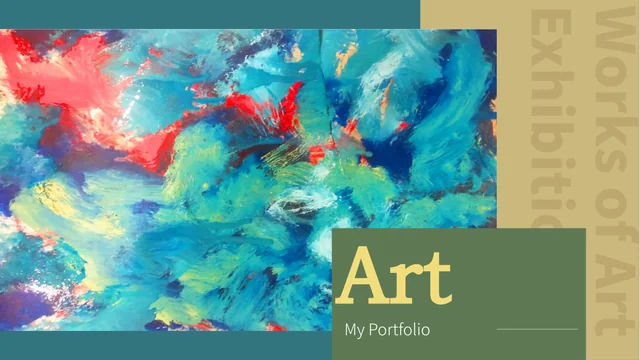
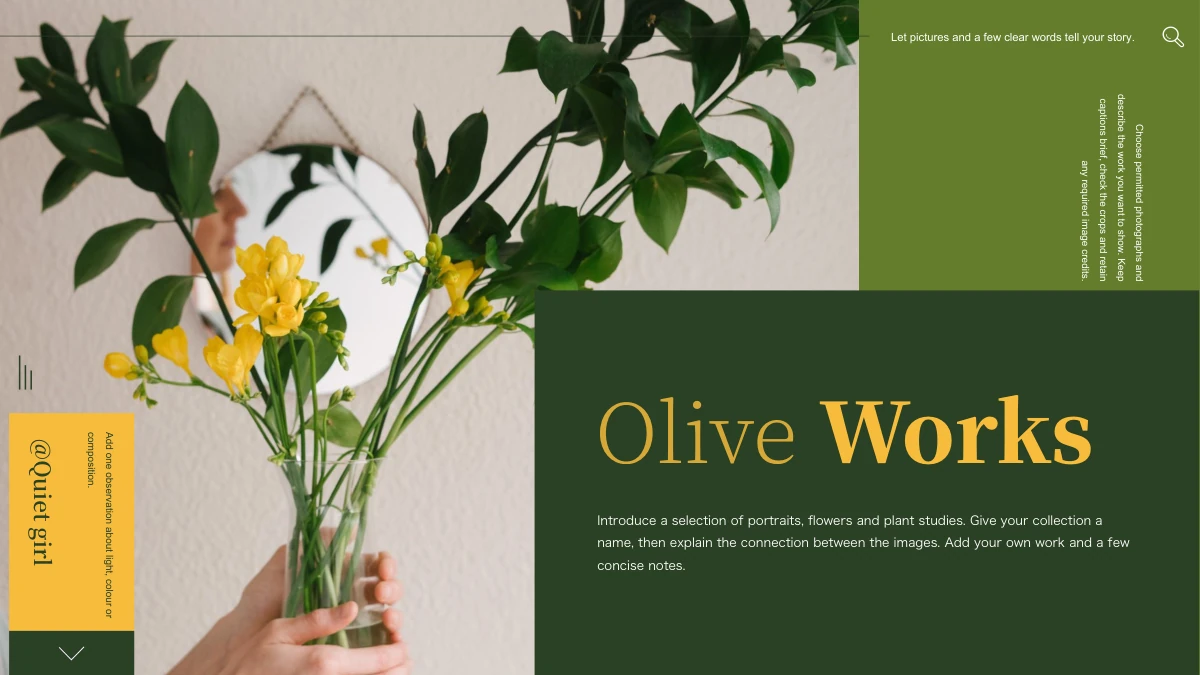
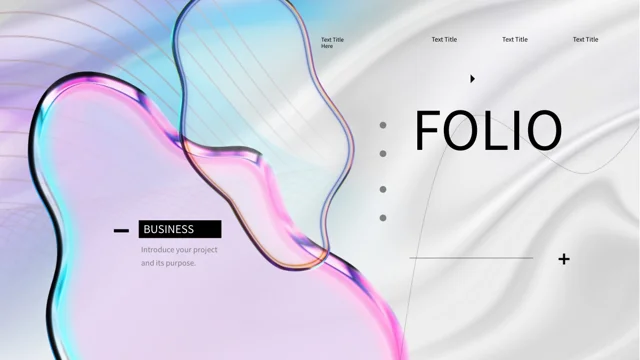
Cobalt Gold Art Portfolio Presentation Template: Fluid Textures, Painting Galleries and Cobalt Panels
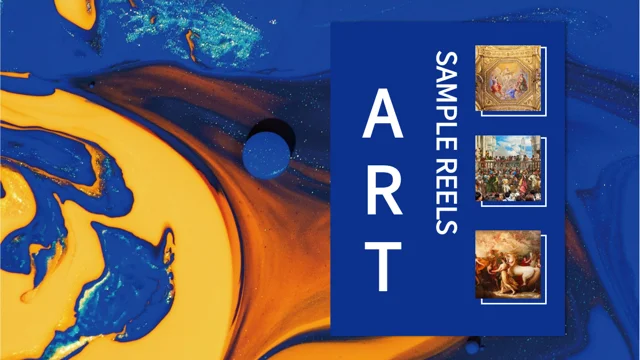
Cobalt Gold Art Portfolio Presentation Template uses blue-gold fluid imagery for its cover, contents and section transitions. Cobalt Gold Art Portfolio Presentation Template balances those textured pages with white backgrounds, cobalt blocks and open margins. Cobalt Gold Art Portfolio Presentation Template begins with three artwork thumbnails and a four-part illustrated contents page. Four matching dividers pair a large painting crop with a numbered blue panel. The content pages move between single paintings, wide image strips, six-image galleries and layered picture-and-text arrangements. A museum photograph and studio scene add context alongside varied paintings without presenting them as one artist's body of work. Outlined note boxes and numbered explanations provide room for observations. Choose a selection that supports your portfolio, replace the example guidance and check artwork captions independently. The final page echoes the opening fluid texture and thumbnail arrangement.
Key Features of Cobalt Gold Art Portfolio Presentation Template
Bold blue panels, mixed artwork and spacious gallery layouts.
Blue-Gold Fluid Textures
Cobalt Gold Art Portfolio Presentation Template frames the cover and section pages with fluid blue-gold imagery. Keep text clear against the detailed background.
Four Illustrated Sections
Cobalt Gold Art Portfolio Presentation Template places four matching dividers after an illustrated contents page. Rename the labels together when organizing work.
Spacious Single-Artwork Pages
Cobalt Gold Art Portfolio Presentation Template pairs individual paintings with short notes and cobalt accents. Use the white space to keep the artwork prominent.
Multi-Image Gallery Layouts
Cobalt Gold Art Portfolio Presentation Template offers a six-image grid, paired pictures and wide strips. Check each crop and write captions that match the images.
Layered Blue Note Panels
Cobalt Gold Art Portfolio Presentation Template overlaps cobalt cards with artwork and white panels. Keep descriptions brief so the layered composition stays clear.
Numbered and Framed Notes
Cobalt Gold Art Portfolio Presentation Template provides numbered explanations and outlined note boxes. Use them for observations, project context or design choices.
How to Use Cobalt Gold Art Portfolio Presentation Template
Choose the artwork sequence, add context and review the image crops.
-
Choose the Gallery Sequence
Preview all 24 pages of Cobalt Gold Art Portfolio Presentation Template. Select single-image and gallery layouts, then align the four contents entries with your topics before adding text.
-
Download and Add Context
Download Cobalt Gold Art Portfolio Presentation Template with an active paid plan; daily and repeat downloads are unlimited. Save a copy, replace the guidance and add checked artwork captions.
-
Review Crops and Readability
Check Cobalt Gold Art Portfolio Presentation Template image crops, narrow text areas and blue-panel contrast. Compare exported pages with the editable file and confirm captions before sharing.
Questions About Cobalt Gold Art Portfolio Presentation Template
How do I download Cobalt Gold Art Portfolio Presentation Template?
Sign in with an active paid plan to download Cobalt Gold Art Portfolio Presentation Template. Daily and repeat downloads of Cobalt Gold Art Portfolio Presentation Template are unlimited. Cobalt Gold Art Portfolio Presentation Template is supplied as an editable PowerPoint file. Keep an unchanged copy of Cobalt Gold Art Portfolio Presentation Template before adding your portfolio text, replacing artwork or rearranging the gallery pages.
What does Cobalt Gold Art Portfolio Presentation Template include?
Cobalt Gold Art Portfolio Presentation Template contains 24 slides in a 16:9 format. Cobalt Gold Art Portfolio Presentation Template includes a fluid-texture cover, an illustrated contents page, four matching dividers and a closing page that echoes the opening. The Cobalt Gold Art Portfolio Presentation Template content layouts range from single paintings and wide crops to a six-image grid, paired pictures and layered notes. Review every Cobalt Gold Art Portfolio Presentation Template preview to decide which pages best support the works and topics you want to discuss.
How are the sections in Cobalt Gold Art Portfolio Presentation Template arranged?
Cobalt Gold Art Portfolio Presentation Template has four numbered dividers on pages 3, 8, 14 and 19. Each Cobalt Gold Art Portfolio Presentation Template divider pairs a large painting crop with a blue title panel over the fluid texture. Rename the four Cobalt Gold Art Portfolio Presentation Template contents entries and matching divider labels together when adapting the file. Organize Cobalt Gold Art Portfolio Presentation Template sections around projects, visual themes or discussion topics, then keep their order consistent if you move or remove pages.
Are all the paintings in Cobalt Gold Art Portfolio Presentation Template by one artist?
Cobalt Gold Art Portfolio Presentation Template combines varied paintings with studio and museum imagery. Cobalt Gold Art Portfolio Presentation Template does not identify every image as the work of a single artist or establish that the user created the pictured works. Check titles, creators, dates and any source information before adding factual captions to Cobalt Gold Art Portfolio Presentation Template. Use the Cobalt Gold Art Portfolio Presentation Template layouts for your own portfolio or a clearly explained art discussion, keeping example imagery separate from claims about your personal work.
Can I replace the artwork in Cobalt Gold Art Portfolio Presentation Template?
Cobalt Gold Art Portfolio Presentation Template uses static pictures that can be replaced in presentation software. When replacing a Cobalt Gold Art Portfolio Presentation Template picture, check its crop and proportions rather than stretching it to fill the space. The Cobalt Gold Art Portfolio Presentation Template wide strips, narrow panels and six-image grid show different portions of an image, so choose replacements that remain meaningful in those shapes. Match every Cobalt Gold Art Portfolio Presentation Template caption to the picture beside it and review important details at full size.
Does Cobalt Gold Art Portfolio Presentation Template contain native charts or spreadsheets?
Cobalt Gold Art Portfolio Presentation Template does not include native data charts or embedded chart workbooks. The Cobalt Gold Art Portfolio Presentation Template blue blocks, numbered explanations and framed notes organize visual discussion rather than calculate data. Use Cobalt Gold Art Portfolio Presentation Template text areas for context, observations or design decisions, and introduce a separate chart if your project needs verified quantitative evidence. Keep Cobalt Gold Art Portfolio Presentation Template labels concise so the artwork remains the main focus of each page.
Which fonts does Cobalt Gold Art Portfolio Presentation Template use?
Cobalt Gold Art Portfolio Presentation Template uses Source Han Sans SC Regular for its final text. The Cobalt Gold Art Portfolio Presentation Template file retains some original Microsoft font attachments, but the current Source Han font is not newly embedded. Install the matching font if your software substitutes another typeface in Cobalt Gold Art Portfolio Presentation Template. Check Cobalt Gold Art Portfolio Presentation Template narrow headings, contents labels and panel text after font changes, then compare exported pages with the supplied previews.
What should I write in Cobalt Gold Art Portfolio Presentation Template note areas?
Cobalt Gold Art Portfolio Presentation Template provides single notes, four numbered explanations and outlined text boxes. Give each Cobalt Gold Art Portfolio Presentation Template note a specific purpose, such as an observation about composition, a project aim or a reason for selecting an image. Replace the Cobalt Gold Art Portfolio Presentation Template example guidance with your own concise writing rather than treating it as verified art history. Keep Cobalt Gold Art Portfolio Presentation Template titles and captions short enough to fit their panels, especially beside tall image crops.
What should I check before presenting Cobalt Gold Art Portfolio Presentation Template?
Review Cobalt Gold Art Portfolio Presentation Template section names, captions, source details and project descriptions. Confirm that Cobalt Gold Art Portfolio Presentation Template example paintings are not being presented as your own work or assigned to an artist without evidence. Check Cobalt Gold Art Portfolio Presentation Template text contrast on cobalt panels, image cropping and spacing in the narrower note areas. Compare every exported Cobalt Gold Art Portfolio Presentation Template page with the editable file, including the illustrated contents and closing composition, before sharing.