Graph Paper Sketches Lesson Presentation Template: room for classroom ideas
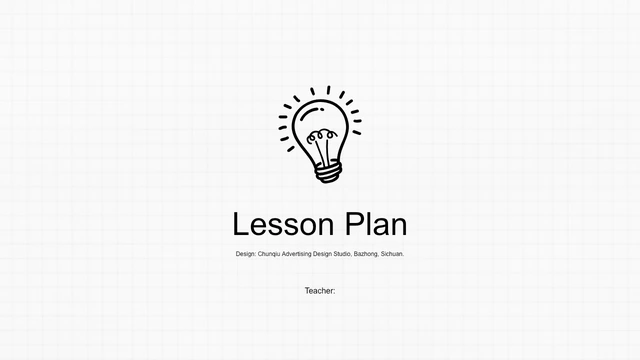
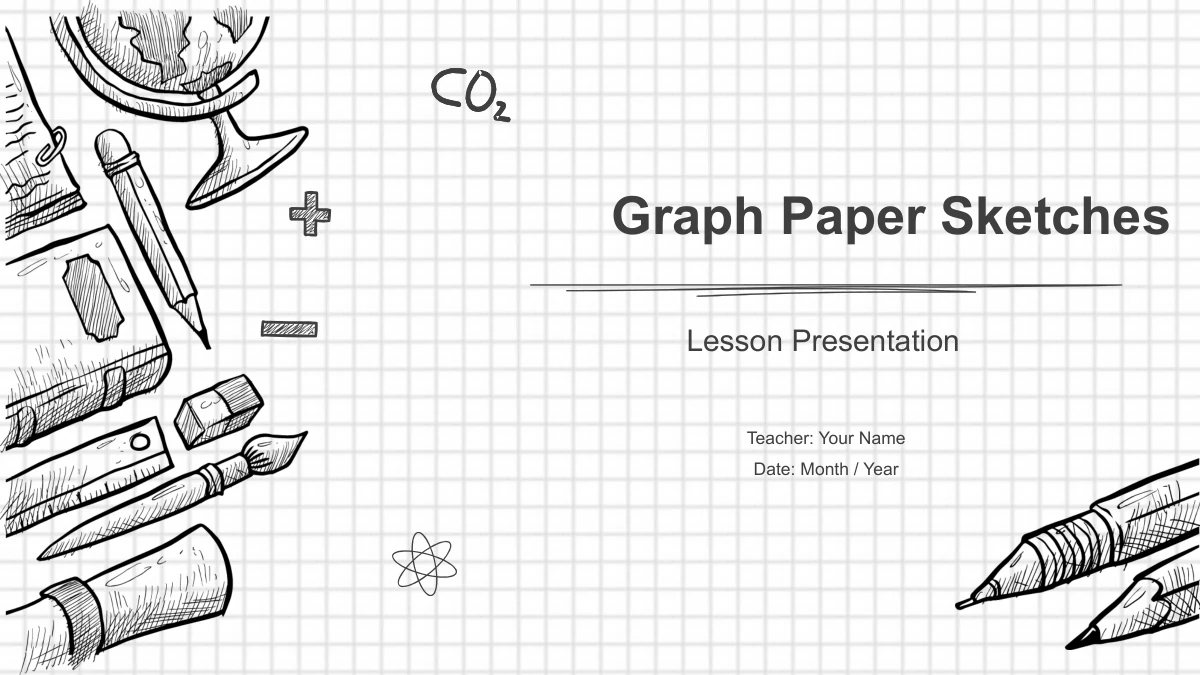
Graph Paper Sketches Lesson pairs a pale square grid with black pencil-style drawings of books, globes and everyday school supplies. Its 25 widescreen slides move from a cover and contents page through four sections: Overview, Key Ideas, Practice and Review. These headings provide a flexible outline for your own material. Inside, an open-book spread holds paired notes, a large pencil sits between four points, and a book photograph fills a drawn monitor. Other pages use clipped paper, a SWOT layout, short steps and overlapping circles to organize explanations. Hand-drawn percentage examples add visual variety, but their labels and shapes require manual editing. Choose the layouts that suit your topic, replace the English prompts and give each page a clear purpose. The template supplies a classroom setting and spaces for your content; you provide the lesson, evidence and questions for your audience.
Graph Paper Sketches Lesson Presentation Template Features
Familiar school supplies frame short lesson notes.
Graph Paper and School Sketches
A pale square grid runs behind black sketches of globes, books and pencils. The recurring paper background connects the cover, dividers and lesson pages.
Four Flexible Lesson Sections
Overview, Key Ideas, Practice and Review divide the 25-slide file. Rename these generic chapters and match the contents page to the lesson you want to present.
Books, Paper and a Photograph
An open-book spread offers space for paired notes, while a real book photo sits in a drawn monitor. Clipped-paper cards give four ideas their own small spaces.
Diagrams for Short Explanations
Use the four-step sequence, SWOT layout or overlapping circles to organize ideas. Each drawing pairs with short notes for you to adapt to your classroom topic.
Editable Text and Grouped Drawings
Edit the English text and separate drawing shapes, keeping related parts together. The grid, book photograph and several illustrations remain picture objects.
Manual Percentage Examples
The sketch pies, block rows and gear page carry independent sample percentages. Update labels and drawings together; there are no data charts or workbooks.
How to Use the Graph Paper Sketches Lesson Presentation Template
Choose a sequence and add your lesson content.
-
Choose Pages for Your Lesson
Browse all 25 previews and choose the note layouts that suit your lesson. Plan the four sections around your material, then keep the contents page and chapter headings in the same order.
-
Download and Adapt the Examples
Use an active paid membership to download the English PPTX. Save a working copy, replace the lesson prompts and update any manual percentages and drawings to match your own examples.
-
Check the Finished Sequence
Review the slides at full size before presenting. Check short labels, photo placement and independent example values, then read the sequence through to confirm each page supports your lesson.
Graph Paper Sketches Lesson Presentation Template Questions
How do I download this template?
Sign in with an active paid membership and select Download PPTX. Daily downloads are unlimited, and you can download the file again when needed.
How many slides does the file contain?
The file contains 25 widescreen slides in 16:9, including a cover, contents, four chapter dividers, varied lesson layouts and a closing page.
Can I edit the text, drawings and figures?
Text and separate drawing shapes are editable. Percentage examples are manual labels and shapes, with no native data charts or embedded workbooks.
Can I preview the complete file?
Yes. All 25 pages appear in file order. Enlarge the previews to compare note space, illustrations and manual examples before choosing your slides.
Does it work in Google Slides or Keynote?
The download is a PPTX file. Google Slides and Keynote have not been tested; check grouped drawings, fonts and image crops after importing.
Which font does the English file use?
The English text uses Arial, with no embedded fonts. After changing the font, check narrow labels, chapter headings and the closing ribbon for wrapping.
Are the downloaded slides in my language?
All localized pages provide the same English PPTX. Translate the editable prompts for your audience and replace the generic sections with your own lesson content.
What permissions apply to using the template?
Membership provides download access, not additional third-party rights. Review applicable source terms and permissions for any material you add, especially for commercial use.
How should I share my presentation?
Share this page so others can preview the template. Distribute edited slides or exports only where permitted, after checking lesson content and replacing sample figures.