Holographic Bubble Portfolio Presentation Template: Iridescent Color Around Clear White Panels
Holographic Bubble Portfolio Presentation Template surrounds bright white content panels with pink, violet and cyan gradients. Translucent bubbles and a curved white grid connect the opening cover, four chapter dividers and closing page. Holographic Bubble Portfolio Presentation Template contains 23 widescreen slides, with office photographs, compact text cards and several ways to explain a sequence. An ascending four-point path, connected circles and a horizontal four-stage layout can organize different parts of your story. Holographic Bubble Portfolio Presentation Template also places photographs inside phone and desktop frames and includes a three-column price example. Choose layouts that match your own work, replace the captions and check every number. The currency amounts and durations are editable examples, not PPT AI prices. Keep the white panels uncluttered so your project explanations remain easy to follow against the colorful background.
Key Features of Holographic Bubble Portfolio Presentation Template
Floating bubbles, white panels and a four-chapter portfolio.
Bubbles and Curved Grids
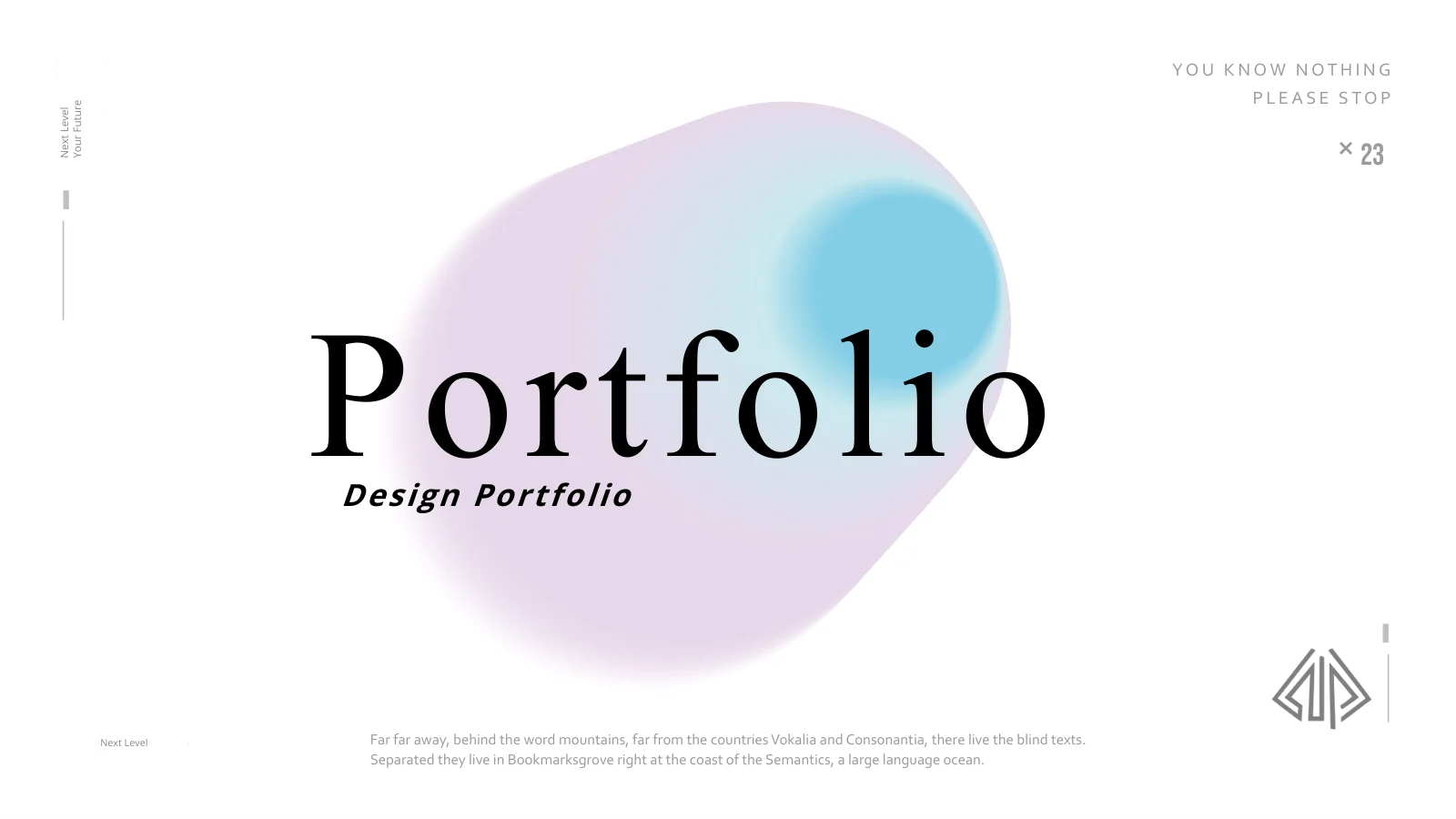
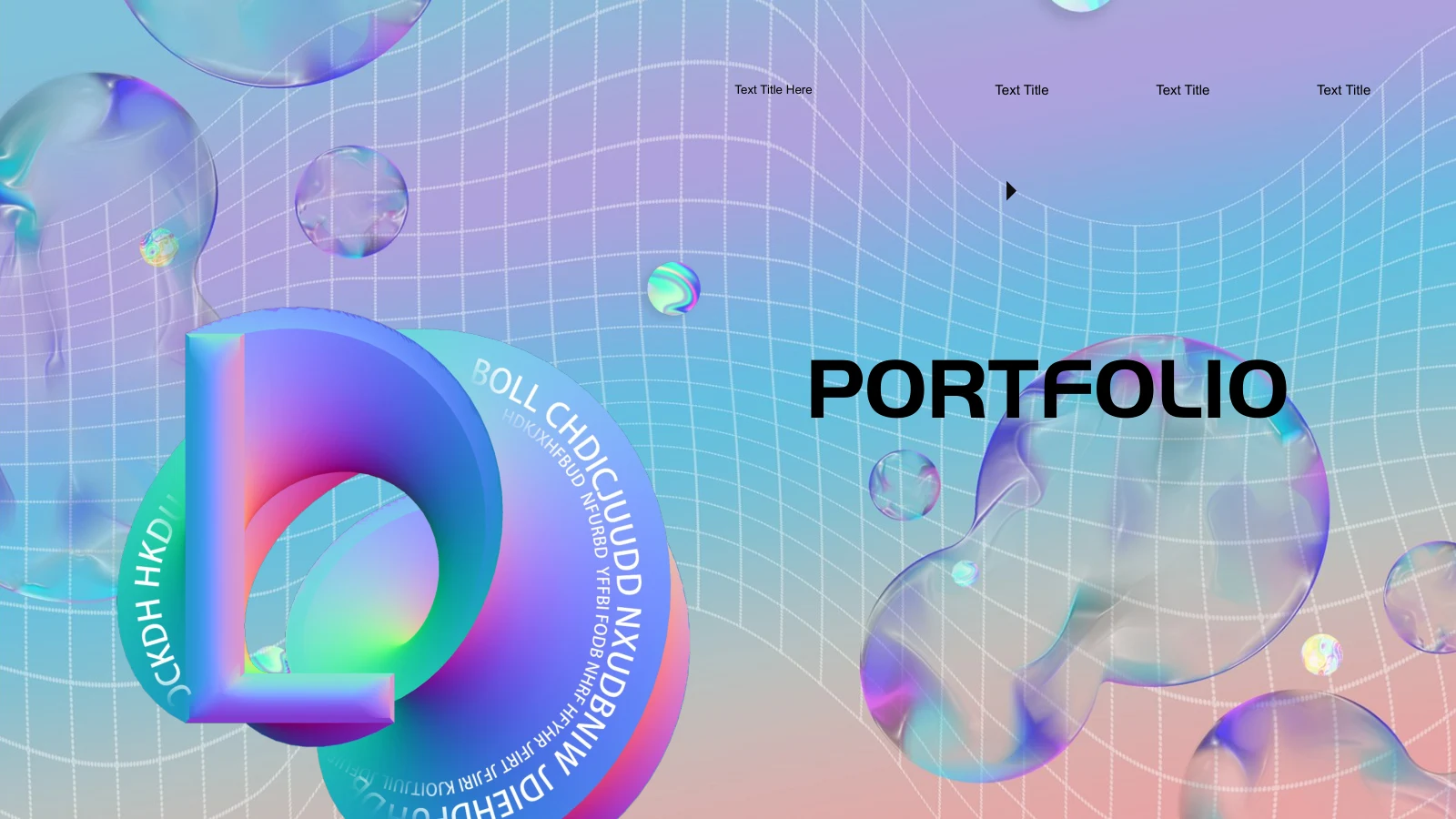
Holographic Bubble Portfolio Presentation Template pairs iridescent bubbles with a curved white grid. Keep your main message clear against the colorful background.
Rounded White Content Panels
Holographic Bubble Portfolio Presentation Template uses rounded white panels for photos and short explanations. Leave clear space around images and captions.
Four Portfolio Chapters
Holographic Bubble Portfolio Presentation Template includes four contents entries and numbered dividers. Rename the sections to reflect your own project sequence.
Office Photo Compositions
Holographic Bubble Portfolio Presentation Template arranges office photos in rows, circles and angled crops. Choose relevant pictures and check their details.
Process and Comparison Layouts
Holographic Bubble Portfolio Presentation Template offers a rising path, linked circles and three example price columns. Replace labels and verify every comparison.
Phone and Desktop Frames
Holographic Bubble Portfolio Presentation Template places photographs inside phone and desktop frames. Use suitable crops; the frames are presentation artwork.
How to Use Holographic Bubble Portfolio Presentation Template
Choose a structure, add your work and review each page.
-
Plan Four Useful Sections
Review all 23 pages of Holographic Bubble Portfolio Presentation Template. Choose four useful sections, then match each project to a photo layout, process explanation or short comparison.
-
Download and Replace Examples
Get Holographic Bubble Portfolio Presentation Template with an active paid membership. Daily and repeat downloads are unlimited. Edit a copy, replace sample labels and verify prices or figures.
-
Check the Finished Sequence
Review Holographic Bubble Portfolio Presentation Template at presentation size. Check fonts, crops and small captions, inspect the exported file and keep required credits before sharing.
Questions About Holographic Bubble Portfolio Presentation Template
How do I download Holographic Bubble Portfolio Presentation Template?
Sign in with an active paid membership to download Holographic Bubble Portfolio Presentation Template. Daily downloads are unlimited, including repeat downloads of the same file. Keep an untouched copy of Holographic Bubble Portfolio Presentation Template and edit a separate working version. Before opening Holographic Bubble Portfolio Presentation Template, gather the images and short project descriptions you want to include. The four-part contents page of Holographic Bubble Portfolio Presentation Template provides a structure, but your work should decide what each chapter contains. Rename the entries before filling the smaller text cards so the sequence has a clear direction.
How many pages are included in Holographic Bubble Portfolio Presentation Template?
Holographic Bubble Portfolio Presentation Template includes 23 slides in a 16:9 format. A contents page introduces four chapters, with dividers on pages 3, 8, 13 and 18. Holographic Bubble Portfolio Presentation Template ends with a closing page that returns to the bubble-and-grid cover design. The content pages of Holographic Bubble Portfolio Presentation Template combine photographs, short explanations, process arrangements and comparison cards. You can remove layouts that do not fit your project rather than filling them with unrelated material. After reorganizing Holographic Bubble Portfolio Presentation Template, check that the contents labels and chapter numbers still match the final order.
Are the bubbles and device frames in Holographic Bubble Portfolio Presentation Template editable?
The bubble artwork and device illustrations in Holographic Bubble Portfolio Presentation Template are visual elements within the supplied design. Picture objects can be resized or replaced, while editable text and ordinary shapes can be changed directly. Do not assume that every detail within an image in Holographic Bubble Portfolio Presentation Template is a separate PowerPoint object. The phone and desktop frames in Holographic Bubble Portfolio Presentation Template display office photographs; they are not working applications or interactive device previews. When adapting Holographic Bubble Portfolio Presentation Template, check the picture boundaries and preserve enough contrast around the white panels to keep your content readable.
Can I preview the complete Holographic Bubble Portfolio Presentation Template before downloading?
The gallery displays all 23 pages of Holographic Bubble Portfolio Presentation Template. Use the larger preview to inspect the photo rows, four-stage process and compact text inside the cards. The preview of Holographic Bubble Portfolio Presentation Template shows the supplied file, not changes made later on your computer. Pay particular attention to small captions when using Holographic Bubble Portfolio Presentation Template for a projected presentation. A label that looks clear close up may be difficult to read across a room. After editing Holographic Bubble Portfolio Presentation Template, review the full sequence at its intended size and inspect any exported PDF before sending it.
Are the prices and process graphics in Holographic Bubble Portfolio Presentation Template linked to data?
Holographic Bubble Portfolio Presentation Template contains no native charts or embedded workbooks. Its process paths and comparison arrangements are layout elements rather than calculations. The ¥48, ¥80 and ¥170 amounts on page 12 of Holographic Bubble Portfolio Presentation Template are examples alongside sample durations; they are not PPT AI prices or subscription offers. Replace those labels in Holographic Bubble Portfolio Presentation Template only with verified information appropriate to your own presentation. Likewise, an ascending path does not itself demonstrate measured growth. Use Holographic Bubble Portfolio Presentation Template to explain the sequence or comparison, and remove figures that have no clear meaning or source.
Which fonts does Holographic Bubble Portfolio Presentation Template use?
Holographic Bubble Portfolio Presentation Template uses Arial, PangMenZhengDao, Source Han Sans Heavy, Microsoft YaHei and Wingdings. Holographic Bubble Portfolio Presentation Template retains source embedded fonts for PangMenZhengDao, Source Han Sans CN Heavy and DengXian, but not every used font is embedded. Install matching fonts if substitutions appear when opening Holographic Bubble Portfolio Presentation Template. Check bold chapter headings, narrow text cards, currency symbols and arrows after any font change. The white content panels have fixed space, so shorter labels are usually easier to fit than larger paragraphs. Compare your edited Holographic Bubble Portfolio Presentation Template with the preview and inspect line breaks in the exported file as well.
Is Holographic Bubble Portfolio Presentation Template in English, and can other apps open it?
The supplied Holographic Bubble Portfolio Presentation Template uses English editable headings and sample guidance. The website translations describe the same Holographic Bubble Portfolio Presentation Template PPTX, rather than separate translated slide files. Applications that import PPTX may open Holographic Bubble Portfolio Presentation Template, but fonts, picture crops, shadows and object spacing can differ. PowerPoint is the main editing reference. After importing Holographic Bubble Portfolio Presentation Template, compare the rounded panels, angled photographs and device-frame pages with the gallery. Keep a working copy before export and inspect the exported output instead of assuming it exactly matches the editing view.
Can I use Holographic Bubble Portfolio Presentation Template commercially?
Check the applicable terms for Holographic Bubble Portfolio Presentation Template, its photographs and any fonts you use. A paid download of Holographic Bubble Portfolio Presentation Template does not separately authorize every use of the included office images or decorative artwork. Replace assets when you lack permission for the intended use and retain required credits. The sample people and prices in Holographic Bubble Portfolio Presentation Template do not establish a relationship with your own business or services. Before sharing client work made with Holographic Bubble Portfolio Presentation Template, verify the descriptions and asset permissions. Confirm the relevant conditions before redistributing the editable template itself.
How should I share Holographic Bubble Portfolio Presentation Template?
Share this public page when recommending Holographic Bubble Portfolio Presentation Template so others can preview the whole file and download through their own eligible accounts. For completed work, export your edited Holographic Bubble Portfolio Presentation Template or present it from your chosen application after checking the output. Keep an editable copy for later revisions. Before distributing Holographic Bubble Portfolio Presentation Template, verify project names, captions, example prices and durations. Ensure that the four sections of Holographic Bubble Portfolio Presentation Template explain a coherent body of work, rather than repeating placeholder instructions. Review image permissions and remove unused sample text before sharing.