Shadow Gradient Portfolio Presentation Template: Bright Glows and Quiet Photographs
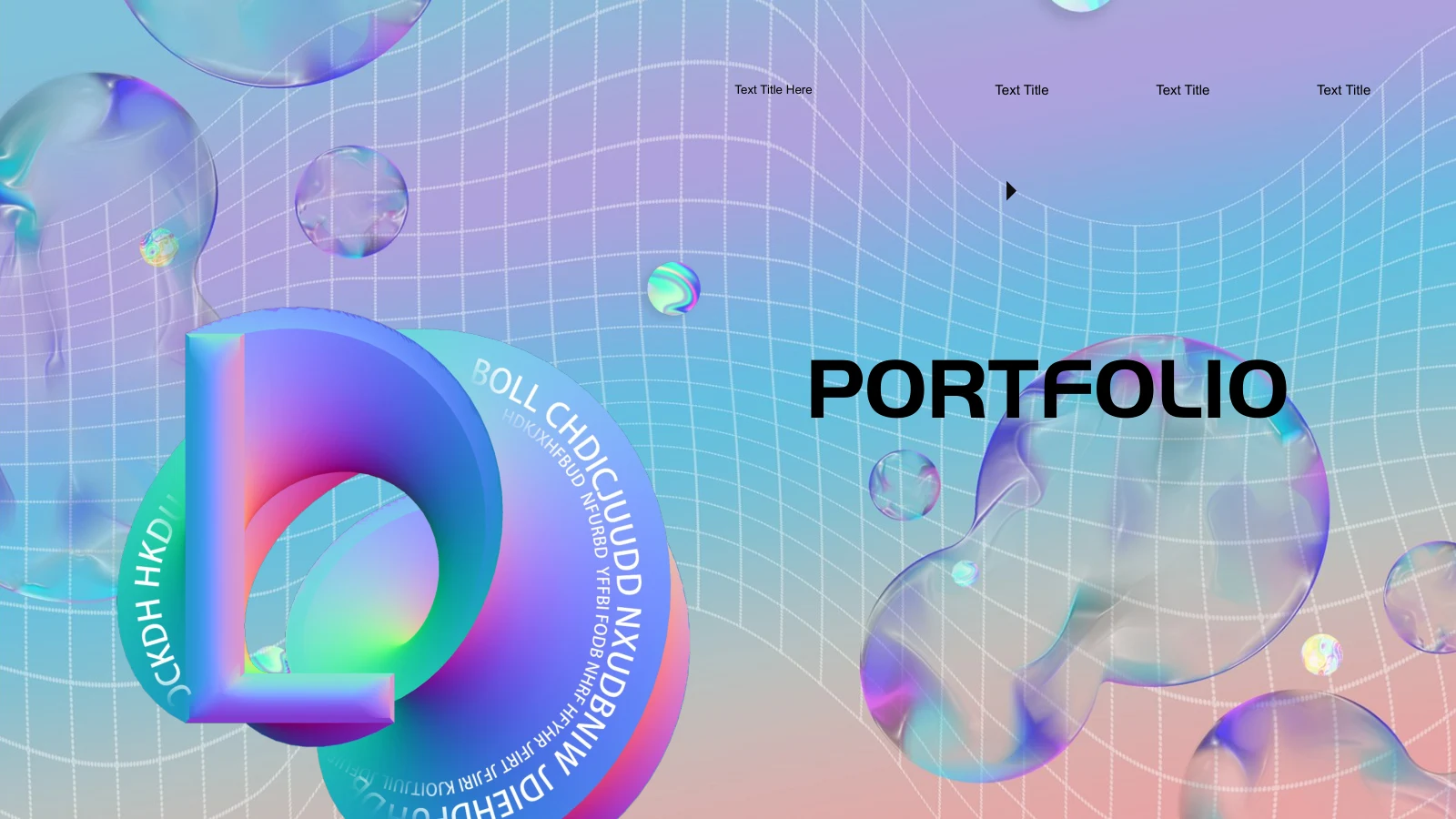
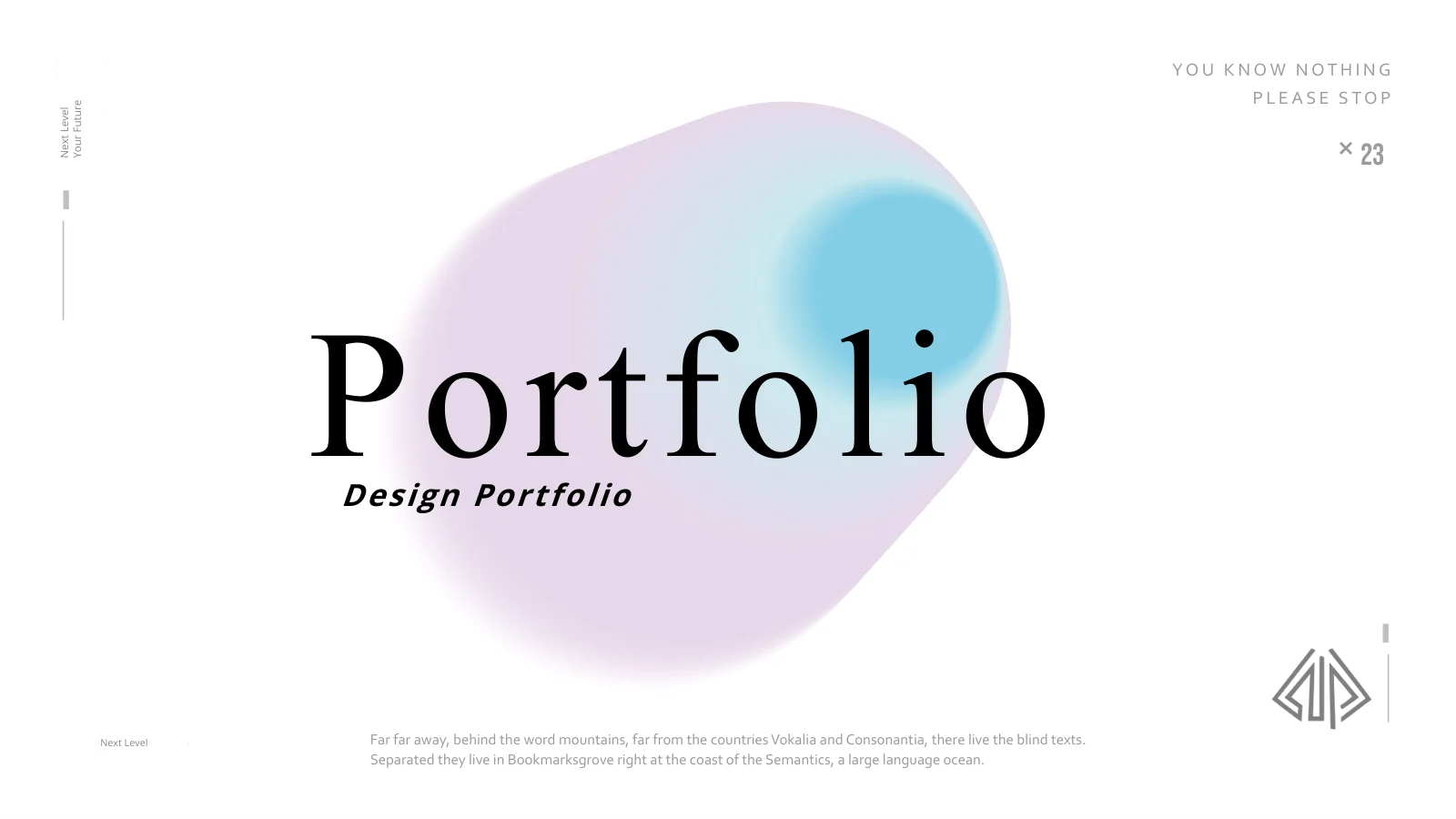
Shadow Gradient Portfolio Presentation Template combines blue, violet and pink glows with black-and-white photography and spacious white layouts. The serif Portfolio cover gives way to compact captions, rotated headings and bold section numbers. Shadow Gradient Portfolio Presentation Template contains 20 widescreen pages arranged around two contents entries. Photographs move between a vase, portraits, plants, shoes and a wide whale image, while colored forms provide a contrasting rhythm. Shadow Gradient Portfolio Presentation Template also offers a four-part SWOT layout, six skill bars and a native column chart with an embedded workbook. Select photographs that represent your own work, then use these supporting pages only where they clarify your story. Replace the sample paragraphs and numbers, check the chart values and keep any required credits. The original labels are starting points rather than verified project claims.
Key Features of Shadow Gradient Portfolio Presentation Template
A clear contrast of glowing color, portraits and white space.
Glowing Color Against White
Shadow Gradient Portfolio Presentation Template places blue and violet glows in white space. Arrange images so the bright forms support your own work.
Monochrome Photography
Shadow Gradient Portfolio Presentation Template pairs monochrome portraits with objects and plants. Replace photos and keep key details within each crop.
Two-Part Contents
Shadow Gradient Portfolio Presentation Template has two contents entries and 01 and 02 dividers. Give each section a clear purpose and a short introduction.
Editable Column Chart
Shadow Gradient Portfolio Presentation Template includes a column chart with an embedded workbook. Replace sample values and explain each category.
Skills and SWOT Layouts
Shadow Gradient Portfolio Presentation Template offers skill bars and a SWOT page. Use honest descriptions; decorative lengths do not prove ability.
Contrasting Image Scales
Shadow Gradient Portfolio Presentation Template moves from small still-life photos to broad portraits and a whale image. Choose crops to suit the subject.
How to Use Shadow Gradient Portfolio Presentation Template
Build a sequence, replace the examples and check the details.
-
Plan Two Clear Sections
Review all 20 pages of Shadow Gradient Portfolio Presentation Template. Group your work into two sections, select useful photographs and decide where the chart or SWOT page supports your story.
-
Download and Replace Samples
Get Shadow Gradient Portfolio Presentation Template with an active paid membership. Daily and repeat downloads are unlimited. Edit a copy, replace captions and verify the chart values.
-
Review Images and Type
Inspect Shadow Gradient Portfolio Presentation Template at presentation size. Check fonts, picture crops and small captions, retain required credits and review the exported file before sharing.
Questions About Shadow Gradient Portfolio Presentation Template
How do I download Shadow Gradient Portfolio Presentation Template?
Use an active paid membership to download Shadow Gradient Portfolio Presentation Template. Downloads are unlimited each day, including repeat downloads. Keep the supplied Shadow Gradient Portfolio Presentation Template and edit a separate copy. The two-part contents page in Shadow Gradient Portfolio Presentation Template provides a starting structure, but your own work should determine the order. Before editing Shadow Gradient Portfolio Presentation Template, select a few strong photographs and write a short explanation of what each one contributes. You can remove layouts that do not support that sequence.
How many slides are in Shadow Gradient Portfolio Presentation Template?
Shadow Gradient Portfolio Presentation Template has 20 slides in a 16:9 format. Its contents page introduces two sections, followed by portrait compositions, still-life photographs, text layouts and a chart. Shadow Gradient Portfolio Presentation Template also includes a SWOT arrangement and skill bars. The large sample numbers in Shadow Gradient Portfolio Presentation Template, such as 38 or 75, are design elements rather than a count of the slides. Update or remove those examples when adapting Shadow Gradient Portfolio Presentation Template so your audience does not mistake them for actual results.
Can I edit the gradient artwork in Shadow Gradient Portfolio Presentation Template?
The glowing forms in Shadow Gradient Portfolio Presentation Template are supplied as image artwork. You can move, resize or replace the picture objects in Shadow Gradient Portfolio Presentation Template, but their internal colors and soft edges are not separate editable PowerPoint shapes. Text and ordinary shapes in Shadow Gradient Portfolio Presentation Template can be edited directly. Preserve enough white space around the bright forms to keep captions readable. If you replace a glow in Shadow Gradient Portfolio Presentation Template, compare its scale and contrast with the nearby photograph before applying the change elsewhere.
Can I preview all of Shadow Gradient Portfolio Presentation Template before downloading?
All 20 slides of Shadow Gradient Portfolio Presentation Template are shown in the gallery. Use the larger view to compare the portrait pages, vertical headings and wide photographic compositions. Smaller captions in Shadow Gradient Portfolio Presentation Template deserve attention if the portfolio will be projected. The gallery shows the supplied Shadow Gradient Portfolio Presentation Template; it will not reflect edits you make locally. After replacing fonts, pictures or text in Shadow Gradient Portfolio Presentation Template, review your own file again. Check both the presentation view and any exported PDF before sending it to someone else.
Does Shadow Gradient Portfolio Presentation Template contain a real editable chart?
Page 15 of Shadow Gradient Portfolio Presentation Template contains a native column chart with an embedded Excel workbook. Change the workbook values and category labels when preparing Shadow Gradient Portfolio Presentation Template, then check the chart labels in the slide. The original values are examples. The skill bars and SWOT arrangement elsewhere in Shadow Gradient Portfolio Presentation Template are separate design elements, not measurements generated by that workbook. Use verified information in Shadow Gradient Portfolio Presentation Template and explain its source and meaning instead of presenting decorative numbers as evidence.
Which fonts does Shadow Gradient Portfolio Presentation Template use?
Shadow Gradient Portfolio Presentation Template uses Corbel, Bebas Neue, Mongolian Baiti, Open Sans, Google Sans and OPlusSans 3.0 Bold. Fonts are not embedded in Shadow Gradient Portfolio Presentation Template. Install matching families or choose suitable alternatives, then inspect the result throughout Shadow Gradient Portfolio Presentation Template. Check the wide Portfolio heading, compact captions, rotated text and chart labels in particular. Font changes can affect line breaks even when the words remain the same. Compare your edited Shadow Gradient Portfolio Presentation Template with the preview and keep short labels where the original frame is narrow.
Is Shadow Gradient Portfolio Presentation Template in English, and can other apps open it?
Shadow Gradient Portfolio Presentation Template contains English editable labels alongside existing English sample passages. The cover’s small Japanese decorations have English labels in the supplied Shadow Gradient Portfolio Presentation Template. Website translations describe this same PPTX rather than separate language editions of the slides. Other applications that import PPTX may open Shadow Gradient Portfolio Presentation Template, although font handling and chart editing can differ. Use PowerPoint as the main reference. After importing Shadow Gradient Portfolio Presentation Template, check the column chart, soft gradient images and rotated headings before exporting or presenting.
Can I use Shadow Gradient Portfolio Presentation Template commercially?
Check the applicable terms for Shadow Gradient Portfolio Presentation Template, its photographs and the fonts in your version. Downloading Shadow Gradient Portfolio Presentation Template through a paid account does not separately authorize every included portrait or artwork. Use images you are entitled to present and preserve required credits in Shadow Gradient Portfolio Presentation Template. The supplied file retains its original design attributions, including LEUNG × YOYO. Before redistributing an editable version of Shadow Gradient Portfolio Presentation Template, confirm the permissions that apply to the template and each asset rather than assuming that personal editing rights include redistribution.
How should I share Shadow Gradient Portfolio Presentation Template?
Share this public page when recommending Shadow Gradient Portfolio Presentation Template, allowing others to preview the pages and download through their own eligible accounts. For finished work, export an edited Shadow Gradient Portfolio Presentation Template or present it directly after reviewing the output. Keep an editable copy for later revisions. Before sharing Shadow Gradient Portfolio Presentation Template, verify captions, chart values, image permissions and credits. Replace unused sample text and make sure the two sections of Shadow Gradient Portfolio Presentation Template tell a clear story about your own work instead of repeating decorative phrases without context.