Pastel Sculpture Design Presentation Template: Classical Forms with a Playful Palette
Pastel Sculpture Design Presentation Template brings classical sculpture into a playful setting of pale pink, purple and cyan. A horse-head collage opens the deck, while colored busts, flowers and headphones give later pages distinct character. Pastel Sculpture Design Presentation Template contains 20 widescreen slides in four chapters: key design projects, creative styles, exhibitions and awards, and commercial design. Supporting layouts include a world map with callouts, a three-stage process and four quarterly review cards. Pastel Sculpture Design Presentation Template also uses percentage rings, bars and curves as manual graphics, so their example values need careful replacement rather than automatic updates. Choose the chapters that fit your work and write brief project explanations. Verify all claims, dates and figures, and keep only award references you can substantiate. Leave space around the collages so the main message stays clear.
Key Features of Pastel Sculpture Design Presentation Template
Sculptural artwork, pastel accents and a four-part design story.
Sculpture Meets Pastel Color
Pastel Sculpture Design Presentation Template mixes classical busts with pink, purple and cyan. Frame your ideas with colorful images and brief captions.
Four Design Chapters
Pastel Sculpture Design Presentation Template divides projects, styles, exhibitions and commercial design. Choose the chapters that suit your work.
Manual Data Illustrations
Pastel Sculpture Design Presentation Template uses manual bars, curves and percentage rings. Update labels and shapes together; no workbook is linked.
Map and Process Layouts
Pastel Sculpture Design Presentation Template offers a world map with callouts and a three-stage sequence. Add accurate locations and useful steps.
Quarterly Review Cards
Pastel Sculpture Design Presentation Template includes four review cards and a plans page. Summarize outcomes and replace sample dates and figures.
Playful Collage Artwork
Pastel Sculpture Design Presentation Template pairs horse heads and sculpted faces with flowers and headphones. Keep clear space around captions.
How to Use Pastel Sculpture Design Presentation Template
Choose the chapters, replace the examples and review the details.
-
Choose a Design Story
Review all 20 pages of Pastel Sculpture Design Presentation Template. Choose chapters that fit your work, then pair each project with an image, process explanation or clearly labeled result.
-
Download and Adapt
Get Pastel Sculpture Design Presentation Template with an active paid membership. Daily and repeat downloads are unlimited. Edit a copy, replace names and verify figures before use.
-
Check the Final Slides
Review Pastel Sculpture Design Presentation Template at presentation size. Check fonts, labels and picture crops; compare manual graphics with your data, then inspect the export before sharing.

Questions About Pastel Sculpture Design Presentation Template
How do I download Pastel Sculpture Design Presentation Template?
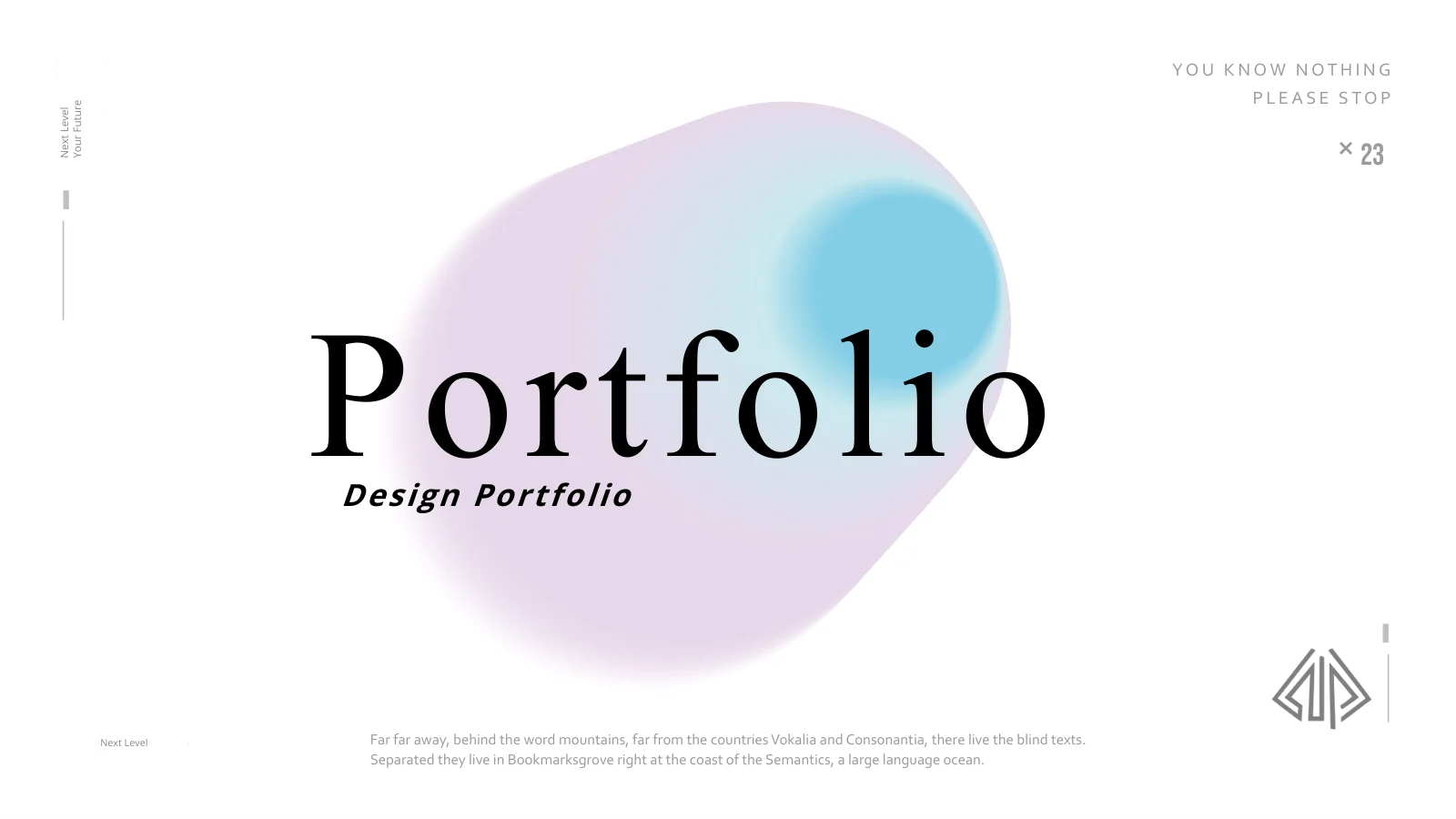
Sign in with an active paid membership to download Pastel Sculpture Design Presentation Template. Daily downloads are unlimited, and you can download the same file again. Keep an untouched copy of Pastel Sculpture Design Presentation Template before you begin editing. The supplied Pastel Sculpture Design Presentation Template opens with a design-portfolio cover, but the content should describe your own work and role. Replace the presenter name and sample logo area, then select the relevant chapters from Pastel Sculpture Design Presentation Template. Prepare a short outline first so you can decide which illustrations support your story and which pages can be removed.
How many slides does Pastel Sculpture Design Presentation Template contain?
Pastel Sculpture Design Presentation Template includes 20 slides in a 16:9 format. Four chapters cover key design projects, creative styles, exhibitions and awards, and commercial design. The section dividers in Pastel Sculpture Design Presentation Template appear before groups of content pages rather than acting as separate presentations. You can shorten Pastel Sculpture Design Presentation Template when a chapter does not apply to your experience. For example, omit an awards section if you have no verified award to present. After rearranging Pastel Sculpture Design Presentation Template, update the contents labels and chapter numbering so the audience can follow the new order.
Can I edit the sculpture images and colors in Pastel Sculpture Design Presentation Template?
The sculpture collages in Pastel Sculpture Design Presentation Template are images, while text and ordinary PowerPoint shapes can be edited directly. You can resize or replace picture objects in Pastel Sculpture Design Presentation Template, but individual flowers, headphones or colored effects inside an image are not separate editable parts. Keep that distinction in mind when personalizing Pastel Sculpture Design Presentation Template. Use pictures you are authorized to show and review their crops against the available space. The pale pink background and purple-to-cyan accents in Pastel Sculpture Design Presentation Template work best when captions remain short and the artwork has enough room around it.
Can I preview the full Pastel Sculpture Design Presentation Template?
The gallery shows all 20 pages of Pastel Sculpture Design Presentation Template before downloading. Use the larger preview to inspect the four-card review layout, map labels and smaller captions beside the sculptures. The previews of Pastel Sculpture Design Presentation Template show the supplied file, not changes made later on your computer. Compare the content density of Pastel Sculpture Design Presentation Template with your outline, especially if the slides will be projected. After editing Pastel Sculpture Design Presentation Template, inspect your version again at the intended size. A label that is legible while zoomed in may still be difficult to read from the back of a room.
Are the bars and line graphics in Pastel Sculpture Design Presentation Template linked to data?
Pastel Sculpture Design Presentation Template contains no native charts, tables or embedded workbooks. The bars on page 9 and curves on page 11 of Pastel Sculpture Design Presentation Template are manually constructed graphics. Percentage rings and large number labels in Pastel Sculpture Design Presentation Template are examples too; changing a label does not automatically update the drawing. Replace the values with verified information and adjust the shapes to match, or insert your own native chart. Do not present the sample percentages, counts or years in Pastel Sculpture Design Presentation Template as measured results. Explain what each figure represents and remove any graphic that adds no useful evidence.
Which fonts does Pastel Sculpture Design Presentation Template use?
Pastel Sculpture Design Presentation Template uses Source Han Sans CN in Regular, Bold and Heavy weights. These fonts are not embedded in Pastel Sculpture Design Presentation Template, so install the matching family or choose a suitable alternative before editing. Review the long chapter titles and small data labels throughout Pastel Sculpture Design Presentation Template after any font change. The four review cards and map callouts need particular attention because their text areas are compact. The preview is a useful comparison for your edited Pastel Sculpture Design Presentation Template, but it does not install fonts on your device. Check line breaks in both the presentation and its exported version.
Is Pastel Sculpture Design Presentation Template in English, and can other presentation apps edit it?
The editable slide headings and sample guidance in Pastel Sculpture Design Presentation Template are in English. Translated website pages describe the same Pastel Sculpture Design Presentation Template file rather than separate slide decks in each language. Other programs that import PPTX may open Pastel Sculpture Design Presentation Template, although font rendering, gradient shapes and object spacing can differ. PowerPoint is the main editing reference. Compare any imported Pastel Sculpture Design Presentation Template with the preview, especially the overlapping percentage rings, arrow layouts and small text around the map. Keep an editable copy before exporting, and review the final output rather than assuming it matches the editing view exactly.
Can I use Pastel Sculpture Design Presentation Template in commercial work?
Check the terms that apply to Pastel Sculpture Design Presentation Template, its artwork and the fonts used in your version. A paid download of Pastel Sculpture Design Presentation Template does not separately grant rights to every included sculpture image or collage. Replace pictures when you do not have permission for your intended use, and retain any required credits in Pastel Sculpture Design Presentation Template. The exhibitions and awards chapter is a layout suggestion, not a record of your achievements. Before sharing a client presentation made with Pastel Sculpture Design Presentation Template, verify the claims and asset permissions. Confirm the relevant terms before redistributing the editable template itself.
What is the best way to share Pastel Sculpture Design Presentation Template?
Share this public page when recommending Pastel Sculpture Design Presentation Template, so recipients can preview the complete file and download through their own eligible accounts. For finished work, export your edited Pastel Sculpture Design Presentation Template or present it from your chosen application after checking the output. Keep an editable copy of Pastel Sculpture Design Presentation Template for later revisions. Before distributing Pastel Sculpture Design Presentation Template, review names, dates, percentages and project descriptions; remove unused examples and confirm that the four chapters support one coherent story. Check that map locations and award references are accurate, and share only artwork you are entitled to use.