Louvre Gradient Portfolio Presentation Template: Orange-Pink Gradients, Arched Photographs and a Studio Portfolio Sequence
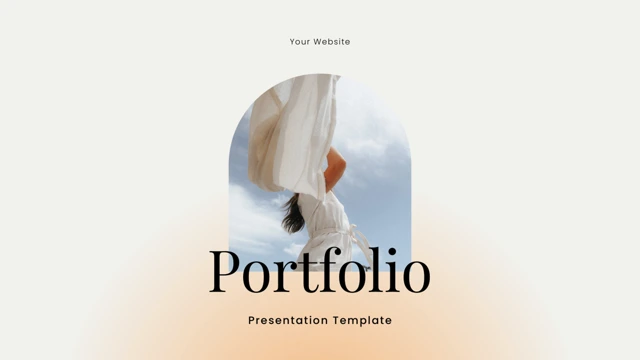
Louvre Gradient Portfolio Presentation Template places soft orange-pink gradient patches against white space and fine black outlines. Arched and oval frames crop portraits, fruit and product photographs, while open compositions give short headings room to breathe. Across 26 widescreen slides, Louvre Gradient Portfolio Presentation Template moves through a studio introduction, team examples, individual profiles and photographic features before reaching product, portfolio and contact layouts. A five-person team row contrasts with a stepped photo collage and several single-image pages. Louvre Gradient Portfolio Presentation Template also includes a native chart with its workbook, separate manual percentage indicators and sample testimonial rows. Choose a clear project narrative, replace the example claims and use only photographs relevant to your work. Keep the source credits visible, including Louvre.co, LEUNG YOYO and ELENA SCHELNORK. Product prices, customer comments and contact details are examples to review, not verified facts about your own studio.
Key Features of Louvre Gradient Portfolio Presentation Template
White space, soft color patches and varied photographic framing.
Soft Orange-Pink Gradients
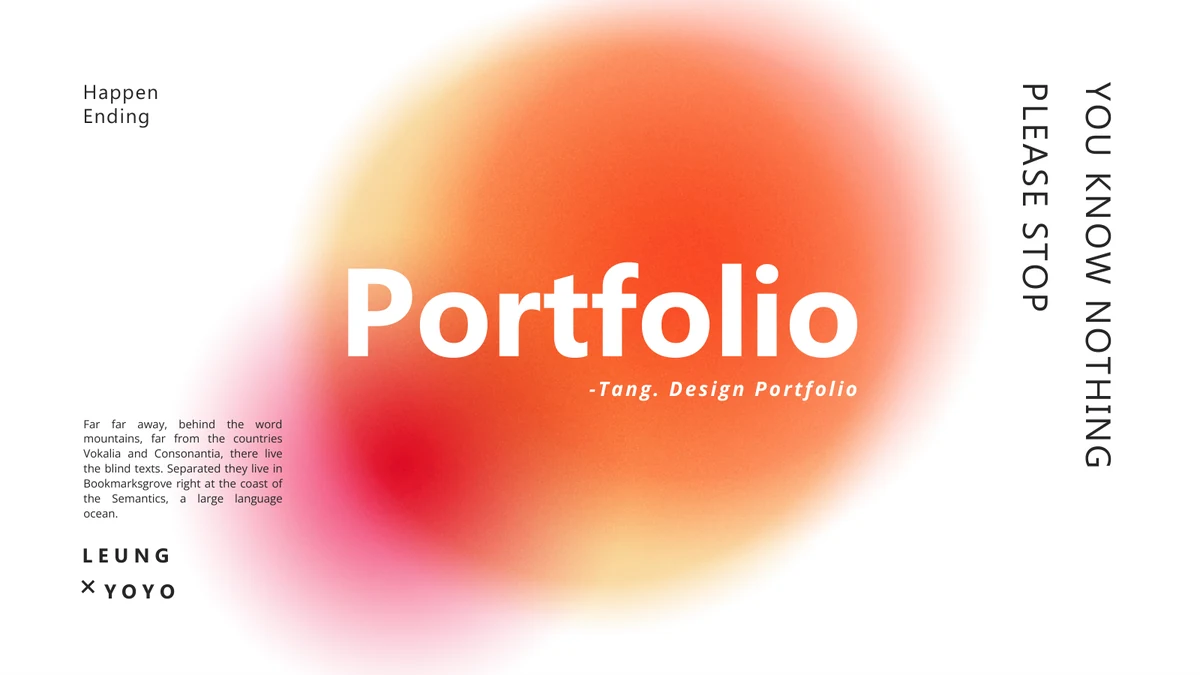
Louvre Gradient Portfolio Presentation Template adds orange-pink patches to white pages. Keep text clear of bright areas and leave space around short headings.
Arched and Oval Photo Frames
Louvre Gradient Portfolio Presentation Template uses arch and oval crops for people and objects. Choose matching proportions and inspect faces and product details.
Team and Individual Profiles
Louvre Gradient Portfolio Presentation Template includes a five-person team row and profiles. Replace sample identities with accurate names and responsibilities.
Products and Photo Portfolios
Louvre Gradient Portfolio Presentation Template pairs product examples with stepped photo collages. Connect each picture to the project rather than filling every frame.
Native Chart and Manual Figures
Louvre Gradient Portfolio Presentation Template has a native chart and workbook on page 23. The 25% and 75% indicators on page 24 need separate manual edits.
Testimonials and Contact Layout
Louvre Gradient Portfolio Presentation Template offers testimonial rows and a contact page. Use verified comments and correct details while retaining source credits.
How to Use Louvre Gradient Portfolio Presentation Template
Select a studio story, replace examples and check both pictures and data.
-
Select Your Studio Narrative
Review all 26 pages of Louvre Gradient Portfolio Presentation Template. Choose profiles, photos and examples that belong together, then arrange a clear account of your own work.
-
Download and Replace the Examples
Get Louvre Gradient Portfolio Presentation Template with an active paid plan; daily and repeat downloads are unlimited. Edit a copy, update names and captions, and keep the genuine source credits.
-
Check Images, Data and Contact Details
Inspect Louvre Gradient Portfolio Presentation Template before sharing. Check crops, chart labels, manual percentages and contact details, then compare the export with your edited slides.
Questions About Louvre Gradient Portfolio Presentation Template
How do I download Louvre Gradient Portfolio Presentation Template?
Sign in with an active paid plan to download Louvre Gradient Portfolio Presentation Template. Daily and repeat downloads are unlimited. Keep the supplied Louvre Gradient Portfolio Presentation Template intact and create a working copy for your own project. Begin by deciding what the studio story needs to explain: the people involved, their contribution and the work itself. Louvre Gradient Portfolio Presentation Template contains more than one type of page, so select layouts by purpose rather than filling every space. Replace the opening statements in Louvre Gradient Portfolio Presentation Template with a truthful introduction. Keep project names and responsibilities consistent through Louvre Gradient Portfolio Presentation Template, and prepare short captions before moving images. A photograph may establish mood, but the explanation should say what you actually contributed instead of implying ownership of the source work.
How many pages are in Louvre Gradient Portfolio Presentation Template?
Louvre Gradient Portfolio Presentation Template includes 26 slides in a 16:9 format. The sequence develops from an introduction and contents page into profiles, photographs, products, portfolio examples and closing information. Louvre Gradient Portfolio Presentation Template is not organized as four numbered chapters. The five-person team row is on page 7; individual profile layouts provide a different pace before the photographic features. Near the end, Louvre Gradient Portfolio Presentation Template includes sample testimonials, a chart page, a map with manual indicators and contact information. You can shorten Louvre Gradient Portfolio Presentation Template or reorder pages to match the project. In Louvre Gradient Portfolio Presentation Template, the contents-style page is a photographic introduction rather than a populated four-item agenda, so add your own navigation only when it helps the audience follow the selected sequence.
Can I replace the photographs in Louvre Gradient Portfolio Presentation Template?
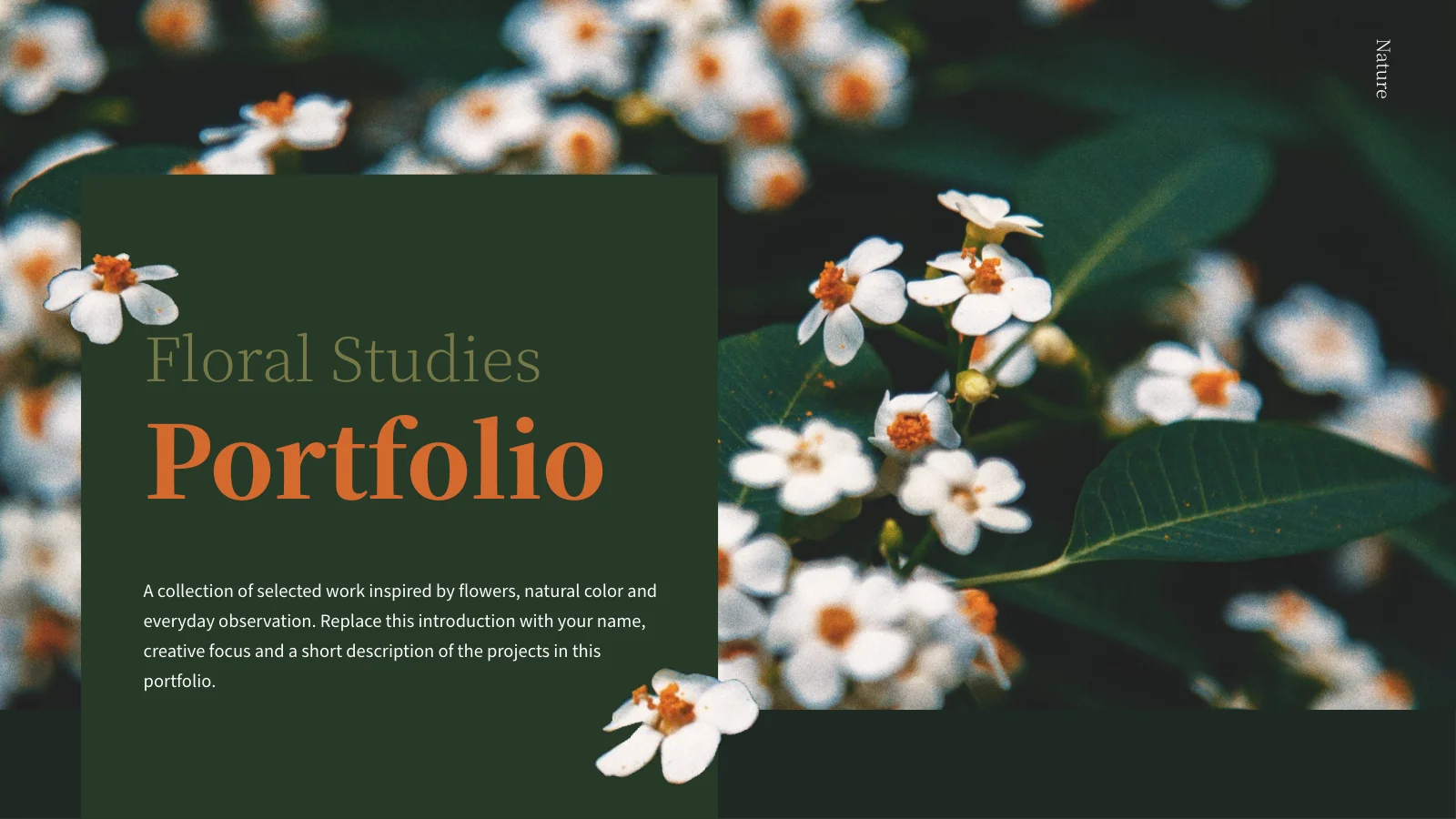
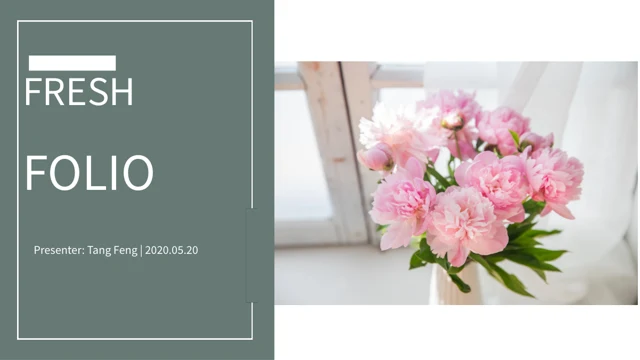
Use photographs you have permission to include when editing Louvre Gradient Portfolio Presentation Template. The source combines fashion portraits with jewelry, fruit, flowers, coffee and other still-life subjects. Louvre Gradient Portfolio Presentation Template uses arches, ovals, tall edge crops and a stepped group of images, so choose replacements with suitable proportions. Inspect faces, hands and important product details after cropping. Words or marks already inside a photograph in Louvre Gradient Portfolio Presentation Template belong to that image and are not necessarily separate editable text. Avoid stretching pictures to fit their frames. Build a consistent visual sequence throughout Louvre Gradient Portfolio Presentation Template; a portrait should introduce an actual participant or remain clearly illustrative. Do not imply that a person or brand visible in the source endorses your project.
Can I preview all of Louvre Gradient Portfolio Presentation Template before downloading?
Every page of Louvre Gradient Portfolio Presentation Template is shown in the gallery. Use the thumbnails and arrows to compare the arched profile layouts, single-image pages, stepped collage and data examples. Enlarge Louvre Gradient Portfolio Presentation Template to inspect fine outlines and the space between a headline and its accompanying paragraph. Compare your planned text length with the available areas in Louvre Gradient Portfolio Presentation Template before editing. The gallery shows the supplied file, not later changes to your working copy. After adapting Louvre Gradient Portfolio Presentation Template, review the complete sequence at presentation size, including the team names and small captions. Check the export of Louvre Gradient Portfolio Presentation Template separately for crowded titles, clipped letters, changed image crops and any objects that shift when opened in a different editor.
Does Louvre Gradient Portfolio Presentation Template include an editable chart?
Louvre Gradient Portfolio Presentation Template has a native column chart on page 23 with an embedded workbook. Its source categories run from 2014 through 2020 and its values are examples, not verified product results. Edit the chart data in Louvre Gradient Portfolio Presentation Template and then check its labels and scale. The Europe map and 25% and 75% indicators on page 24 of Louvre Gradient Portfolio Presentation Template are separate from that chart. Changing the workbook does not update those manual labels or markers. Replace any sample figures in Louvre Gradient Portfolio Presentation Template with relevant, verified data or use a different explanation. When presenting Louvre Gradient Portfolio Presentation Template, distinguish between a measured result and a visual illustration; map markers and sample growth labels do not establish an actual customer base or geographic presence.
Which fonts does Louvre Gradient Portfolio Presentation Template use?
Louvre Gradient Portfolio Presentation Template uses Open Sans, Microsoft Tai Le, Crimson Text and Times New Roman. Fonts are not embedded in the PPTX. Check font availability before editing Louvre Gradient Portfolio Presentation Template and compare the result with the gallery. The source mixes upright and italic headings with smaller body copy, making line length especially important. If a font changes in Louvre Gradient Portfolio Presentation Template, inspect titles near image edges and short labels inside narrow outlined areas. Keep headings concise instead of reducing them until they become difficult to read. Review the team row and contact page in Louvre Gradient Portfolio Presentation Template, where small names and labels need consistent spacing. Compare the exported Louvre Gradient Portfolio Presentation Template with your working presentation and correct missing characters, unexpected line breaks or overlapping text before sharing.
Is Louvre Gradient Portfolio Presentation Template in English, and will it work in another editor?
The finished Louvre Gradient Portfolio Presentation Template uses English headings with Latin placeholder copy. Replace the filler with your own project descriptions. The website translations describe the same PPTX rather than different native files for each language. Adapt Louvre Gradient Portfolio Presentation Template to your audience with concise headings and accurate project descriptions. Software that imports PPTX may open Louvre Gradient Portfolio Presentation Template, but fonts, shaped picture crops, outlines and chart rendering can vary. Use PowerPoint as the reference when comparing the imported deck with the gallery. Inspect the arched frames, italic text and native chart in Louvre Gradient Portfolio Presentation Template particularly carefully. Check both the working Louvre Gradient Portfolio Presentation Template and the exported version after editing. Preserve the meaning of your labels when shortening them, especially where the slide distinguishes a person, project, product or source credit.
Can I use Louvre Gradient Portfolio Presentation Template commercially?
Check the terms for Louvre Gradient Portfolio Presentation Template and every photograph, font and other element you include in your finished presentation. A paid download alone does not establish all reuse or redistribution permissions. Louvre Gradient Portfolio Presentation Template retains source names and credits, including Louvre.co, LEUNG YOYO and ELENA SCHELNORK; keep required attribution and do not present those identities as your own business. The team members, customer comments and company history in Louvre Gradient Portfolio Presentation Template are examples, not evidence of your experience. The $99 price shown in Louvre Gradient Portfolio Presentation Template is also a product-layout example, not a PPT AI fee or a verified offer. Before redistributing editable Louvre Gradient Portfolio Presentation Template files, confirm that the relevant conditions permit distribution as well as displaying a finished presentation.
How should I share Louvre Gradient Portfolio Presentation Template?
Share this public page when recommending Louvre Gradient Portfolio Presentation Template, so recipients can inspect the full gallery and download through their own eligible accounts. Keep a working copy of Louvre Gradient Portfolio Presentation Template for future changes to images, descriptions and chart values. Before presenting or exporting Louvre Gradient Portfolio Presentation Template, replace the sample contact address and social handles with correct details, while preserving genuine source credits. Use only customer comments you can substantiate; do not leave the testimonial examples where they could be mistaken for real reviews. Check the title and final thank-you page of Louvre Gradient Portfolio Presentation Template together. Review all of Louvre Gradient Portfolio Presentation Template for remaining sample prices, dates or claims, then inspect the export to ensure the photographic sequence and its supporting explanations remain clear.