Maon Fashion Portfolio Presentation Template: Fashion Portraits, White Space and Beige Panels
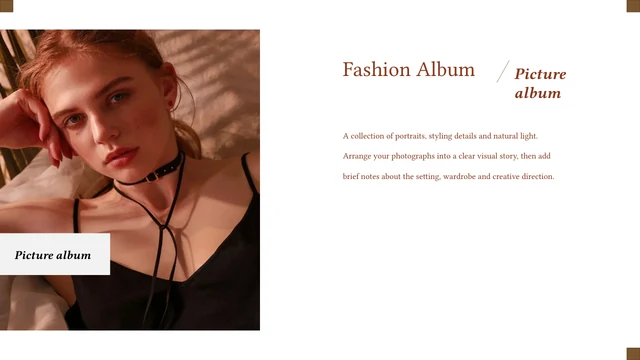
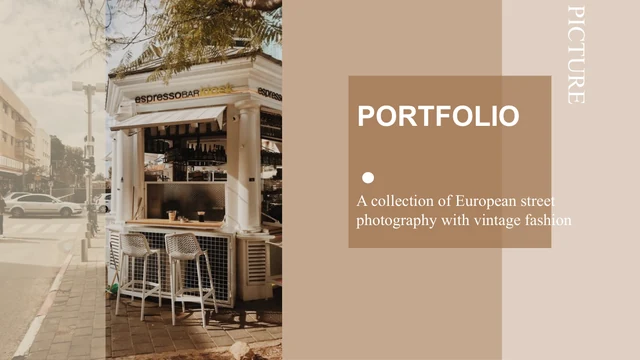
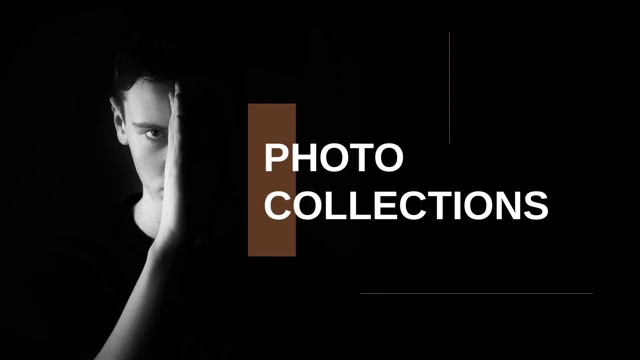
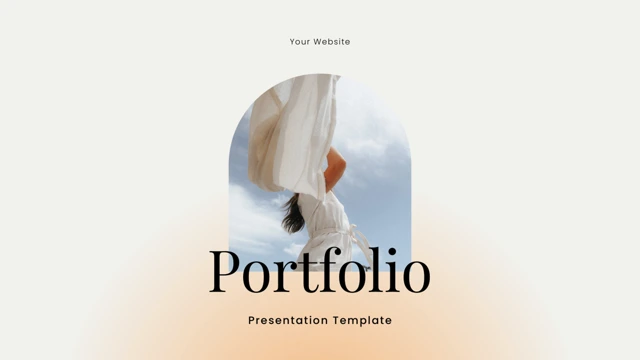
Maon Fashion Portfolio Presentation Template combines white pages, beige panels and fine rules with colorful fashion portraits. Maon Fashion Portfolio Presentation Template opens with a photographer cover and a nine-item contents page. Maon Fashion Portfolio Presentation Template continues through profile examples, image collections and shop-themed layouts in a continuous sequence. Single portraits, paired views, a three-photo strip and an uneven four-image collage introduce projects. Some pages use a broad beige text panel; others leave white space beside the photograph. Laptop and paired phone frames provide static picture layouts for selected images. Replace the sample descriptions and team information with accurate details, then adapt the contents to the pages you keep. Check pale captions and narrow portrait crops before exporting. The closing page echoes the cover photograph. The source images and names are examples, not evidence of your own team, clients or completed work.
Key Features of Maon Fashion Portfolio Presentation Template
Fashion portraits, pale panels and flexible image groups.
White Pages and Beige Panels
Maon Fashion Portfolio Presentation Template uses white space, beige panels and fine rules. Keep new captions readable and preserve space around each portrait.
Nine-Item Contents Page
Maon Fashion Portfolio Presentation Template starts with nine contents entries. Adapt them to the pages you keep and make each heading describe your actual material.
Varied Portrait Collections
Maon Fashion Portfolio Presentation Template offers single portraits, paired views and grouped images. Choose suitable crops and match every caption to the picture.
Profile and Team Examples
Maon Fashion Portfolio Presentation Template includes profile and team layouts with sample names. Replace example roles and descriptions with accurate details.
Static Laptop and Phone Frames
Maon Fashion Portfolio Presentation Template places images in laptop and paired phone frames. These are static picture layouts; inspect the crop inside each screen.
Matching Cover and Closing Photo
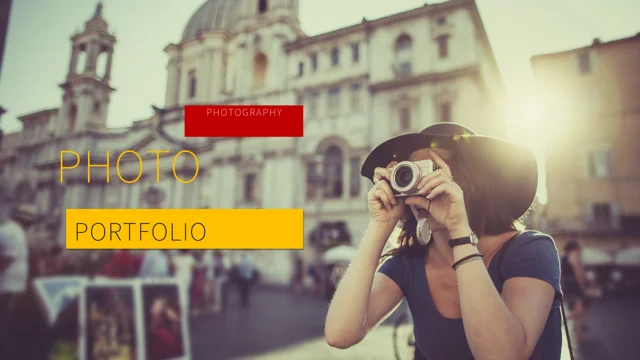
Maon Fashion Portfolio Presentation Template returns to the photographer image on the closing page. Update the titles and check both views after changing the cover.
How to Use Maon Fashion Portfolio Presentation Template
Select your images, personalize the examples and review the page sequence.
-
Choose Your Portfolio Pages
Preview all 23 pages of Maon Fashion Portfolio Presentation Template. Select portraits, image groups and profile layouts, then revise the nine contents entries to match the pages you keep.
-
Download and Replace Examples
Download Maon Fashion Portfolio Presentation Template with an active paid plan; daily and repeat downloads are unlimited. Save a copy, add your images and replace sample team descriptions.
-
Review Captions and Screen Crops
Check Maon Fashion Portfolio Presentation Template at full size. Review pale captions, portrait crops and device screens, then compare the exported opening and closing pages with your copy.
Questions About Maon Fashion Portfolio Presentation Template
How do I download Maon Fashion Portfolio Presentation Template?
Sign in with an active paid plan to download Maon Fashion Portfolio Presentation Template. Daily and repeat downloads of Maon Fashion Portfolio Presentation Template are unlimited. Maon Fashion Portfolio Presentation Template is supplied as an editable PowerPoint file. Keep an untouched copy of Maon Fashion Portfolio Presentation Template before replacing photographs, revising the contents or adding project and team information.
What is included in Maon Fashion Portfolio Presentation Template?
Maon Fashion Portfolio Presentation Template contains 23 slides in a 16:9 format. Maon Fashion Portfolio Presentation Template includes a photographer cover, nine-item contents page, profile examples and varied portrait collections. The Maon Fashion Portfolio Presentation Template layouts also provide beige text panels, static device picture frames and a matching closing photograph. Review all Maon Fashion Portfolio Presentation Template previews to choose the pages that suit your material and the story you want to present.
How is Maon Fashion Portfolio Presentation Template organized?
Maon Fashion Portfolio Presentation Template begins with nine contents entries covering several sample presentation topics. Maon Fashion Portfolio Presentation Template then uses a continuous sequence of profile, collection and shop-themed layouts rather than nine repeated chapter dividers. Rename the Maon Fashion Portfolio Presentation Template contents entries to match the pages you retain. Keep Maon Fashion Portfolio Presentation Template titles and captions consistent after reordering or removing pages so the sequence remains clear.
Can I replace the portraits in Maon Fashion Portfolio Presentation Template?
Maon Fashion Portfolio Presentation Template uses single portraits, pairs, a three-photo strip and an uneven four-image arrangement. Choose Maon Fashion Portfolio Presentation Template replacement pictures that leave enough space around the subject for their intended crop. Check a Maon Fashion Portfolio Presentation Template image at full size after replacing it, including any overlap with a beige panel. Add accurate captions and necessary credits to Maon Fashion Portfolio Presentation Template; the source photographs do not document your personal projects.
Are the shop and device layouts in Maon Fashion Portfolio Presentation Template functional?
Maon Fashion Portfolio Presentation Template includes shop-themed headings and shopping icons as sample presentation elements. Maon Fashion Portfolio Presentation Template shows a laptop picture frame on page 10 and two phone frames on page 13. These Maon Fashion Portfolio Presentation Template layouts display static images rather than functioning stores, applications or checkout screens. Replace the Maon Fashion Portfolio Presentation Template pictures and labels with material relevant to your work, and describe only the functionality your actual project provides.
How should I use the names and team pages in Maon Fashion Portfolio Presentation Template?
Maon Fashion Portfolio Presentation Template retains the MAON label and source names in the example profiles and team layouts. The Maon Fashion Portfolio Presentation Template names and photographs do not establish real employment, client relationships or authorship of your work. Replace Maon Fashion Portfolio Presentation Template sample roles and descriptions with accurate information about your presentation. Keep genuine source attribution when adapting Maon Fashion Portfolio Presentation Template, and do not present an example name as your own identity or a verified testimonial.
Which fonts does Maon Fashion Portfolio Presentation Template use?
Maon Fashion Portfolio Presentation Template uses Source Han Sans SC ExtraLight for its final editable text. Maon Fashion Portfolio Presentation Template retains some source font attachments, but the current font is not newly embedded as a complete font package. Install a matching font if your software substitutes text in Maon Fashion Portfolio Presentation Template. Check Maon Fashion Portfolio Presentation Template pale captions, thin headings and narrow text areas after font changes, then compare exported pages with the supplied previews.
Does Maon Fashion Portfolio Presentation Template contain data charts?
Maon Fashion Portfolio Presentation Template includes short profile labels, decorative lines and collection notes. Maon Fashion Portfolio Presentation Template does not contain native charts, tables or linked Excel workbooks. Treat any Maon Fashion Portfolio Presentation Template sample dates, role labels or descriptive claims as editable examples rather than verified business data. Add only relevant information to Maon Fashion Portfolio Presentation Template and confirm that each statement matches the project or person you actually present.
What should I check before sharing Maon Fashion Portfolio Presentation Template?
Review Maon Fashion Portfolio Presentation Template contents entries, profile text, names and project captions. Check Maon Fashion Portfolio Presentation Template pale lettering against beige panels and white backgrounds, especially at presentation size. Inspect Maon Fashion Portfolio Presentation Template portrait crops and the pictures inside both device layouts. Compare the exported Maon Fashion Portfolio Presentation Template opening and closing photographs with your editable copy before sharing the finished presentation.