Peach Workspace Presentation Template: a softer setting for a focused work report
Peach Workspace Presentation Template pairs peach rectangles with pale-grey backgrounds and fine black icons. Photographs of a typewriter, a computer desk, handwritten notes and a small group at a table give the report an everyday working context. Peach Workspace Presentation Template follows four chapters: an overview, performance, lessons and a plan. Across 20 widescreen slides, Peach Workspace Presentation Template moves from short observations to a doughnut chart, grouped columns and a four-step timeline. The layouts leave space around the pictures, using one colored panel to carry the main point. Choose the pages of Peach Workspace Presentation Template that explain your work, then replace the examples with evidence and decisions. A photograph can introduce a topic, while the next page gives its details. Peach Workspace Presentation Template also includes simple icon cards and a four-part diagram for organizing related ideas without crowding a slide.
Key Features of Peach Workspace Presentation Template
Warm panels, workspace photography and a clear reporting sequence.
Peach and Pale Grey
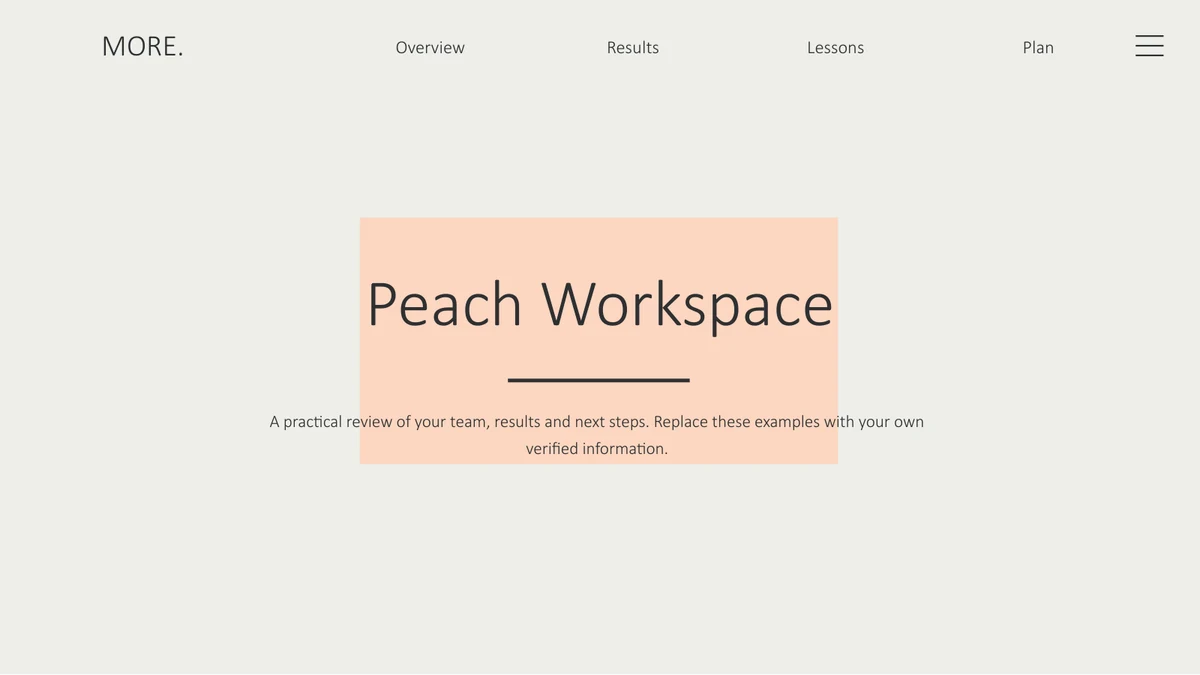
Peach Workspace Presentation Template uses peach rectangles on pale-grey backgrounds. Thin black icons and generous margins keep the pages calm and readable.
Everyday Workspace Photos
Peach Workspace Presentation Template includes desks, a typewriter and handwritten notes. Larger photos introduce chapters, with peach panels carrying a message.
Four Report Chapters
Peach Workspace Presentation Template separates an overview, performance, lessons and a plan. Photo dividers mark each change of topic without adding a dense agenda.
Two Editable Charts
Peach Workspace Presentation Template has two charts with embedded workbooks. Review the doughnut, columns and separate percentage labels after editing.
Cards and Connected Ideas
Peach Workspace Presentation Template offers three outlined cards and a four-part icon diagram. Use one concise idea in each area so the visual grouping stays clear.
A Four-Step Timeline
Peach Workspace Presentation Template places four peach markers along an arrow. Alternating text areas give each milestone room for a date, action or short outcome.
How to Use Peach Workspace Presentation Template
Select the useful pages, add your evidence and check the finished report.
-
Choose a Report Sequence
Preview all 20 slides of Peach Workspace Presentation Template. Keep the chapters that fit your final report, then choose photo, chart or timeline pages to support each main point.
-
Replace Text and Numbers
Download Peach Workspace Presentation Template with an active paid plan. Edit a working copy, update both chart workbooks, and adjust the separate numbers and percentages alongside them.
-
Review the Final Layout
Open Peach Workspace Presentation Template at presentation size. Shorten crowded text, review photo crops and confirm that chart labels, independent figures and milestones tell the same story.
Questions about Peach Workspace Presentation Template
How do I download Peach Workspace Presentation Template?
Sign in with an active paid membership to download Peach Workspace Presentation Template. Paid members have unlimited daily downloads and can download the file again. Save Peach Workspace Presentation Template before editing, keeping an untouched copy alongside your working version. Preview Peach Workspace Presentation Template to check that its page types fit your report.
How many slides are in Peach Workspace Presentation Template?
Peach Workspace Presentation Template contains 20 slides in a 16:9 format. A cover and contents page lead into four chapters and a closing page. Shorten Peach Workspace Presentation Template by selecting only the layouts you need. Peach Workspace Presentation Template moves through an overview, performance, lessons and a plan, without requiring a fixed presentation length.
Can I edit the text and charts in Peach Workspace Presentation Template?
Text, colors and separate shapes in Peach Workspace Presentation Template can be edited. Two native charts retain embedded Excel workbooks: a doughnut on slide 10 and grouped columns on slide 11. Large figures and standalone percentages in Peach Workspace Presentation Template are separate objects. After changing data in Peach Workspace Presentation Template, check those labels too; they will not all update automatically.
Can I preview every page of Peach Workspace Presentation Template?
The gallery shows all 20 slides of Peach Workspace Presentation Template, with thumbnails and arrows for moving between pages. Review the photo dividers, charts and timeline. Compare the text space in Peach Workspace Presentation Template with your outline. The preview of Peach Workspace Presentation Template helps you decide which ideas need a full page and which can share one.
Will Peach Workspace Presentation Template work in another editor?
Peach Workspace Presentation Template is a PowerPoint PPTX. Other editors may open it, but fonts, crops and chart handling can differ. To change the embedded workbooks in Peach Workspace Presentation Template, use an editor that supports PowerPoint charts and their data. Check an exported copy of Peach Workspace Presentation Template before presenting, especially its chart labels and timeline.
Which fonts does Peach Workspace Presentation Template use?
Peach Workspace Presentation Template uses Calibri Light and Arial. Check installed fonts before adding a long title. Keep headings and body copy consistent across Peach Workspace Presentation Template; replacing a typeface can change line breaks at the same size. Inspect the small chart labels in Peach Workspace Presentation Template after any substitution.
Are the slides in Peach Workspace Presentation Template translated?
The downloadable Peach Workspace Presentation Template contains English text and chart labels. Translated website pages describe that same file; they do not provide separate localized decks. To use Peach Workspace Presentation Template in another language, replace editable wording and review its spacing. Text inside photographs remains part of each original picture rather than an editable caption.
Can I use Peach Workspace Presentation Template commercially?
Check the rights for your intended use of Peach Workspace Presentation Template, including its original photographs and design elements. A paid plan does not itself establish permission for every third-party asset. Retain the original design credit in Peach Workspace Presentation Template, replace material you cannot use, and distribute only content for which you have the necessary permission.
How should I share Peach Workspace Presentation Template?
Share the page for Peach Workspace Presentation Template when someone wants to preview the design. For a finished report, keep the editable PPTX and review a PDF or presentation copy before sending. Replace the example figures, dates and conclusions in Peach Workspace Presentation Template. Verify photo and design permissions for Peach Workspace Presentation Template before distributing your edited version.