Vintage Cat Photo Album Presentation Template: Warm Cards for Kitten and Flower Photographs
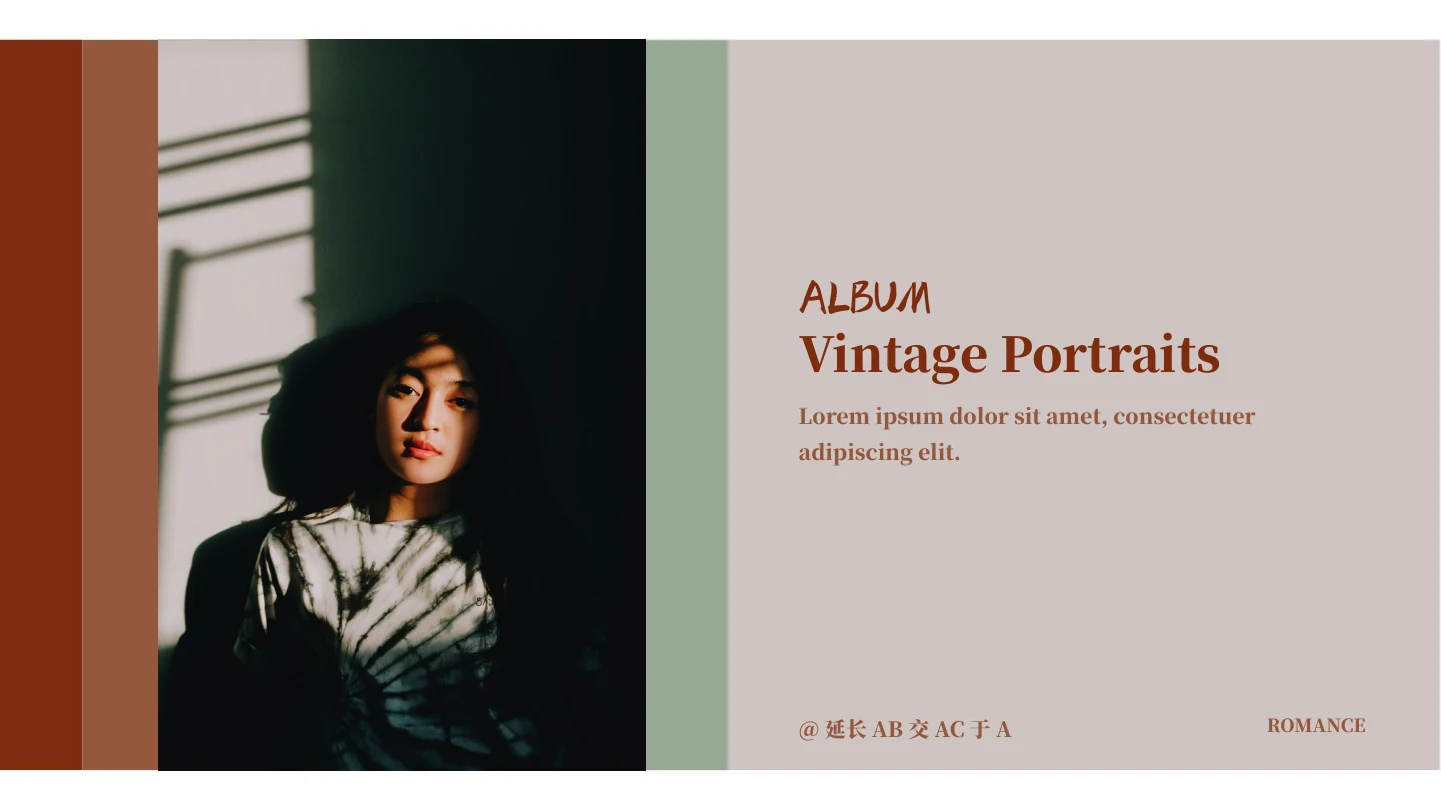
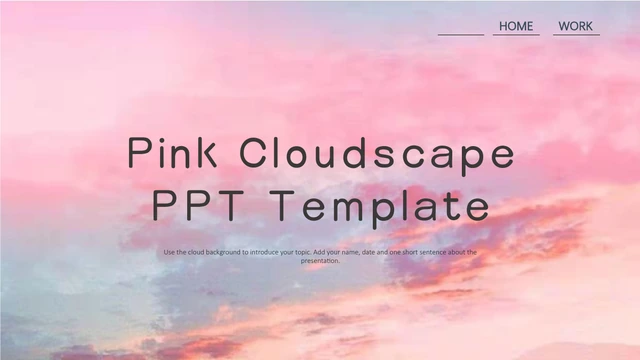
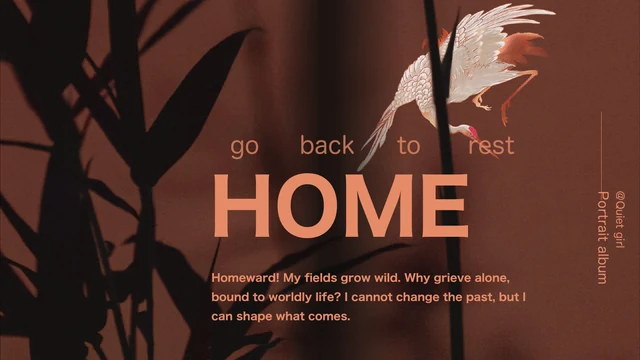
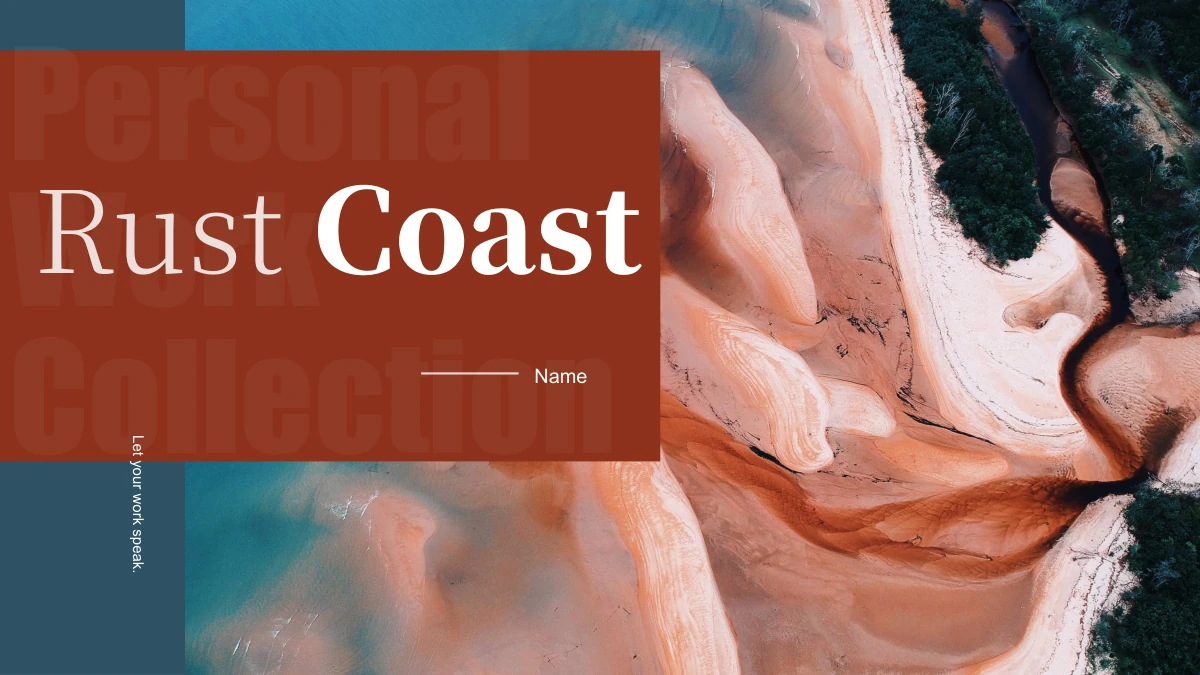
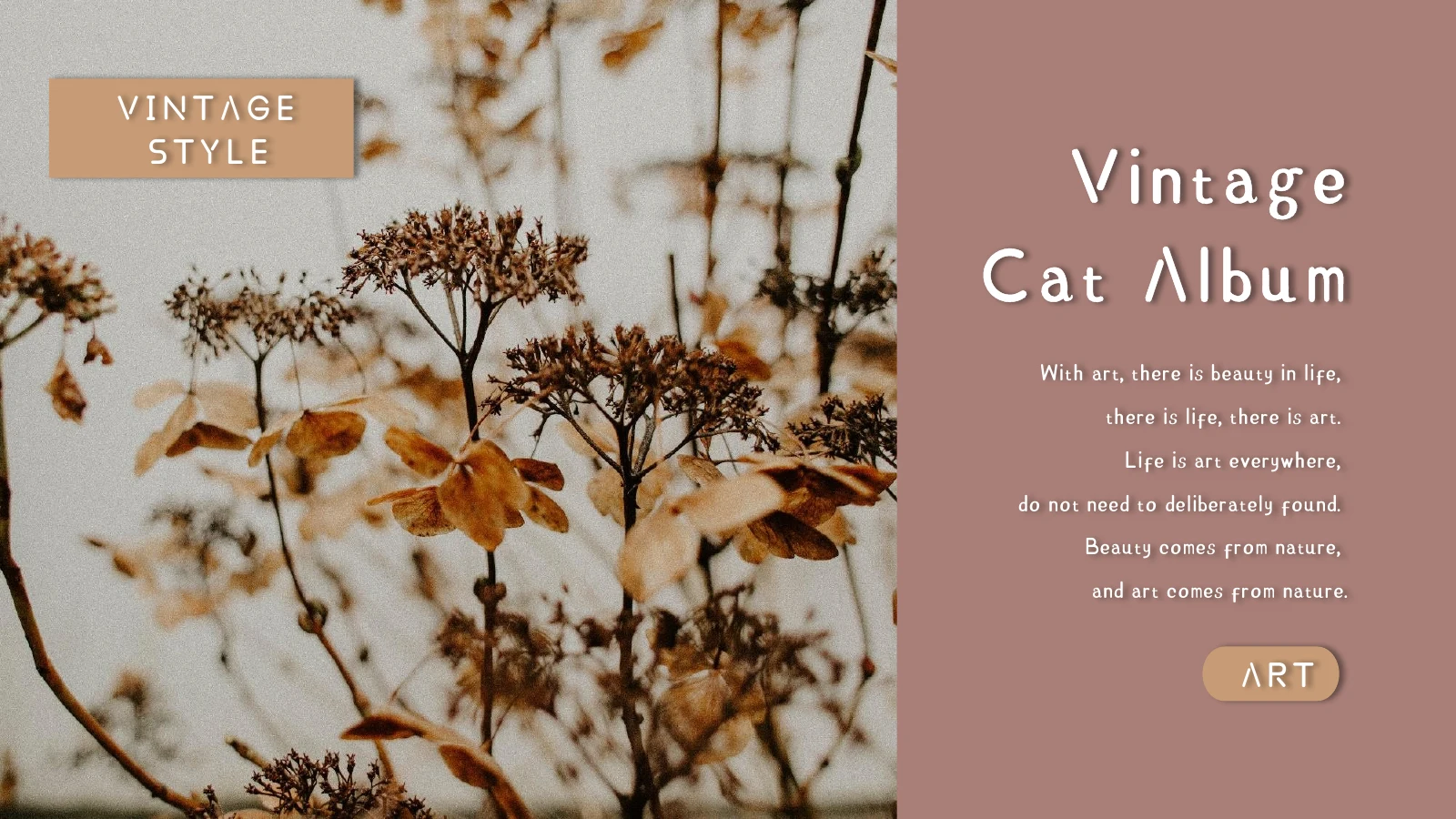
Vintage Cat Photo Album Presentation Template brings together an orange kitten, close-up paw details and dried flowers on muted rose backgrounds. Grey and tan cards, fine white rules and soft shadows create a warm album setting. Vintage Cat Photo Album Presentation Template contains 16 widescreen slides with three chapter dividers, tall picture columns and paired photo cards. A floral page surrounds its main photograph with small white, grey and tan color blocks, while other layouts layer a picture across two colored panels. Vintage Cat Photo Album Presentation Template opens with a dried-flower cover and ends with a matching Thank You arrangement. Choose a short sequence that suits your photographs, then replace the sample headings and captions. The narrow text areas work best with a clear title and a few useful details. Keep faces and paws visible when changing crops, and use only photographs you are authorized to present.
Key Features of Vintage Cat Photo Album Presentation Template
Warm colors, kitten details and layered photo cards.
Kitten Portraits and Paw Details
Vintage Cat Photo Album Presentation Template pairs kitten portraits with close-up paws. Keep eyes and small details in view when adding your pet photos.
Dried-Flower Chapter Pages
Vintage Cat Photo Album Presentation Template repeats dried flowers on three chapter dividers. Rename each section to guide viewers through your story.
Warm Rose and Tan Cards
Vintage Cat Photo Album Presentation Template combines muted rose backgrounds with grey and tan cards. Keep the quiet colors so photographs stand out.
Paired and Staggered Pictures
Vintage Cat Photo Album Presentation Template has tall photos, paired cards and staggered collages. Choose varied views without repeating the same crop.
Small Color-Block Composition
Vintage Cat Photo Album Presentation Template frames a floral photo with white, grey and tan blocks. Use these as decorative colors, not data charts.
Shadowed Headings and Labels
Vintage Cat Photo Album Presentation Template uses underlined headings and soft shadows. Keep captions brief and check contrast on the warm backgrounds.
How to Use Vintage Cat Photo Album Presentation Template
Select your pictures, add a short story and check the final album.
-
Choose a Photo Story
Browse all 16 pages of Vintage Cat Photo Album Presentation Template. Select portraits, detail shots and floral pages, then arrange a small set that explains your subject without repeating similar pictures.
-
Download and Personalize
Download Vintage Cat Photo Album Presentation Template with an active paid plan. Daily and repeat downloads are unlimited. Edit a copy, replace captions and use photos you may share.
-
Check Crops and Lettering
Review Vintage Cat Photo Album Presentation Template at presentation size. Check faces, paws, title spacing and every new character, then inspect the exported pages before sharing your finished album.
Questions About Vintage Cat Photo Album Presentation Template
How do I download Vintage Cat Photo Album Presentation Template?
Sign in with an active paid membership to download Vintage Cat Photo Album Presentation Template. Downloads are unlimited each day, including repeated downloads of the same file. Keep the original Vintage Cat Photo Album Presentation Template and use a working copy for your own album. Before downloading Vintage Cat Photo Album Presentation Template, compare the gallery with the pictures you want to show. Vintage Cat Photo Album Presentation Template includes tall photographs and smaller detail shots, so check whether those shapes suit your collection. Replace the sample captions in Vintage Cat Photo Album Presentation Template before presenting or sharing the finished slides.
How many slides are in Vintage Cat Photo Album Presentation Template?
Vintage Cat Photo Album Presentation Template contains 16 slides in a 16:9 format. Three chapter dividers appear on pages 2, 6 and 11. The opening and closing of Vintage Cat Photo Album Presentation Template use dried-flower photographs with short title areas. Between them, kitten portraits, paw details and floral arrangements offer several ways to build a photo sequence. You can remove pages from Vintage Cat Photo Album Presentation Template that do not add to your story. Keep the section names in your edited Vintage Cat Photo Album Presentation Template consistent with the photographs you select rather than filling every layout simply because it is available.
Can I replace the photographs in Vintage Cat Photo Album Presentation Template?
Pictures in Vintage Cat Photo Album Presentation Template can be replaced in PowerPoint. The orange kitten and paw photographs are image objects, not editable drawings of an animal. When adding your own pictures to Vintage Cat Photo Album Presentation Template, keep important details such as eyes, ears and paws within the frame. Some layouts repeat a portrait beside a close-up, while others give one photograph more room. Review the full Vintage Cat Photo Album Presentation Template after replacing images so that neighboring pictures feel connected. Use only photographs you are entitled to share in Vintage Cat Photo Album Presentation Template and make the captions describe the actual subject.
Can I preview every page of Vintage Cat Photo Album Presentation Template?
All 16 pages of Vintage Cat Photo Album Presentation Template are available in the gallery before downloading. Compare the narrow picture columns, paired cards and larger floral layouts at a useful viewing size. Small captions in Vintage Cat Photo Album Presentation Template deserve extra attention if you plan to project the album. The gallery shows the supplied Vintage Cat Photo Album Presentation Template file; it does not update when you edit a downloaded copy. Check your own version again after changing fonts, wording or picture crops. Export a sample from Vintage Cat Photo Album Presentation Template when you want to inspect shadows, thin rules and pale labels in the final format.
Are the color blocks in Vintage Cat Photo Album Presentation Template data charts?
Vintage Cat Photo Album Presentation Template contains no native data charts or tables. The white, grey and tan blocks around a floral photograph are decorative color elements. In Vintage Cat Photo Album Presentation Template, the cards and underlined headings organize pictures and short notes rather than represent measurements. You can use the color blocks to discuss your palette or replace them with a relevant visual. Do not describe the shapes in Vintage Cat Photo Album Presentation Template as automatically updating charts. If you add data to Vintage Cat Photo Album Presentation Template, create a suitable chart from verified values and explain what those values measure.
Which fonts does Vintage Cat Photo Album Presentation Template use?
Vintage Cat Photo Album Presentation Template uses the original ZCOOL XiaoWei lettering, identified in the source as 站酷小薇LOGO体. The source package retains subset font data, including Calibri variants. A subset does not guarantee support for every character you may add to Vintage Cat Photo Album Presentation Template. Check new wording carefully and install the matching complete font when necessary. The distinctive headings in Vintage Cat Photo Album Presentation Template have underlines and shadows that should remain readable after editing. Compare line breaks with the previews and review both titles and small captions. Preview images of Vintage Cat Photo Album Presentation Template show the rendered design but do not install fonts on your device.
Is Vintage Cat Photo Album Presentation Template in English, and can other editors open it?
The editable Chinese sample labels in Vintage Cat Photo Album Presentation Template have been prepared in English. Existing English passages remain sample copy for replacement with your own story. Website translations describe the same English Vintage Cat Photo Album Presentation Template file rather than separately translated slide decks. Other applications that import PPTX may open Vintage Cat Photo Album Presentation Template, although embedded fonts, shadows and line spacing can vary. Use PowerPoint as the main editing reference and compare imported pages with the gallery. Check your version of Vintage Cat Photo Album Presentation Template before export, especially the closing title and the small labels on layered cards.
Can I use Vintage Cat Photo Album Presentation Template commercially?
Check the terms for Vintage Cat Photo Album Presentation Template, the photographs and any fonts you use in your edited version. A paid download of Vintage Cat Photo Album Presentation Template does not separately grant rights to every included image. Use photographs you are authorized to share for client work, and preserve any required credits. The kitten and flower pictures in Vintage Cat Photo Album Presentation Template are sample visual material, not evidence that a particular photographer or pet owner endorses your project. Confirm relevant permissions before selling an adapted deck or redistributing an editable Vintage Cat Photo Album Presentation Template. Keep descriptions accurate and replace sample passages with your own content.
How should I share Vintage Cat Photo Album Presentation Template?
Share this public page when recommending Vintage Cat Photo Album Presentation Template. Recipients can preview every slide and download Vintage Cat Photo Album Presentation Template through their own eligible accounts. For a completed album, export your edited file to PDF or present it from your application after reviewing the output. Keep an editable copy of Vintage Cat Photo Album Presentation Template for later changes. Before sharing Vintage Cat Photo Album Presentation Template, check image permissions, captions, credits and the order of your photographs. Remove unused sample text from Vintage Cat Photo Album Presentation Template and confirm that new letters display correctly. Distribute the finished album within the terms that apply to its template, photographs and fonts.