Watercolor Whale Classroom Presentation Template: illustrated spaces for learning
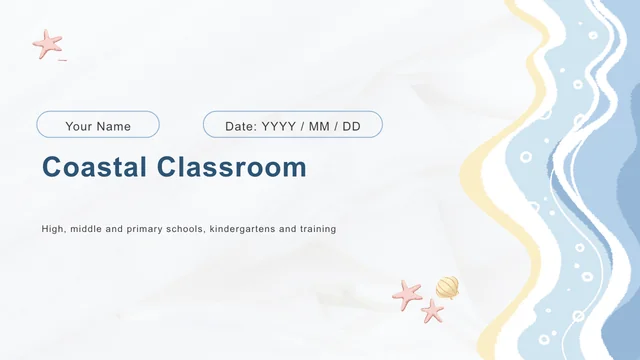
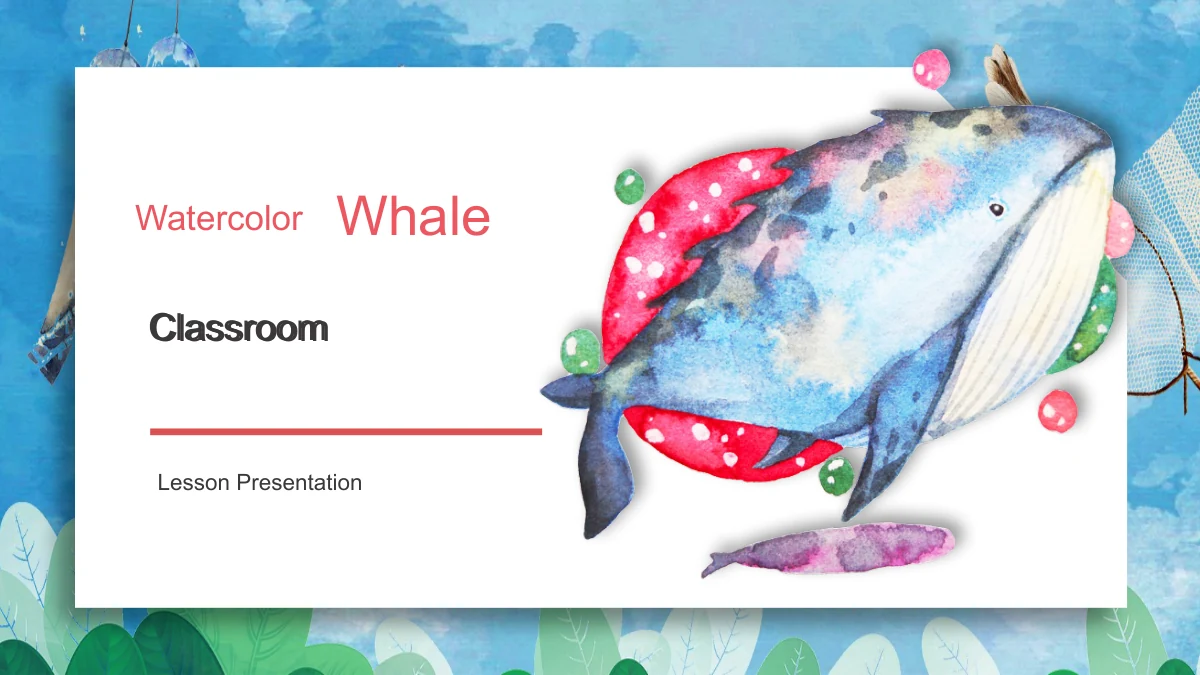
Watercolor Whale Classroom places a bright white paper panel over a blue painted background. Leaf details, a folded corner and coral headings give the content pages a consistent setting, while a large whale opens and closes the deck. Inside, woodland animals and small botanical illustrations provide different accents for your notes. The 20-slide sequence moves through Lesson Overview, Lesson Activities and Lesson Review, with a contents page and three numbered dividers to guide the audience. Some layouts pair two explanations; others group three or four ideas around illustrations. Choose the arrangement that suits your teaching point and replace the short sample text with your own subject matter. The artwork is decorative: this is a flexible classroom framework, not a ready-made lesson about whales or wildlife. Keep labels concise, explain any examples you introduce and leave enough white space for learners to follow the discussion.
Key Features of Watercolor Whale Classroom Presentation Template
Painted backgrounds, paper panels and playful animals.
Blue Watercolor Setting
Blue painted textures and leafy details surround the white content area. Coral headings and fine rules repeat across the deck to make its sections easy to follow.
Animal Illustrations
A whale introduces the deck, while cats, owls, a mole and other woodland animals appear inside. Use these pictures as accents beside your own teaching explanations.
Three Lesson Stages
The contents page leads into Overview, Activities and Review. Numbered dividers mark each change, helping you organize introductions, practice and closing discussion.
Folded Paper Panels
White panels with a folded corner leave room for short notes against the painted background. Keep text within these clear areas so the surrounding art stays visible.
Grouped Talking Points
Paired explanations, three-part layouts and four numbered points offer different ways to organize ideas. Choose the arrangement that fits the points you need.
Editable Lesson Notes
Replace headings and notes in PowerPoint, then adapt the separate shapes. The detailed illustrations remain image objects, so check the crop when replacing them.
How to Use Watercolor Whale Classroom Presentation Template
Outline your lesson, choose layouts and add your examples.
-
Plan the three sections
Start with your lesson aim, then decide what belongs in the overview, activities and review. Browse all 20 previews and choose layouts with enough space for the points you need to explain.
-
Download and personalize
Sign in with an active paid membership to download the English PPTX. Work in a copy, replace the sample headings and notes, and give each animal-led layout a clear purpose in your lesson.
-
Review before presenting
Check that paired notes and numbered groups follow a sensible reading order. Test fonts, picture crops and spacing on your own screen, then review the complete presentation before sharing.
Questions about Watercolor Whale Classroom Presentation Template
How do I download the template?
Sign in with an active paid membership and select Download. Members have unlimited daily downloads and can download another copy when needed. The supplied file is an English PowerPoint presentation.
What does the 20-slide file include?
It contains a cover, contents page, three chapter dividers, 14 content layouts and a closing. The dividers on slides 3, 9 and 15 introduce Lesson Overview, Lesson Activities and Lesson Review.
Is this a complete lesson about whales?
No. The whale is a decorative cover illustration. The deck contains a general teaching structure with sample notes, not a researched wildlife lesson. Add your own subject, explanations, activities and verified information.
Which parts are editable?
Headings, notes and separate PowerPoint shapes can be changed. The watercolor backgrounds and detailed animals are images; their internal details are not separate editable shapes. Inspect image crops after replacing artwork.
Are charts or spreadsheets included?
There are no native charts or embedded workbooks. The numbered arrangements organize talking points rather than numerical data. Add an appropriate chart of your own if your lesson needs to explain measurements or results.
Can I inspect the whole deck first?
Yes. The gallery shows all 20 slides, including the paired explanations, animal-led layouts and numbered review page. Compare their text capacity with your outline before choosing which pages to use.
Which fonts and presentation editors should I use?
The English release uses Arial and does not embed font files. Check text spacing on the computer you will present from. Google Slides and Keynote compatibility has not been tested for this file.
Does each website language provide a different PPTX?
No. All language versions describe the same English download. If you translate the slide text yourself, review line breaks, headings and the order of explanations throughout the deck.
How should I share or reuse the template?
Share this template page when recommending the design. Check the rights for any retained source artwork before commercial use and preserve relevant credits. Paid membership does not extend third-party image rights.