Woodgrain Classroom Presentation Template: white wood and four teaching sections
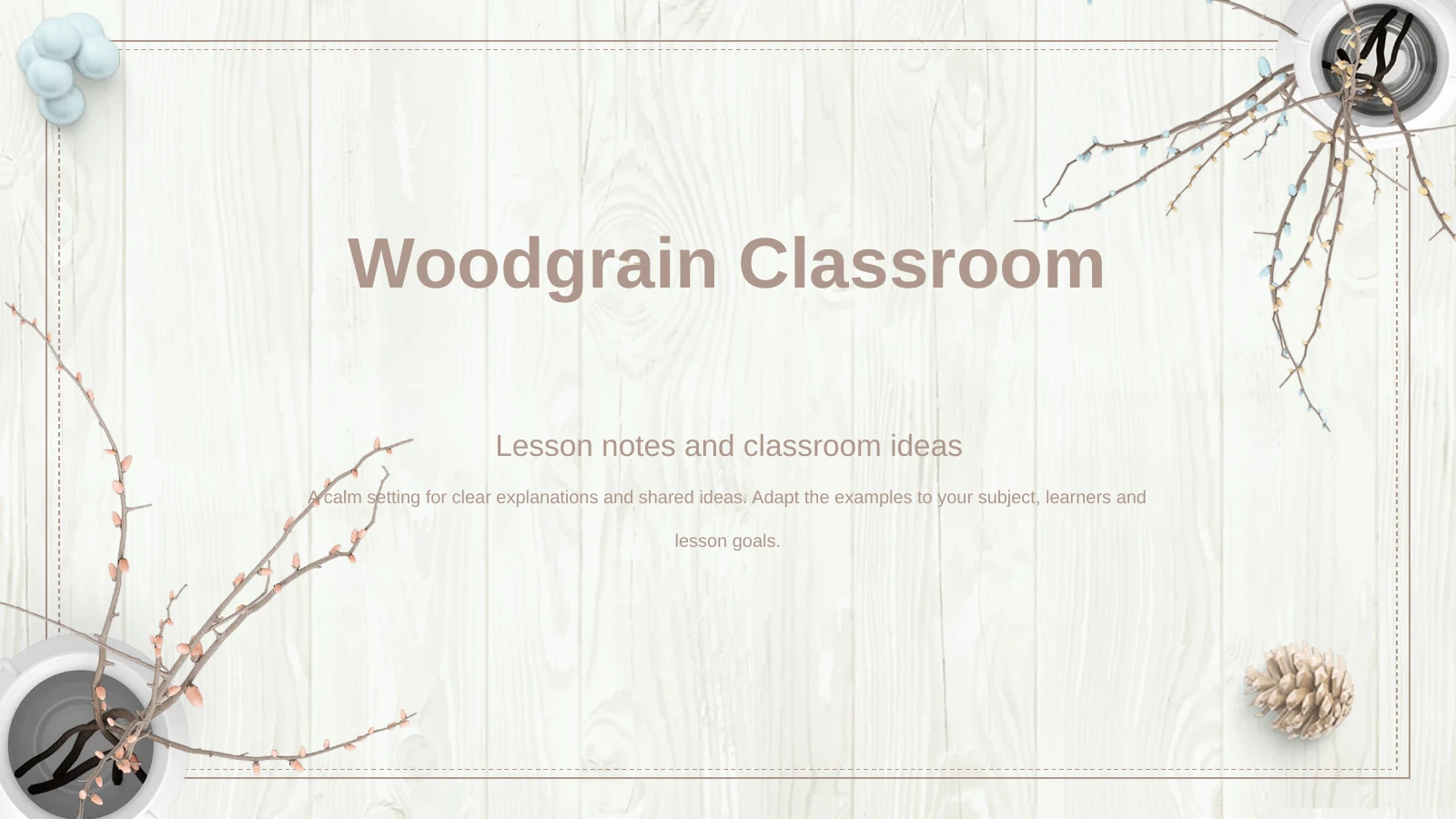
Woodgrain Classroom Presentation Template frames a lesson with white woodgrain, budding branches and simple white vases. Pale blue and taupe separate the diagrams, with matching decoration on the cover and closing page. Its 15 widescreen slides follow Lesson Overview, Key Ideas, Class Activities and Review. Woodgrain Classroom Presentation Template combines paired photographs, a five-part idea diagram, three note cards and numbered explanations. Four editable 50% labels illustrate progress; they are sample text rather than measured classroom results. Adapt Woodgrain Classroom Presentation Template around a clear learning objective. Replace the camera and desk photographs with relevant examples and keep diagram labels brief. Use the wider note areas for explanations, then finish with a question about the main idea.
Features of Woodgrain Classroom Presentation Template
Explore the photographs, diagrams and lesson sections in Woodgrain Classroom Presentation Template.
White Wood and Branches
Woodgrain Classroom Presentation Template pairs pale woodgrain with budding branches in white vases. Blue and taupe accents bring a soft contrast to the diagrams.
Four Lesson Sections
Woodgrain Classroom Presentation Template has four numbered dividers and a contents page. Move from the lesson overview through ideas and activities to review.
Photographs for Discussion
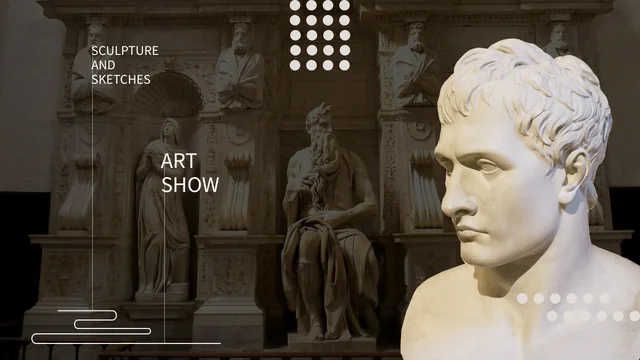
Woodgrain Classroom Presentation Template includes paired photos and a diamond image crop. Add subject examples that give learners something concrete to discuss.
A Five-Part Idea Diagram
Woodgrain Classroom Presentation Template arranges five icons around a petal diagram. Dotted lines lead to short notes for explaining connected classroom ideas.
Cards and Progress Labels
Woodgrain Classroom Presentation Template includes three note cards and four editable 50% labels. Change these sample percentages manually to suit your lesson.
Two Three-Step Sequences
Woodgrain Classroom Presentation Template places two three-step diagrams above six numbered notes. Explain related activities or compare two ways to complete a task.
How to Use Woodgrain Classroom Presentation Template
Prepare Woodgrain Classroom Presentation Template around your learning objective and classroom examples.
-
Choose a Lesson Sequence
Browse all 15 slides in Woodgrain Classroom Presentation Template. Set a learning objective, select useful layouts and assign each of the four sections a clear role before adding teaching notes.
-
Replace the Examples
Download Woodgrain Classroom Presentation Template with an active paid membership. Add photos and teaching notes, label the diagrams and replace the sample percentages with your own figures.
-
Check the Classroom View
Rehearse with Woodgrain Classroom Presentation Template on your intended screen. Check the small labels and light blue contrast, time the activities and save an editable copy for later lessons.
Questions about Woodgrain Classroom Presentation Template
How do I download Woodgrain Classroom Presentation Template?
With active paid membership, download Woodgrain Classroom Presentation Template as a PPTX file. Members can download repeatedly without a daily limit. Save an untouched copy of Woodgrain Classroom Presentation Template before adapting it.
How many slides are in Woodgrain Classroom Presentation Template?
Woodgrain Classroom Presentation Template contains 15 slides in 16:9, with a cover, contents, four dividers and closing page. Remove layouts from Woodgrain Classroom Presentation Template that do not contribute to your lesson.
What can I edit in Woodgrain Classroom Presentation Template?
Text, diagram shapes and percentage labels are editable in Woodgrain Classroom Presentation Template. Textures, branches and photographs are images. The four 50% labels in Woodgrain Classroom Presentation Template have no linked chart or spreadsheet; update their values and shapes manually.
Can I preview every slide in Woodgrain Classroom Presentation Template?
The gallery shows all 15 pages of Woodgrain Classroom Presentation Template. Examine photo crops, diagrams and note cards before selecting layouts. Match your outline to the available space in Woodgrain Classroom Presentation Template to keep each point readable.
Can I use Woodgrain Classroom Presentation Template in another editor?
Woodgrain Classroom Presentation Template is supplied as a PowerPoint file; Google Slides and Keynote compatibility has not been verified. If you import Woodgrain Classroom Presentation Template elsewhere, check fonts, picture crops, grouped shapes and animation timing before teaching.
Which font does Woodgrain Classroom Presentation Template use?
The English Woodgrain Classroom Presentation Template uses Arial without embedded font files. If your editor substitutes it, install Arial or select a suitable alternative. Review headings, cards and numbered notes throughout Woodgrain Classroom Presentation Template after changing fonts.
Does Woodgrain Classroom Presentation Template include a complete lesson?
Woodgrain Classroom Presentation Template is an English framework with sample teaching notes, for your objectives and activities. It contains no subject curriculum or verified assessment results. Translated website descriptions introduce the same English Woodgrain Classroom Presentation Template file.
Can I use Woodgrain Classroom Presentation Template commercially?
Check the source and image terms before commercial use or redistribution of Woodgrain Classroom Presentation Template. Paid membership does not grant unrestricted rights to every photograph. Retain required attribution and check permissions for additions to Woodgrain Classroom Presentation Template.
How should I share Woodgrain Classroom Presentation Template?
Share the Woodgrain Classroom Presentation Template page link so colleagues can preview the design. Where relevant rights permit, share your edited PPTX or PDF. Check the photos, sample percentages and activity instructions in Woodgrain Classroom Presentation Template, and keep an editable copy.