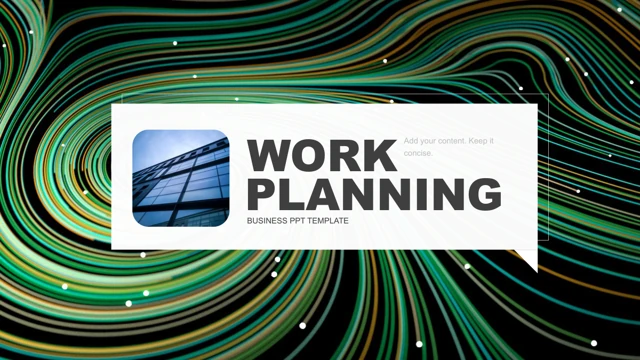
Company Introduction Presentation Template: Cyan City Layouts, Four Charts and Photo Frames
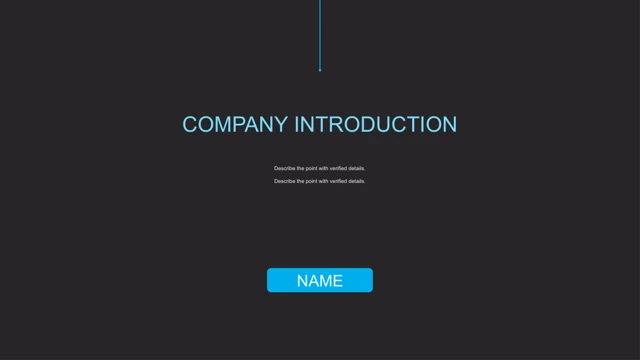
Company Introduction Presentation Template opens on charcoal with cyan text. Company Introduction Presentation Template keeps 19 pages in 16:9. The contents of Company Introduction Presentation Template list Work Review, Data Analysis, Work Problems and Future Plan. Dividers on pages 3, 8, 13 and 16 highlight one cyan band among four. Company Introduction Presentation Template uses city skylines, glass buildings and cloud views. A six-tile page in Company Introduction Presentation Template alternates three photos and cyan text blocks. Company Introduction Presentation Template also has a skyline strip, an oversized circular city crop and a laptop frame containing a city photo. Photos do not verify locations, companies or software. Company Introduction Presentation Template preserves a native cone chart with three series and four categories. Three native doughnuts in Company Introduction Presentation Template keep 25/75, 50/50 and 75/25 values beside separate 25%, 50% and 75% text. Company Introduction Presentation Template retains four embedded workbooks, their numbers and formulas; Chinese series and quarter labels are translated to English. Company Introduction Presentation Template includes seven manual hexagons with percentages and 80 without a percent sign. Four arrows and a circular logo cycle in Company Introduction Presentation Template are editable shapes, not native charts. Company Introduction Presentation Template retains 9000+ and 10000+ examples on About Us, plus 7000+, 8000+, 9000+ and 10000+ on a photo page. Verify what these numbers should mean. Company Introduction Presentation Template replaces Latin filler with short English prompts, translates master hints and clears source notes. DIN references become Arial; narrow labels fit the original boxes. Company Introduction Presentation Template ends with a corrected Thank You page and a name placeholder. Photo pixels, positions, chart values and animations remain. Check examples and image rights.
Key Features of Company Introduction Presentation Template
City imagery, cyan bands and editable data.
City design
Company Introduction Presentation Template combines cyan and charcoal.
Four bands
Company Introduction Presentation Template keeps four cyan-band dividers.
Cone chart
Company Introduction Presentation Template keeps a three-series cone chart.
Three rings
Company Introduction Presentation Template retains 25%, 50% and 75% doughnuts.
Diagrams
Company Introduction Presentation Template includes seven hexagons and four directional arrows.
Photo layouts
Company Introduction Presentation Template places buildings in a grid, skyline strip and laptop frame.
How to Use Company Introduction Presentation Template
Review examples, then edit.
-
Preview
Company Introduction Presentation Template: inspect all 19 pages.
-
Download
Company Introduction Presentation Template: active paid members have unlimited daily downloads.
-
Edit
Company Introduction Presentation Template: replace examples, update chart data and check image rights.
Questions about Company Introduction Presentation Template
How do I download Company Introduction Presentation Template?
Company Introduction Presentation Template is available with an active paid plan. Sign in and choose Download PPTX. There is no daily limit, and repeat downloads are allowed.
How many pages are in Company Introduction Presentation Template?
Company Introduction Presentation Template keeps 19 original 16:9 pages. Its four cyan-band dividers are on pages 3, 8, 13 and 16. The chapter names are Work Review, Data Analysis, Work Problems and Future Plan.
What can I edit in Company Introduction Presentation Template?
Company Introduction Presentation Template retains text, shapes, a native cone chart, three native doughnuts and four embedded workbooks. The doughnuts contain 25/75, 50/50 and 75/25, with separate matching percentage text. Seven hexagons and the arrow diagrams are manual shapes.
Can I see all of Company Introduction Presentation Template before downloading?
Company Introduction Presentation Template has a complete 19-page preview. Inspect the dark contrast, four-band dividers, photo grid, long city crop, laptop picture and chart labels at your intended display size.
Will Company Introduction Presentation Template work in another presentation editor?
Company Introduction Presentation Template is a PPTX file that compatible editors may import. Compare cone shapes, chart links, doughnut holes, cyan bands, the circular city crop and laptop frame with the preview before presenting.
Which fonts does Company Introduction Presentation Template use?
Company Introduction Presentation Template replaces unavailable DINCond and DINPro references with Arial while keeping appropriate bold weights. Other source references include Open Sans, Roboto, Arial, Calibri and theme fonts. No fonts are embedded; review line breaks after replacement.
Has the text of Company Introduction Presentation Template been translated?
Company Introduction Presentation Template replaces Latin filler with concise English prompts and corrects source title typos. Chinese master hints, chart series and workbook quarter labels are translated; promotion notes and source author text are cleared. All website languages refer to the same English PPTX.
Can Company Introduction Presentation Template be used commercially?
Company Introduction Presentation Template does not verify commercial rights to each source photograph. Check permissions or use your own pictures. The city images and large sample counts do not establish a company, location or real business performance.
How should I share Company Introduction Presentation Template?
Company Introduction Presentation Template should be shared as your finished presentation or PDF. Replace sample claims, supply units for the counts, update chart data and verify image permissions. Keep an editable copy and confirm rights before redistributing the template.