Coral Art Gallery Portfolio Presentation Template: Coral Panels and Painting Galleries
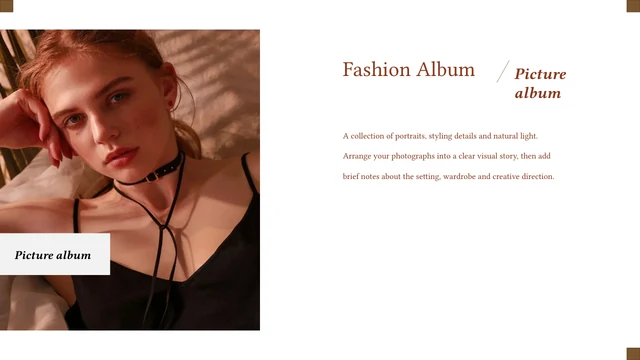
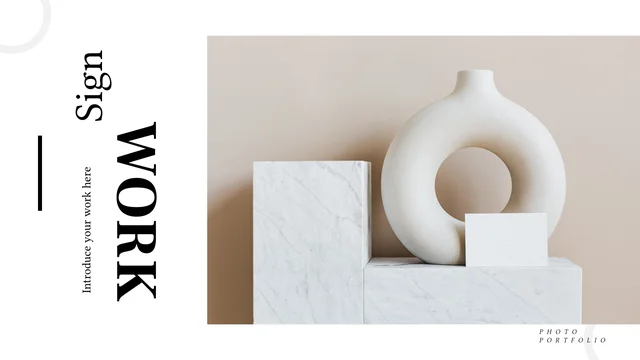
Coral Art Gallery Portfolio Presentation Template sets paintings and studio photographs against deep brown backgrounds with coral blocks and outlines. Coral Art Gallery Portfolio Presentation Template starts with a framed artwork cover and a four-item contents page. Coral Art Gallery Portfolio Presentation Template uses wide painting strips on four numbered dividers to organize the sequence. Single artworks, paired museum photographs and three-image arrangements vary the pace. Tall crops, translucent panels and narrow side labels connect the layouts without requiring a single artist or period. Choose images for their subject and composition, then add verified titles and credits as needed. Keep captions short on the vertical and narrow areas, and replace the manual figures with relevant information. The closing page returns to the cover artwork; check both views after edits. The source pictures illustrate the layouts rather than certify a collection or document your own work.
Key Features of Coral Art Gallery Portfolio Presentation Template
Dark gallery pages, coral accents and varied artwork arrangements.
Deep Brown and Coral Panels
Coral Art Gallery Portfolio Presentation Template pairs deep brown pages with coral panels and outlines. Keep captions readable on both dark and bright areas.
Four Numbered Chapters
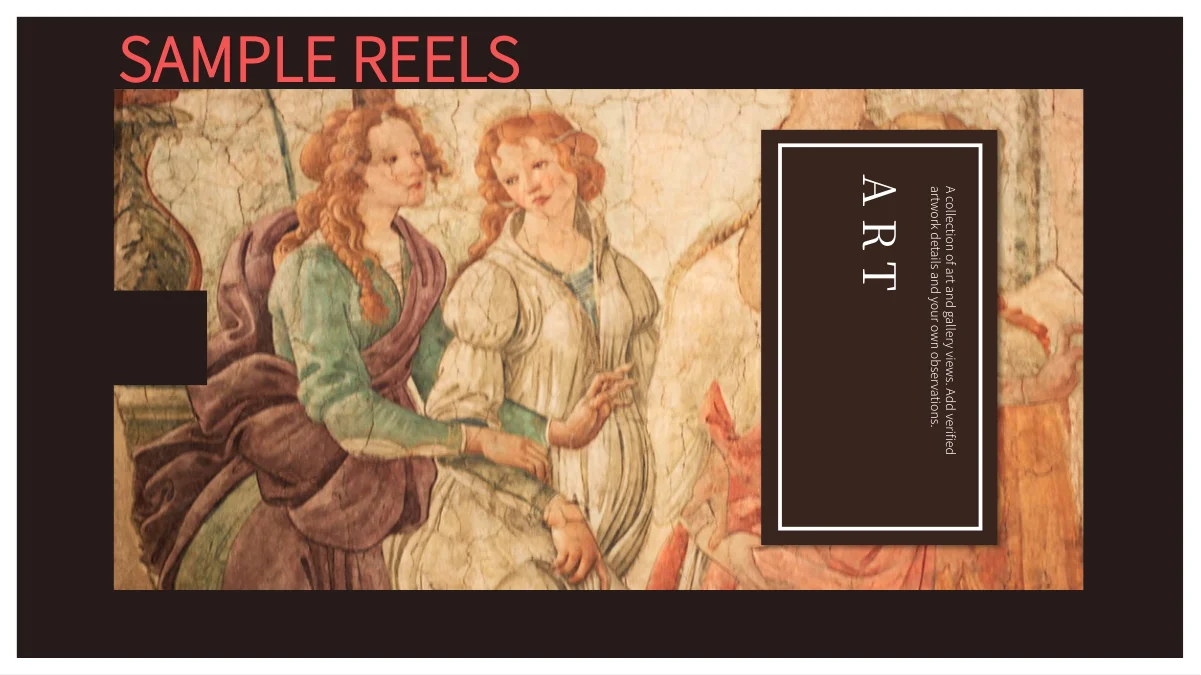
Coral Art Gallery Portfolio Presentation Template repeats a wide painting strip on four numbered dividers. Rename the contents entries and chapter titles together.
Single and Grouped Artworks
Coral Art Gallery Portfolio Presentation Template includes single artworks, pairs and three-image rows. Match each caption to its image and check narrow crops.
Studio and Museum Photographs
Coral Art Gallery Portfolio Presentation Template mixes paintings with studio and museum photos. Use these layouts to add context beside your selected works.
Translucent and Outlined Notes
Coral Art Gallery Portfolio Presentation Template places notes in translucent panels and outlined boxes. Keep descriptions concise so the artwork remains clear.
Manual Example Figures
Coral Art Gallery Portfolio Presentation Template includes manual percentages and large figures. Replace their values and labels with relevant, verified information.
How to Use Coral Art Gallery Portfolio Presentation Template
Choose your works, replace the examples and check the gallery sequence.
-
Select and Sequence Your Images
Preview all 24 pages of Coral Art Gallery Portfolio Presentation Template. Choose single images, pairs and galleries for your material, then align the four contents entries with the chapters.
-
Download and Add Your Material
Download Coral Art Gallery Portfolio Presentation Template with an active paid plan; daily and repeat downloads are unlimited. Save a copy, replace the images and add captions and credits.
-
Review Crops and Example Values
Check Coral Art Gallery Portfolio Presentation Template at full size. Review vertical crops, pale captions and manual figures, then compare the exported cover and closing page with your copy.
Questions About Coral Art Gallery Portfolio Presentation Template
How do I download Coral Art Gallery Portfolio Presentation Template?
Sign in with an active paid plan to download Coral Art Gallery Portfolio Presentation Template. Daily and repeat downloads of Coral Art Gallery Portfolio Presentation Template are unlimited. Coral Art Gallery Portfolio Presentation Template is supplied as an editable PowerPoint file. Keep an untouched copy of Coral Art Gallery Portfolio Presentation Template before replacing artworks, changing chapter headings or adapting the gallery sequence to your material.
What is included in Coral Art Gallery Portfolio Presentation Template?
Coral Art Gallery Portfolio Presentation Template contains 24 slides in a 16:9 format. Coral Art Gallery Portfolio Presentation Template includes a cover, four-item contents page, four numbered dividers and varied picture layouts. The Coral Art Gallery Portfolio Presentation Template pages combine paintings, studio scenes and museum photographs with coral text panels. Review all Coral Art Gallery Portfolio Presentation Template previews to select the pages that suit your presentation rather than assuming every layout serves the same purpose.
How are the chapters in Coral Art Gallery Portfolio Presentation Template organized?
Coral Art Gallery Portfolio Presentation Template has numbered dividers on pages 3, 9, 13 and 18. Each Coral Art Gallery Portfolio Presentation Template divider repeats a wide painting strip above a chapter number and heading. Update the four Coral Art Gallery Portfolio Presentation Template contents entries and the corresponding divider titles together. Reorder the supporting Coral Art Gallery Portfolio Presentation Template pages as needed, keeping the chapter labels consistent with the images and discussion that follow.
Can I replace the pictures in Coral Art Gallery Portfolio Presentation Template?
Coral Art Gallery Portfolio Presentation Template uses single images, paired photographs, three-image arrangements and tall narrow crops. Select Coral Art Gallery Portfolio Presentation Template replacements with enough room around the subject for the intended shape. After changing a Coral Art Gallery Portfolio Presentation Template picture, inspect its crop and the placement of nearby coral panels or captions. Add accurate descriptions to Coral Art Gallery Portfolio Presentation Template and retain the image credits required for the material you choose.
Does Coral Art Gallery Portfolio Presentation Template identify every artwork or artist?
Coral Art Gallery Portfolio Presentation Template combines different paintings and photographs as layout examples. Coral Art Gallery Portfolio Presentation Template is not a verified catalogue assigning all pictures to one artist, period or collection. Check titles, artists, dates and image credits before adding them to Coral Art Gallery Portfolio Presentation Template. The Coral Art Gallery Portfolio Presentation Template source photographs also do not establish that an exhibition, studio or artwork belongs to you.
Are the figures in Coral Art Gallery Portfolio Presentation Template editable charts?
Coral Art Gallery Portfolio Presentation Template uses manually entered example figures, including percentages on page 14 and large values on page 19. These Coral Art Gallery Portfolio Presentation Template figures are text and design elements rather than native data charts. Coral Art Gallery Portfolio Presentation Template does not include native charts, tables or linked Excel workbooks. Replace the Coral Art Gallery Portfolio Presentation Template values and labels with verified information or remove them when numerical details do not support your topic.
Which fonts does Coral Art Gallery Portfolio Presentation Template use?
Coral Art Gallery Portfolio Presentation Template uses Source Han Sans SC Light and Heavy with Source Han Serif SC Regular. The Coral Art Gallery Portfolio Presentation Template PowerPoint file does not embed fonts. Install matching fonts when editing Coral Art Gallery Portfolio Presentation Template if your software uses substitutes. Review Coral Art Gallery Portfolio Presentation Template chapter titles, small captions and narrow text areas after any font change, and compare exported pages with the supplied previews.
How can I keep text readable in Coral Art Gallery Portfolio Presentation Template?
Coral Art Gallery Portfolio Presentation Template uses pale captions on dark backgrounds, coral blocks and some narrow or vertical text areas. Keep Coral Art Gallery Portfolio Presentation Template descriptions short enough for the available space and check contrast after changing colors. Review Coral Art Gallery Portfolio Presentation Template outlined boxes and translucent panels at full size so text does not obscure important artwork details. Export a sample Coral Art Gallery Portfolio Presentation Template page to check the result in the format you will share.
What should I check before sharing Coral Art Gallery Portfolio Presentation Template?
Review Coral Art Gallery Portfolio Presentation Template image titles, credits, chapter headings and contents entries. Replace Coral Art Gallery Portfolio Presentation Template sample dates, figures and generic captions with relevant details. Inspect Coral Art Gallery Portfolio Presentation Template tall crops, grouped images and small text for anything that becomes unclear on export. Compare the Coral Art Gallery Portfolio Presentation Template opening and closing artwork views with your editable copy before sharing the finished presentation.