Sunflower Photography Portfolio Presentation Template: Green Panels, Gold Brush Marks and Framed Photographs
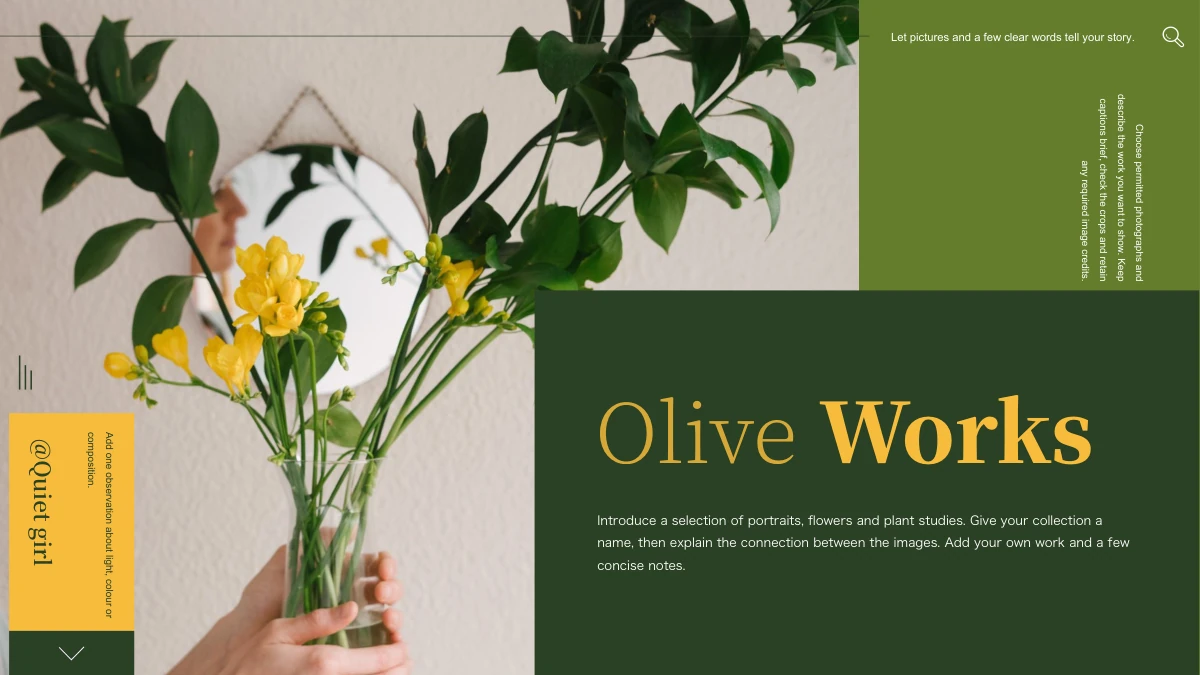
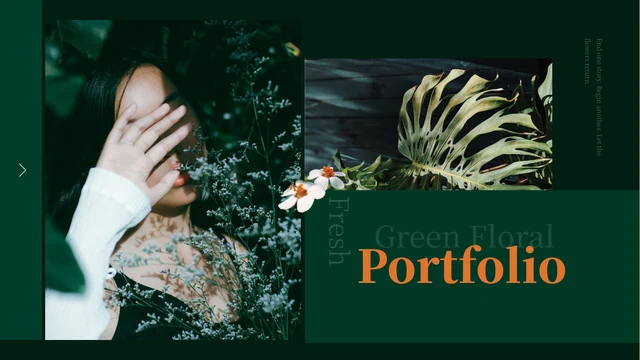
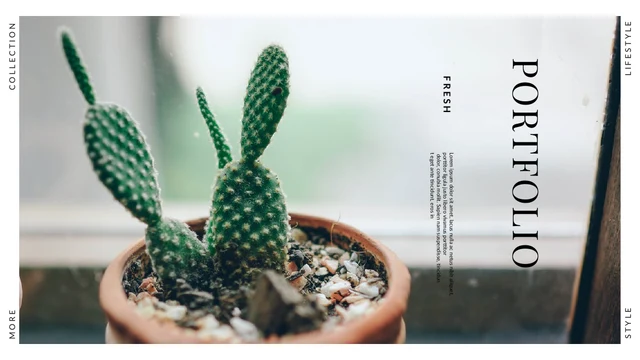
Sunflower Photography Portfolio Presentation Template presents sunflowers, portraits and outdoor scenes against muted green and white panels. Sunflower Photography Portfolio Presentation Template uses gold brush marks over white photo frames, with a vase of sunflowers linking the cover and thank-you page. Sunflower Photography Portfolio Presentation Template organizes the selection into profile, nature, other photography and contact sections. Each chapter opener combines its numbered heading with a small bird-of-paradise flower in a rounded green band. Inside, a three-image gallery, paired tall cards and mixed-size arrangements leave room for brief descriptions. Portraits, flowers and a swing vary the photographic selection. Choose your own pictures and explain the context rather than presenting the sample people or scenes as your work. The closing page retains the original JiaJia PPT credit; distinguish that attribution from your own name and verified contact details.
Key Features of Sunflower Photography Portfolio Presentation Template
Green and white panels, gold brush accents and varied photographic layouts.
Green and Gold Framing
Sunflower Photography Portfolio Presentation Template pairs green panels with gold brush marks. Keep notes short and check their contrast on green and white areas.
Four Photography Sections
Sunflower Photography Portfolio Presentation Template has four sections from profile to contact. Rename contents and chapter labels together when reordering pages.
Three-Photo Gallery
Sunflower Photography Portfolio Presentation Template groups three pictures above a caption. Choose photos that work together and check each subject within its frame.
Paired Tall Photo Cards
Sunflower Photography Portfolio Presentation Template uses paired tall cards with notes. Balance captions and check the crops after replacing portraits or landscapes.
Mixed-Size Image Arrangements
Sunflower Photography Portfolio Presentation Template combines snapshots with larger portraits and flower photos. Keep a clear main image and avoid crowding margins.
Cover and Closing Connection
Sunflower Photography Portfolio Presentation Template repeats the sunflower vase at the end. Connect the closing message to your photos and keep attribution distinct.
How to Use Sunflower Photography Portfolio Presentation Template
Select the photographs, write your captions and check the complete portfolio.
-
Select Your Photographs
Review all 15 pages of Sunflower Photography Portfolio Presentation Template. Choose section topics and photo layouts, then prepare images you can accurately describe before renaming the contents.
-
Download and Add Your Story
Download Sunflower Photography Portfolio Presentation Template with an active paid plan; daily and repeat downloads are unlimited. Save a copy, replace the captions and add verified contact details.
-
Review Frames and Attribution
Check Sunflower Photography Portfolio Presentation Template photo crops, notes and section names. Compare exports with the editable file and keep the original credit separate from your identity.

Questions About Sunflower Photography Portfolio Presentation Template
How do I download Sunflower Photography Portfolio Presentation Template?
Sign in with an active paid plan to download Sunflower Photography Portfolio Presentation Template. Daily and repeat downloads of Sunflower Photography Portfolio Presentation Template are unlimited. Sunflower Photography Portfolio Presentation Template is supplied as an editable PowerPoint file. Save an untouched Sunflower Photography Portfolio Presentation Template copy before replacing photographs, rewriting captions or rearranging the chapters, so you can return to the original green panels and framed compositions when needed.
What does Sunflower Photography Portfolio Presentation Template include?
Sunflower Photography Portfolio Presentation Template contains 15 slides in a 16:9 format. Sunflower Photography Portfolio Presentation Template has a sunflower-vase cover, a four-part contents page, four chapter openers and a matching thank-you page. The Sunflower Photography Portfolio Presentation Template content layouts include a three-photo gallery, paired tall cards and mixed-size photograph groups with notes. Sunflower Photography Portfolio Presentation Template contains no native data charts or chart workbooks. Browse every Sunflower Photography Portfolio Presentation Template preview and choose the layouts that suit your photographic selection.
How are the chapters in Sunflower Photography Portfolio Presentation Template organized?
Sunflower Photography Portfolio Presentation Template opens its four chapters on pages 3, 6, 9 and 12. The Sunflower Photography Portfolio Presentation Template headings introduce profile, nature, other photography and contact topics. Each Sunflower Photography Portfolio Presentation Template divider uses a rounded green band with a small bird-of-paradise flower beside the number and heading. If you rename or reorganize Sunflower Photography Portfolio Presentation Template chapters, update the four contents entries as well and check the sequence after removing any pages.
Can I replace photographs in Sunflower Photography Portfolio Presentation Template?
Sunflower Photography Portfolio Presentation Template uses static sunflower, portrait and outdoor photographs. Replace a Sunflower Photography Portfolio Presentation Template image in presentation software, then check the crop inside its white frame or green panel. Do not stretch a picture merely to fill a Sunflower Photography Portfolio Presentation Template space; select a suitable image and adjust its crop. Review each Sunflower Photography Portfolio Presentation Template small snapshot, tall card and three-photo gallery to keep the subject recognizable and the arrangement balanced.
How should I write captions for Sunflower Photography Portfolio Presentation Template?
Sunflower Photography Portfolio Presentation Template provides short note areas beside or beneath the photographs. Use each Sunflower Photography Portfolio Presentation Template caption to explain a subject, place or choice you can verify. The Sunflower Photography Portfolio Presentation Template people and scenes are sample images, so do not present them as your own work, biography or clients unless that is accurate. Keep Sunflower Photography Portfolio Presentation Template paired notes comparable in length and replace the English sample messages with descriptions relevant to your own selection.
Does the contact section in Sunflower Photography Portfolio Presentation Template contain my details?
Sunflower Photography Portfolio Presentation Template includes a contact chapter label, but it does not establish your address, account or identity. The Sunflower Photography Portfolio Presentation Template pages following that divider still contain photographs and sample messages. Add your verified contact information in an appropriate Sunflower Photography Portfolio Presentation Template text area if you want readers to reach you. Check the Sunflower Photography Portfolio Presentation Template contents, profile and closing text so they consistently describe you without confusing the original designer credit with your name.
Which fonts does Sunflower Photography Portfolio Presentation Template use?
Sunflower Photography Portfolio Presentation Template uses Source Han Sans SC Regular and Bold for its final text. Sunflower Photography Portfolio Presentation Template retains some original font attachments, but the current Source Han font is not newly embedded. Install the matching font if your editor substitutes another typeface in Sunflower Photography Portfolio Presentation Template. Check Sunflower Photography Portfolio Presentation Template chapter labels, short captions and the rotated note after a font change, then compare exported pages with the supplied previews.
What does the JiaJia PPT credit in Sunflower Photography Portfolio Presentation Template mean?
Sunflower Photography Portfolio Presentation Template retains the original JiaJia PPT attribution on the cover and closing page. This Sunflower Photography Portfolio Presentation Template credit is not your account name, a portrait identification or a claim that the designer endorses your work. Keep Sunflower Photography Portfolio Presentation Template attribution distinct from the profile and contact details you add. Downloading Sunflower Photography Portfolio Presentation Template does not independently verify broader rights to every image or grant permission beyond the applicable source terms.
What should I check before sharing Sunflower Photography Portfolio Presentation Template?
Review Sunflower Photography Portfolio Presentation Template contents entries, chapter names and closing message. Check Sunflower Photography Portfolio Presentation Template captions against the photographs and confirm any profile or contact details you add. Inspect Sunflower Photography Portfolio Presentation Template frame crops, small snapshots, paired notes and the rotated text on your intended screen. Compare every Sunflower Photography Portfolio Presentation Template exported page with the editable file. Share Sunflower Photography Portfolio Presentation Template only after separating the original credit from your identity and ensuring that the photo descriptions accurately represent your own story.